
The three Microsoft Access alternatives worth starting with are Airtable for a friendly spreadsheet-database, Superblocks for enterprise internal tools on your existing data, and Ninox for the closest feel to a desktop database.
Which of the three you pick depends on why you're leaving Access in the first place.
I set up the ones that offer a free plan or trial, imported an Access table or spreadsheet wherever the tool allowed it, and checked the cloud platforms from a Mac, since Access runs on Windows only and leaving that behind is a common reason to move. I confirmed every price on the vendor's own page.
Below, I cover what each one does well, where it falls short, and who it's for, so the accountant replacing an inventory tracker and the engineer replacing a backend can both find their pick.
12 best Microsoft Access alternatives: TL;DR
- Airtable: Best for teams that want a spreadsheet-database in the cloud
- Superblocks: Best for enterprise internal tools on existing databases
- Ninox: Best for the desktop relational database feel on Mac and iPad
- Zoho Creator: Best for low-code apps inside the Zoho suite
- Caspio: Best for compliance-ready data with unlimited users
- Knack: Best for a no-code database with a public web frontend
- Quickbase: Best for Access files that are really workflows
- NocoDB: Best for an open-source, self-hosted Airtable
- LibreOffice Base: Best for a free desktop database
- Memento Database: Best for a personal database on your phone
- Neon: Best for developers rebuilding the backend on Postgres
- AppSheet: Best for turning a sheet into a mobile app
Why look for Microsoft Access alternatives?
Access still does one thing well: it lets a single person spin up a relational database on Windows without asking IT. That's why it's stuck around for 30 years. But the reasons to leave have piled up.
It's chained to one Windows machine. There's no cloud version, so two people can't work in the same database at once, and a Mac or a phone is locked out entirely. Teams hit this wall the moment a second person needs in.
The 2GB file limit is a hard ceiling. An Access database caps at 2GB, and performance drags well before that. A growing dataset outgrows the file, and there's no clean way to scale past it without moving to a proper database engine.
Sharing means emailing copies. Without a live shared version, collaboration turns into passing .accdb files around, which spawns conflicting versions and lost edits. This pain pushes teams out.
It's a dead end for anything customer-facing. Access can't publish a web form or a portal your customers reach, so the moment your database needs an outside audience, you're looking at a different tool anyway.
Which Microsoft Access alternative should you choose?
- Choose Airtable if your Access file is a few related tables a team needs to share, and you want a spreadsheet feel. Heavy custom logic sits outside its range.
- Choose Superblocks if your internal tools outgrew a department and need governance and connections to existing databases. It's more than a solo user replacing a personal file need.
- Choose Ninox if you want a native, offline-capable database on Mac or iPad. The scripting language takes some learning.
- Choose Zoho Creator if you already run other Zoho apps and want low-code web and mobile builds. Less compelling if you're outside the Zoho suite.
- Choose Caspio if you need unlimited users and compliance coverage on a flat bill. The entry price is steep for a small team.
- Choose Knack if you need a public-facing database app with logins and payments. It's heavier than a purely internal tool requires.
- Choose Quickbase if your Access file is really a workflow that needs automation and role-based control. It's overkill for a simple shared table.
- Choose NocoDB if you want to self-host and own your data, or put a UI on an existing MySQL or Postgres database. You handle setup and uptime.
- Choose LibreOffice Base if you're leaving Access over cost alone and still want a free desktop database. Live cloud sharing needs a separate server.
- Choose Memento Database if your database is a personal tracker you want on your phone and offline. Department-wide use is beyond its scope.
- Choose Neon if a developer is rebuilding the backend and wants true serverless Postgres. It gives you a SQL console, not a no-code builder for non-technical users.
- Choose AppSheet if you want to turn an existing sheet or database into a mobile app. Advanced logic leans on spreadsheet-style expressions.
- Stick with Access if you're a single Windows user, your data stays under 2GB, and nobody else ever needs in. In that narrow case, it still works.
12 best Microsoft Access alternatives: at a glance
Pricing correct as of August 2026. Verify with vendor.
1. Airtable
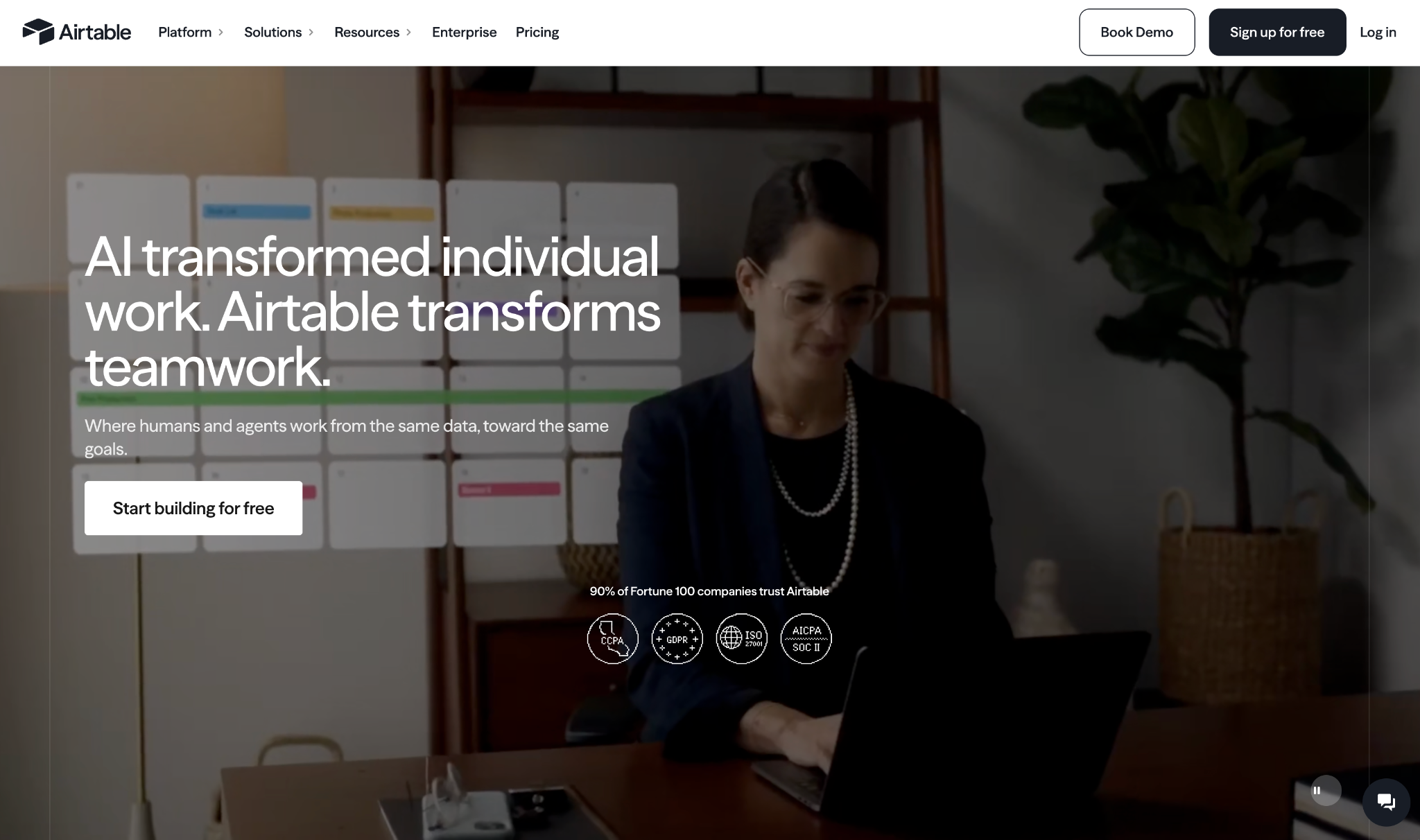
Airtable is the softest landing for an Access user: a relational database that reads like a spreadsheet. You create tables and link them with lookups, then view the same records as a grid, a calendar, or a kanban board.
I dropped a spreadsheet in and watched it infer the field types in seconds. From there, everyone can edit the same base at once from a Mac or a phone.
Key features
- Linked records and lookups: Connect tables the way Access links them, then pull fields across with lookup and rollup; no join syntax required
- Multiple views on one dataset: Flip the same records between grid, calendar, kanban, and gallery so different people read the data their way
- Interfaces: Build a clean app screen on top of your tables so data entry doesn't happen in the raw grid
- Automations: Trigger emails, record updates, and Slack messages on a schedule or a field change, without scripting
Pros
✅ The spreadsheet feel means an Access user is productive the same day, with no course to sit through
✅ Live collaboration and mobile access solve the exact thing a desktop .accdb can't
✅ Imports a spreadsheet and infers each field type on upload, so there's no schema to define by hand
Cons
❌ Per-user pricing means 10 editors on the Team plan run $240/month, and the bill climbs with every seat
❌ The free plan caps a base at 1,000 records, which a mature Access file blows past immediately
Best for
Teams that want a shared spreadsheet-database in the cloud
Non-technical users leaving a single-machine Access file
Pricing
Airtable is free for up to 5 editors. Paid plans start at $24/user/month for Team, with Business at $54/user/month.
2. Superblocks
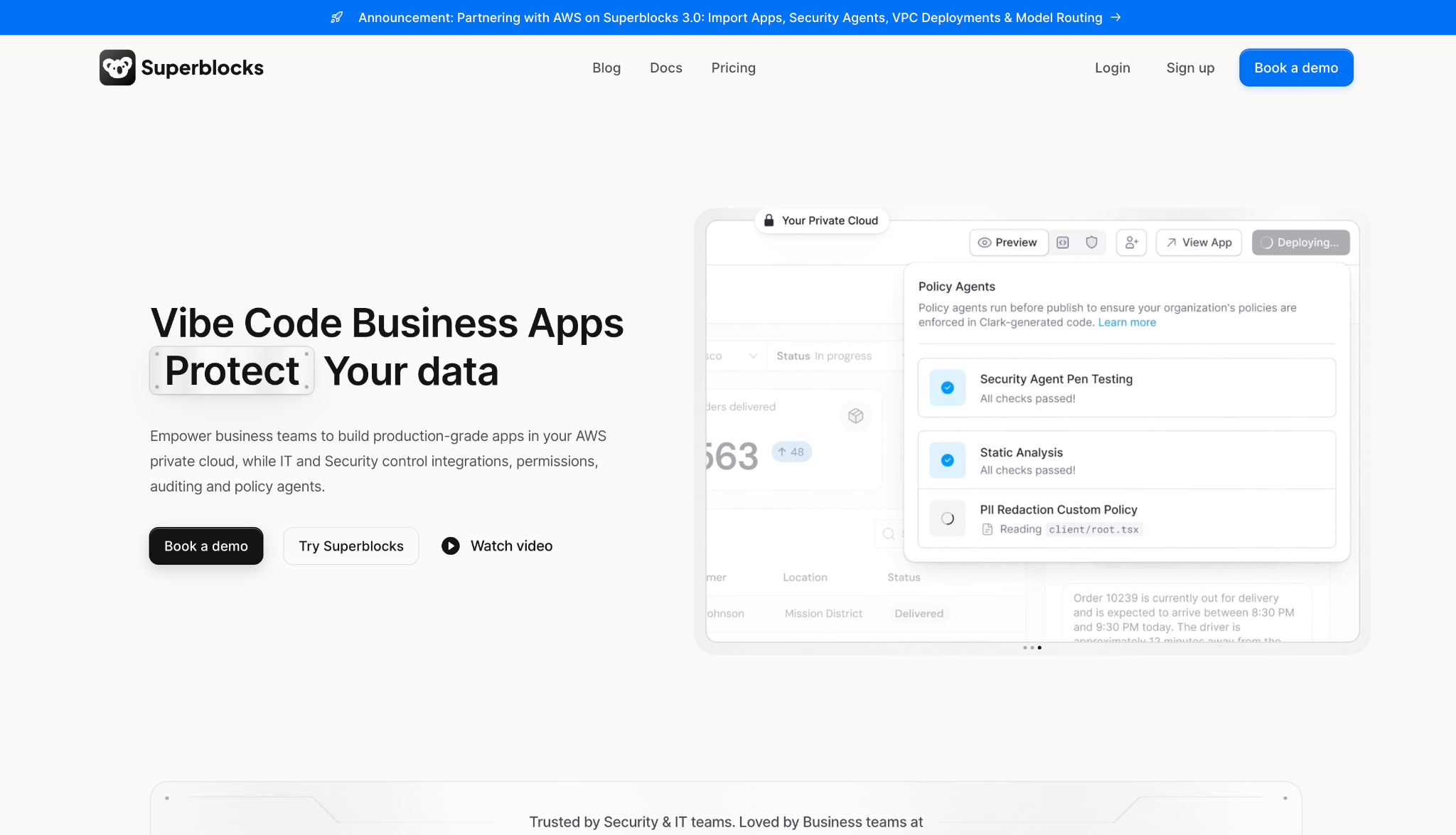
Superblocks builds internal apps on top of the databases you already run, so your data stays where it is. You describe the app to Clark, its AI agent, refine it visually, then drop into React when you need to.
It connects to Postgres, Snowflake, Salesforce, and internal APIs, so the app is a governed front end sitting over data your security team already controls.
Key features
- Clark AI app building: Describe the internal tool in plain language, get a production-grade app, then refine it visually or in exported React code
- Connects to your existing stack: Wire the app to Postgres, Snowflake, Salesforce, MongoDB, and internal APIs where your data already lives
- Governance and access control: Enforce RBAC on Teams, with SSO, row-level permissions, and full audit logging on Enterprise, from one control layer
- Stateless agent deployment: Route traffic between your API and database without passing data through Superblocks' cloud, deployable in your own AWS VPC
Pros
✅ Builds apps over your current databases, so there's no data migration to run first
✅ RBAC, SSO, and audit logs cover the security controls that lighter no-code database tools leave out
✅ Clark plus React export means non-developers can start an app and engineers can finish it
✅ The stateless agent keeps sensitive data inside your own infrastructure
Cons
❌ Aimed at enterprise IT, so it's more platform than a solo user replacing a personal file need
❌ The $125/month flat rate sits above the per-user tools, so it only makes sense once several builders share it
❌ Full value assumes you already have databases and APIs worth connecting to
Best for
- Enterprise teams building internal tools on existing databases
- Companies that need governance, RBAC, and audit trails
Pricing
Superblocks starts at $125/month flat for the Teams plan. Enterprise is custom and needs a sales conversation.
3. Ninox
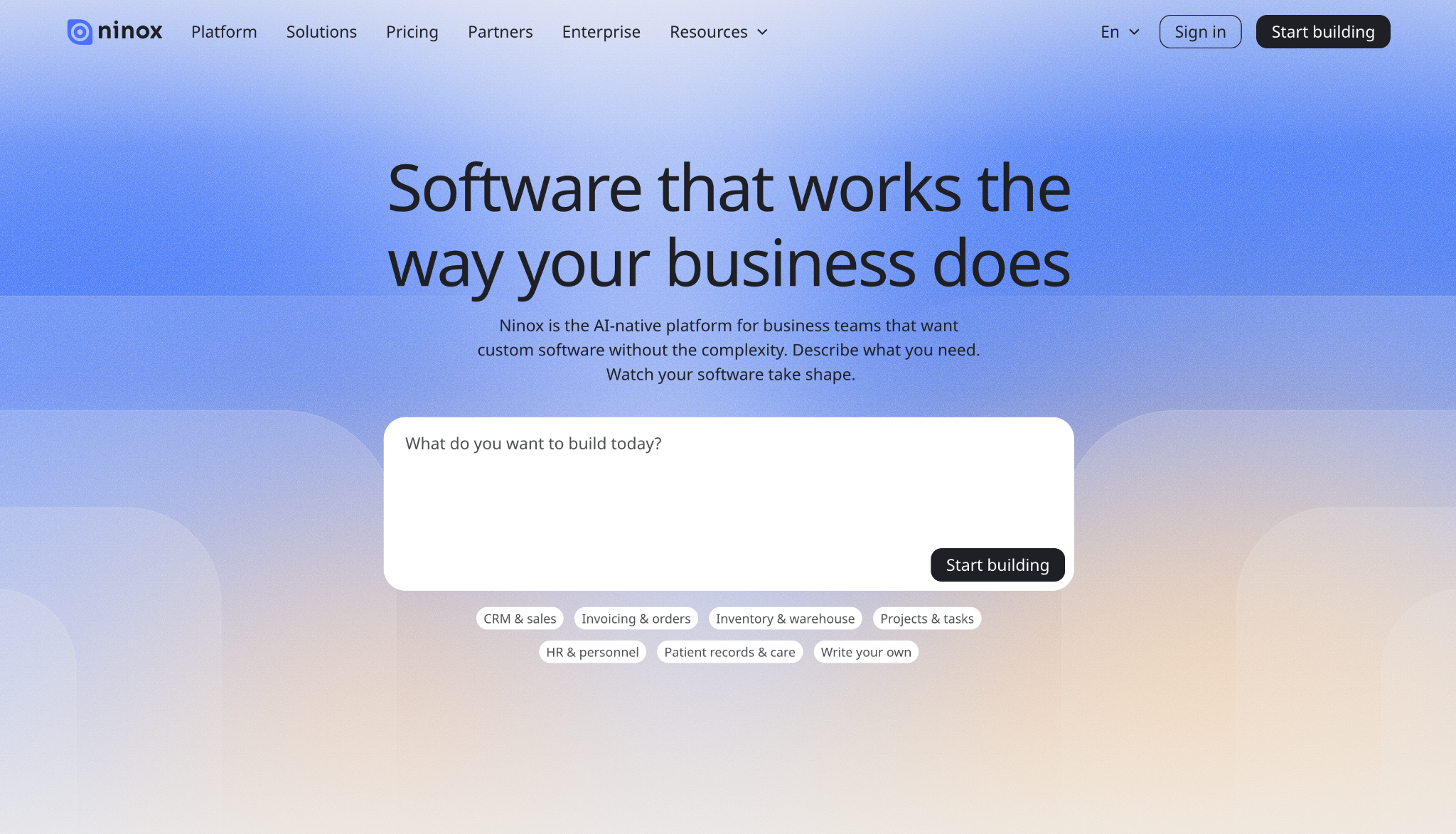
Of everything here, Ninox comes closest to a desktop relational database. Its native apps for Mac, iPad, and iPhone keep working offline, and a scripting language handles the logic Access users used to write in macros and VBA.
The difference from the cloud-only tools is that it runs natively and syncs when you reconnect, so a field tech on an iPad or a Mac user gets something the rest of this list can't offer.
Key features
- References between tables: Build a properly relational model with linked tables, the same structure Access uses, minus the Windows lock-in
- Formula and scripting language: Write business logic and triggers in Ninox's own language, the modern stand-in for Access macros and VBA
- Native Apple apps and offline mode: Run it on Mac, iPad, and iPhone, work offline, and sync when you reconnect
- Document generation: Produce contracts, invoices, and reports straight from records, with email sending included
Pros
✅ The offline-capable native apps cover a job no cloud-only tool on this list does
✅ A true relational model plus a scripting language give ex-Access users the depth they expect
✅ Runs on Mac and iPad, so you leave Windows without leaving a desktop database behind
Cons
❌ Matching Access-level macros and VBA means learning Ninox's own scripting language first
❌ Per-user pricing means a large team pays more here than it would on a flat-rate tool
Best for
- Access users who want a native database on Mac or iPad
- Field workers who need to enter data offline
Pricing
Ninox is free for up to 5 users. Paid plans start at $36/user/month for Team, with Business at $56/user/month.
4. Zoho Creator
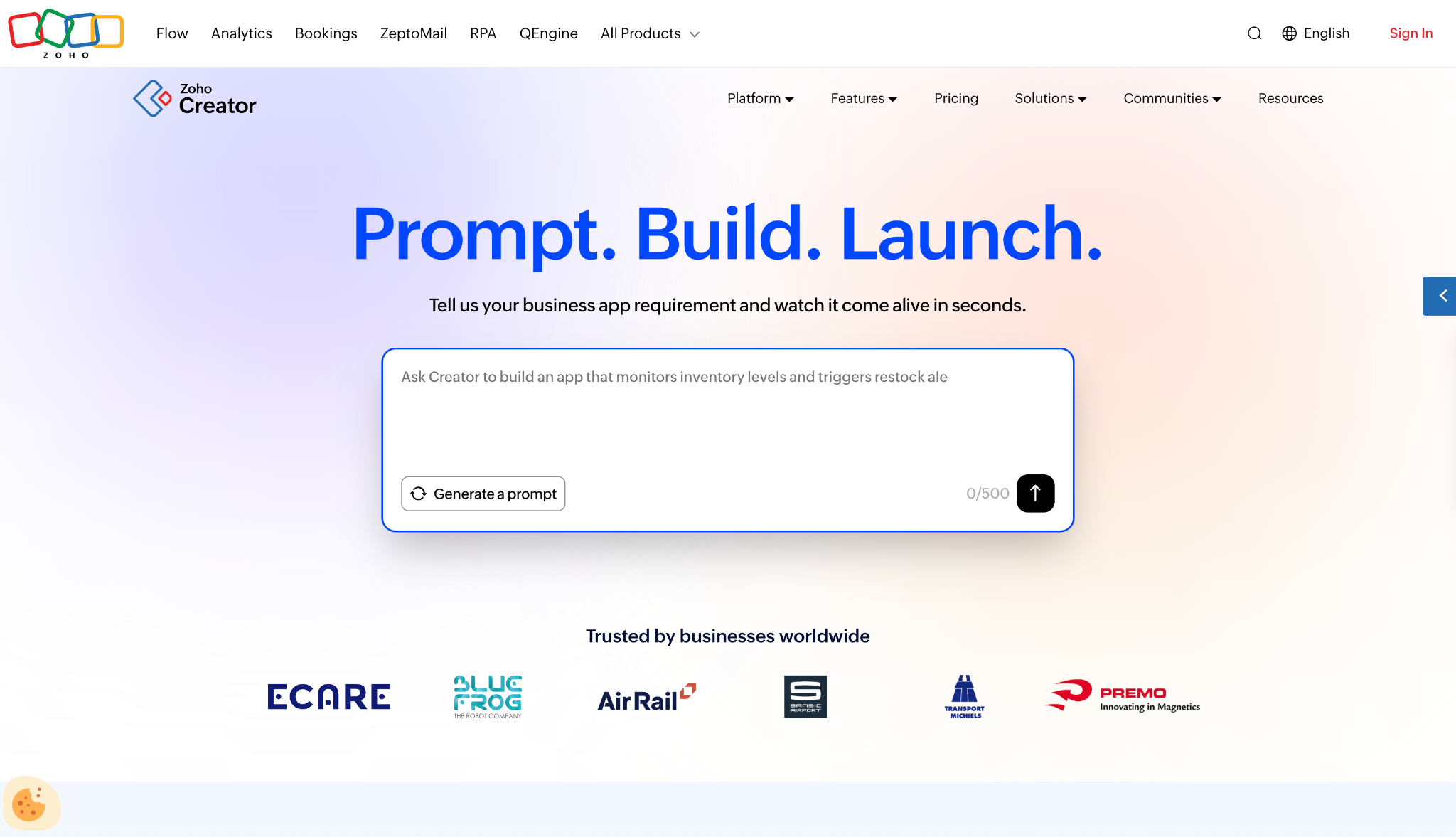
Zoho Creator turns a database into a low-code app, and auto-generates native iOS and Android versions from the same build. You drag elements onto a canvas, wire up workflows with blueprints, and let Zia, its AI, scaffold the app from a plain-English description.
It pays off best if you already run other Zoho tools, because the app drops straight into that suite and its 1,000+ integrations.
Key features
- Drag-and-drop builder: Assemble forms, pages, and logic without code, then publish to web and mobile at once
- Workflow blueprints: Map a business process visually and enforce each stage on your records
- Native mobile apps: Get iOS and Android apps generated from the same app you made for the web
- Zoho ecosystem: Connect CRM, Books, and 1,000+ other services without middleware
Pros
✅ One build ships to web, iOS, and Android without extra work
✅ Deep tie-in to the Zoho suite small businesses already use
✅ Blueprints map each stage of a process visually, so a non-developer can automate it without code
Cons
❌ Its depth lives in a scripting language you have to sit down and learn
❌ Worth far more when you're already inside Zoho, less so on its own
Best for
- Teams already running other Zoho apps
- Businesses that need web and mobile from one build
Pricing
Zoho Creator has a free edition for one app. Paid plans start at $12/user/month billed monthly for Standard, with Professional at $30/user/month.
5. Caspio
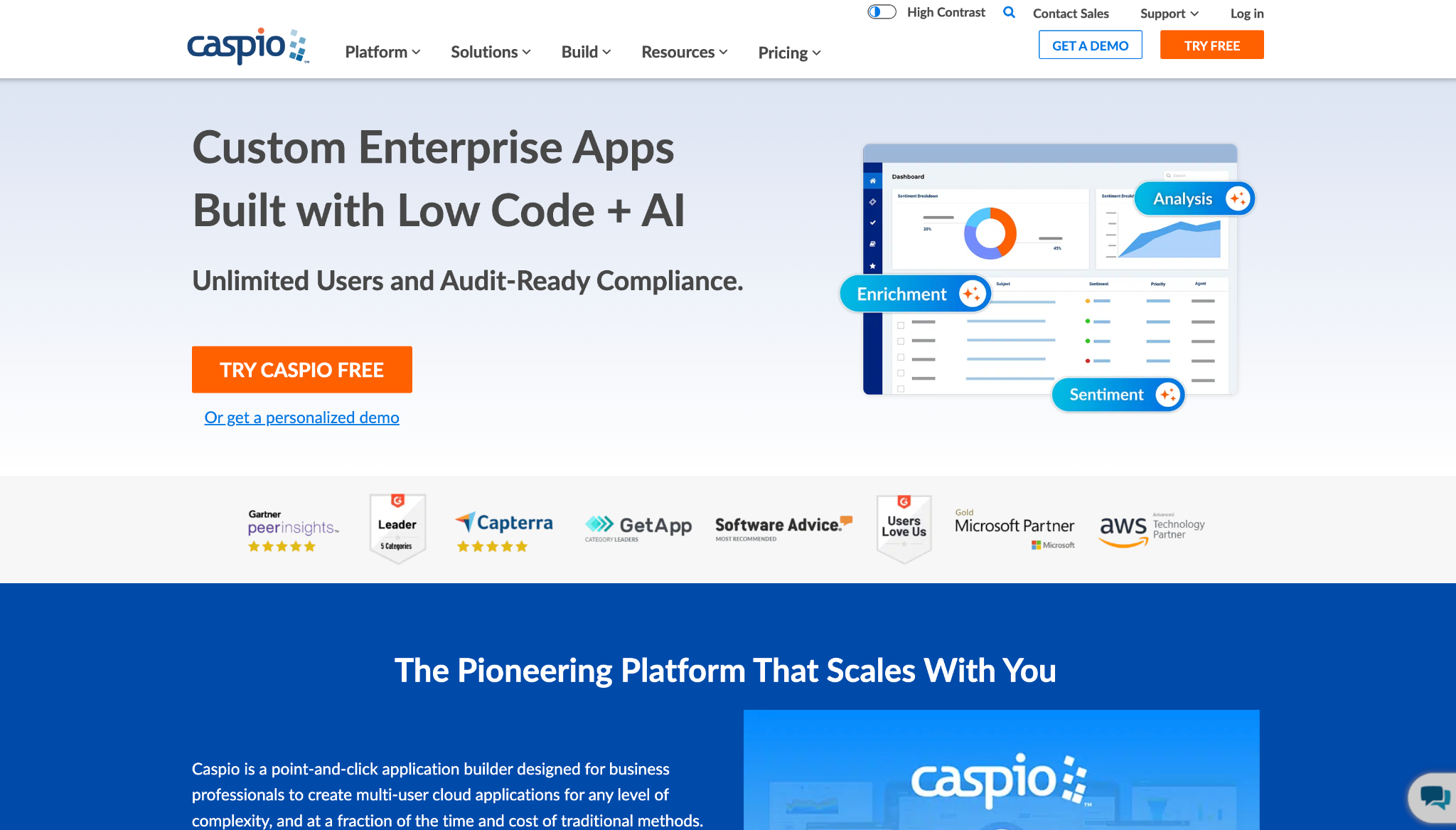
Caspio runs on a point-and-click interface, with unlimited-user pricing and a direct Microsoft Access migration path. You assemble forms, reports, and multi-user apps without code, and any number of internal or external users can log in without per-seat fees.
Reach for it when compliance is on the line: HIPAA, SOC 2 Type 2, and FERPA covered, plus online Access database import so you can skip a hand rebuild.
Key features
- Access migration included: Move an existing Microsoft Access database online without rebuilding the schema
- Unlimited users: Add internal or external users on a flat plan with no per-seat charge
- Compliance coverage: Run apps under HIPAA, SOC 2 Type 2, and FERPA controls
- Forms and reports: Build custom web forms, charts, and data drilldowns with point-and-click
Pros
✅ Flat pricing means a large user base doesn't inflate the bill
✅ A working Access migration path that skips the manual rebuild
✅ Compliance certifications few no-code tools carry
Cons
❌ At $300/month, the entry price is hard to justify for a small team or a solo user
❌ The builder takes longer to get comfortable with than the spreadsheet-style tools
Best for
- Regulated teams that need HIPAA or SOC 2 coverage
- Apps with many external users where per-seat pricing hurts
Pricing
Caspio starts at $300/month flat for the Team plan, with unlimited users included, and Business starts at $600/month. A free trial is available.
6. Knack
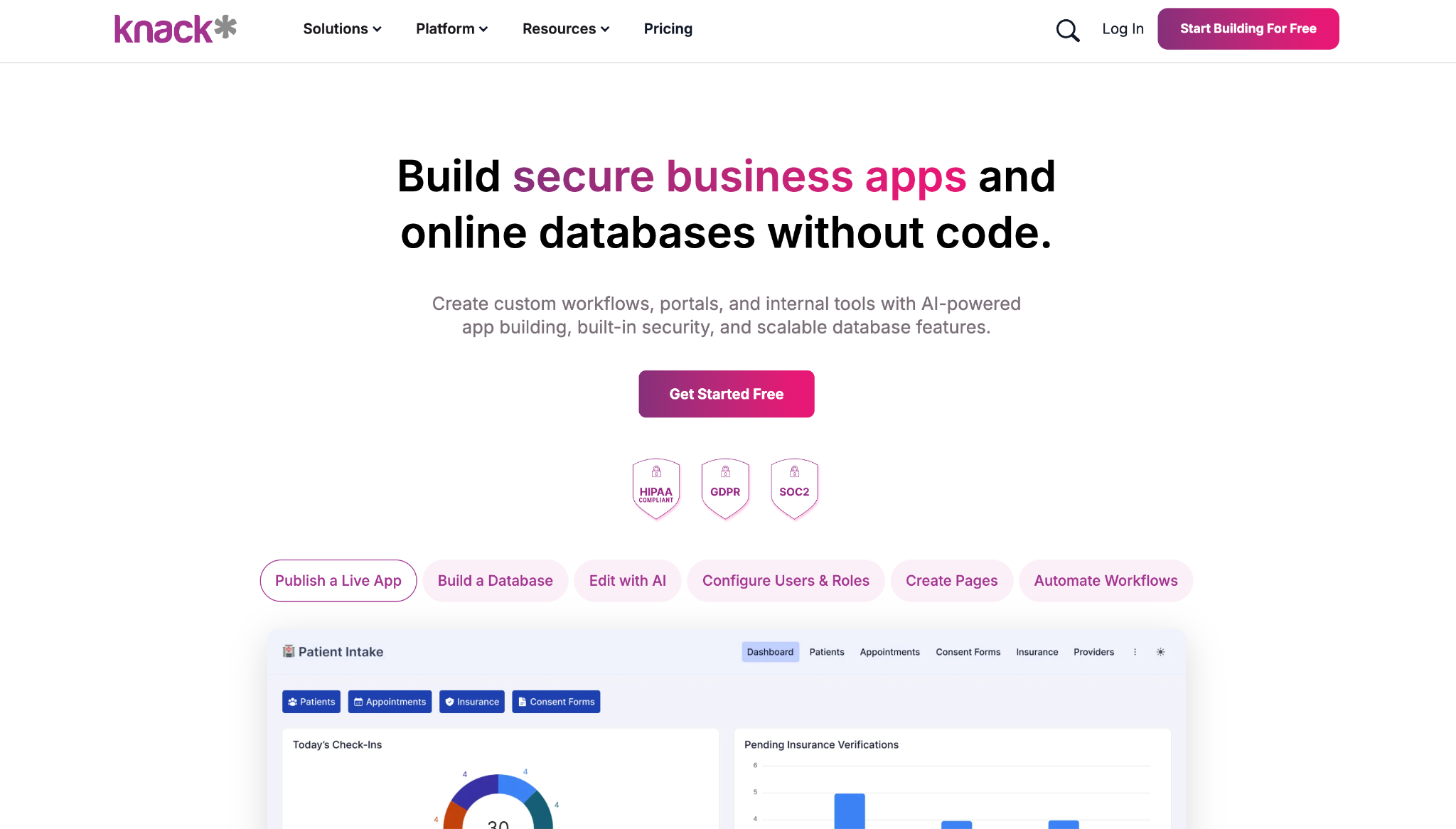
Knack pairs a full relational database with a builder for public-facing web apps, so your data and a customer portal come from one tool. It handles one-to-many and many-to-many relationships, user logins, and branded portals with Stripe or PayPal payments included.
Where a desktop Access file dead-ends, Knack publishes a live app your customers or members can access, and higher plans scale to millions of records.
Key features
- Relational database engine: Model the table relationships Access uses, with validation and business rules
- Frontend web app builder: Drag components to build forms, dashboards, calendars, and maps from your data
- Public portals with logins: Ship branded, secure portals with user roles and Stripe or PayPal payments
- No per-seat pricing: Add users without paying per seat, useful for large audiences
Pros
✅ Publishes a customer-facing app on top of the database
✅ No per-seat pricing keeps a big user base affordable
✅ HIPAA and GDPR compliance for regulated data
Cons
❌ At the low end, it costs more than the spreadsheet-style tools
❌ Heavier than you need if the app stays purely internal
Best for
- Teams building a customer or member-facing database app
- Projects that need logins, portals, and payments
Pricing
Knack starts at $59/month for Starter, with Pro at $130/month. New customers get a discounted rate for the first 3 months.
7. Quickbase
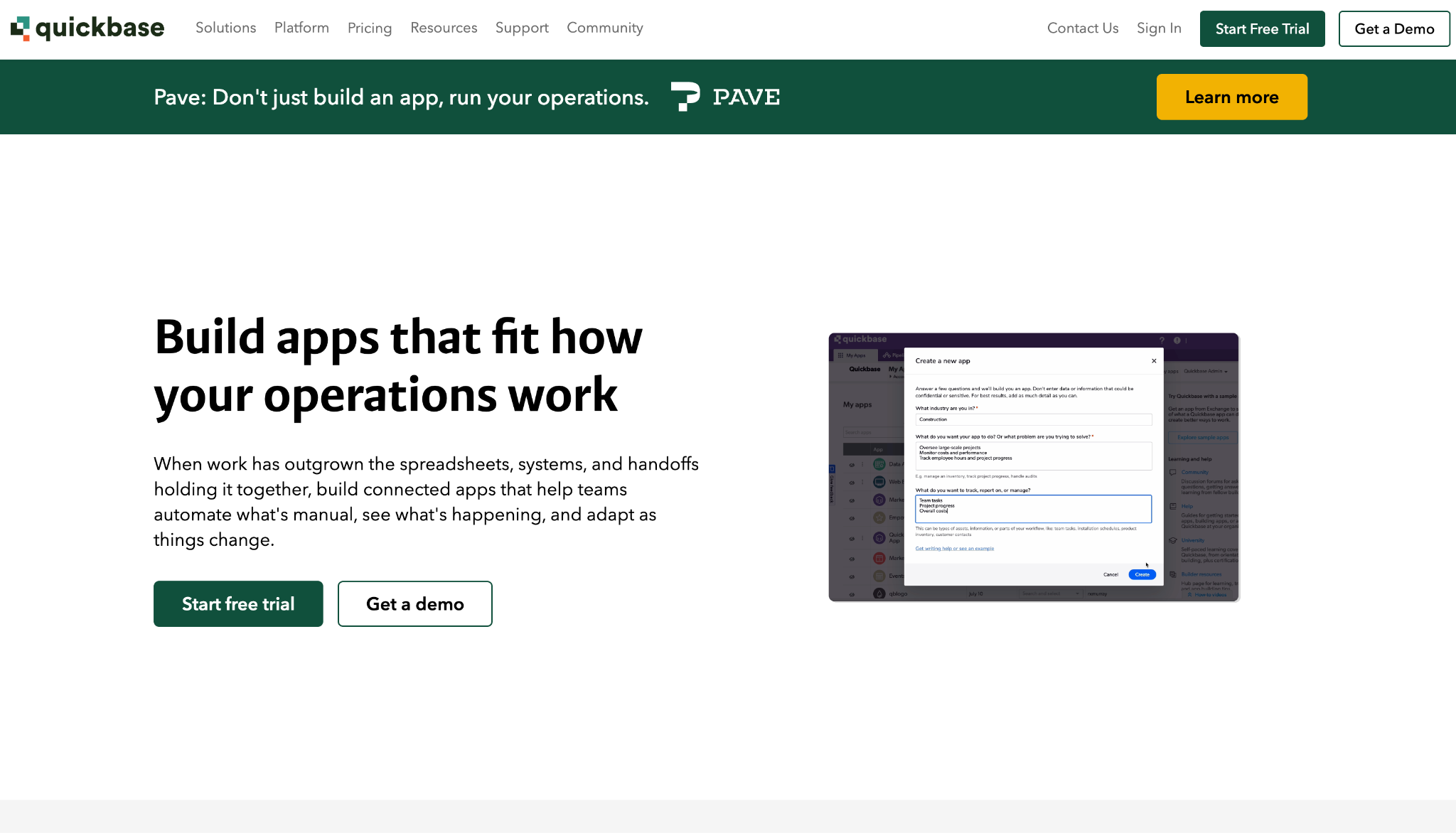
Quickbase puts process first, which suits an Access file that is really a workflow with a database attached. You lay out apps visually, then stack drag-and-drop automation, dashboards, and role-based permissions on top.
It works best on the operational side, where records move through stages and hand off between people, which is the kind of process a plain Access table never handled well.
Key features
- Process automation: Build drag-and-drop workflows that route records and fire actions without manual steps
- Role-based governance: Set field-level permissions and tailor the interface per role
- Interactive dashboards: Turn live data into reports and dashboards for projects and operations
- Integrations and APIs: Connect external systems into one source of truth
Pros
✅ Automation depth that other database-first tools on this list can't match
✅ Strong governance with granular, field-level permissions
✅ Handles multi-step, multi-team operational processes
Cons
❌ Priced well above the light database tools, and billed annually
❌ Overkill if all you need is a shared table without a workflow engine
Best for
- Teams whose Access file runs a process on top of the data
- Operations that need automation and role-based control
Pricing
Quickbase starts at $35/user/month for Team, billed annually, and $55/user/month for Business. Team requires a 20-user minimum and Business a 40-user minimum, so the entry cost lands higher than the per-seat figure suggests. A 30-day free trial is available.
8. NocoDB
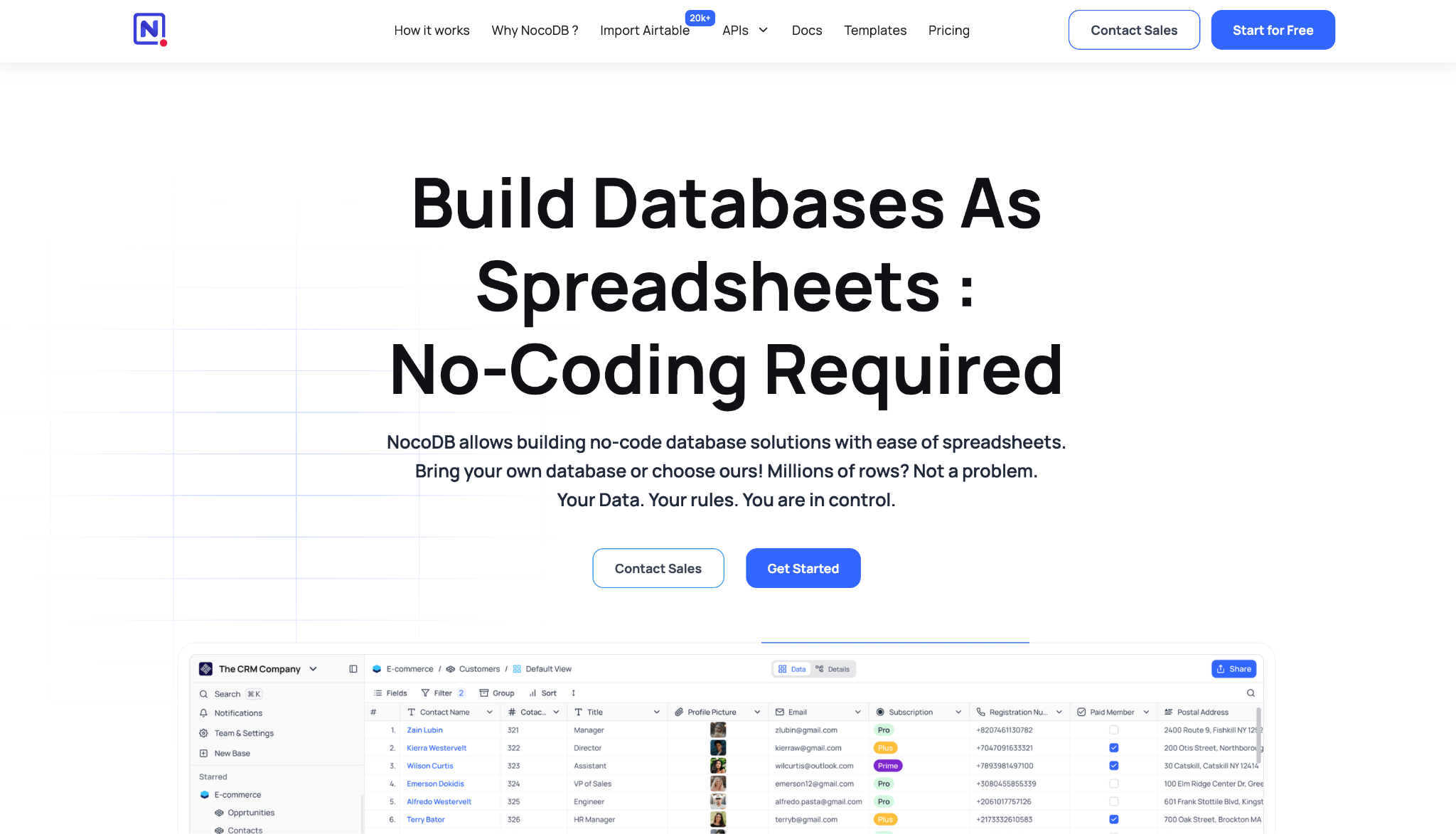
NocoDB is an open, self-hostable spreadsheet-database. Point it at an existing MySQL or Postgres instance, and your data never leaves your control. You get a grid with kanban, gallery, form, and calendar views, plus an API and webhooks, all on infrastructure you run.
Data ownership is the point. Bring your own database or use theirs, self-host the whole thing, and scale to millions of rows with no artificial plan ceiling.
Key features
- Connect your own database: Attach it to a MySQL or Postgres instance you already run and get a UI over it
- Self-hosted and open: Run it on your own infrastructure with direct access to your data
- Multiple views: Work the same tables as grid, kanban, gallery, form, or calendar
- Import from Airtable and files: Bring data in from Airtable, CSV, or Excel in a few steps
Pros
✅ Self-hosting keeps the data on your own servers, under your control
✅ Layers over a database you already run, no migration required
✅ Open and community-backed, with no per-record paywall
Cons
❌ Self-hosting means you handle setup, updates, and uptime
❌ Fewer prebuilt automations and app templates than the commercial spreadsheet-databases ship with
Best for
- Teams that want to own and self-host their data layer
- Users putting a UI on an existing MySQL or Postgres database
Pricing
NocoDB is free to self-host. Cloud plans start at $15/seat/month for Plus, or $135/month for unlimited seats.
9. LibreOffice Base
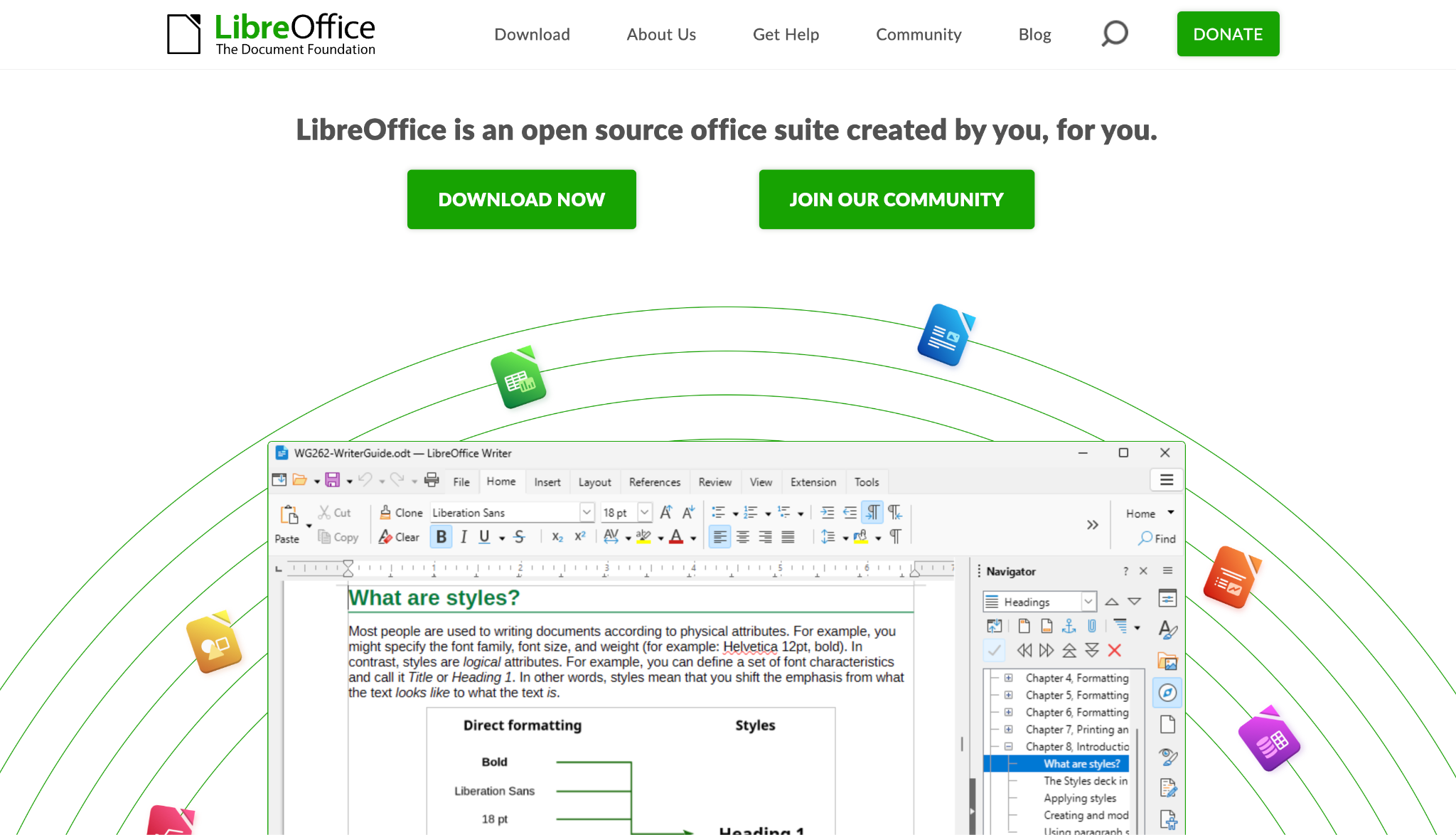
LibreOffice Base is the free, open-source desktop database, and it reads Microsoft Access files natively. Of the free options, it comes closest to a like-for-like Access replacement. You build tables, queries, forms, and reports on an included engine, or connect it to MySQL and PostgreSQL.
It suits people leaving Access who want to stop paying for it while keeping a desktop database. It runs on Windows, Mac, and Linux at no charge, with a native MS Access driver so your old files aren't stranded.
Key features
- Native Access file support: Connect to and read Microsoft Access files through an included driver
- Full desktop database: Create tables, queries, forms, and reports with wizards, like Access
- External database drivers: Link to MySQL, PostgreSQL, and any JDBC or ODBC source
- Cross-platform: Run the same tool on Windows, Mac, and Linux
Pros
✅ Completely free and open source under the Mozilla Public License
✅ Reads MS Access files, so your data stays intact when you move off Windows
✅ Runs on Mac and Linux, which Access never did
Cons
❌ Still a single-user desktop tool at heart. Live cloud sharing needs a separate server like Collabora Online
❌ It uses a classic desktop UI with wizards and dialog boxes, not the web-style interface of the cloud platforms
Best for
- Users leaving Access purely to stop paying for it
- Mac and Linux users who want a free desktop database
Pricing
LibreOffice Base is free and open source, with no paid tier.
10. Memento Database
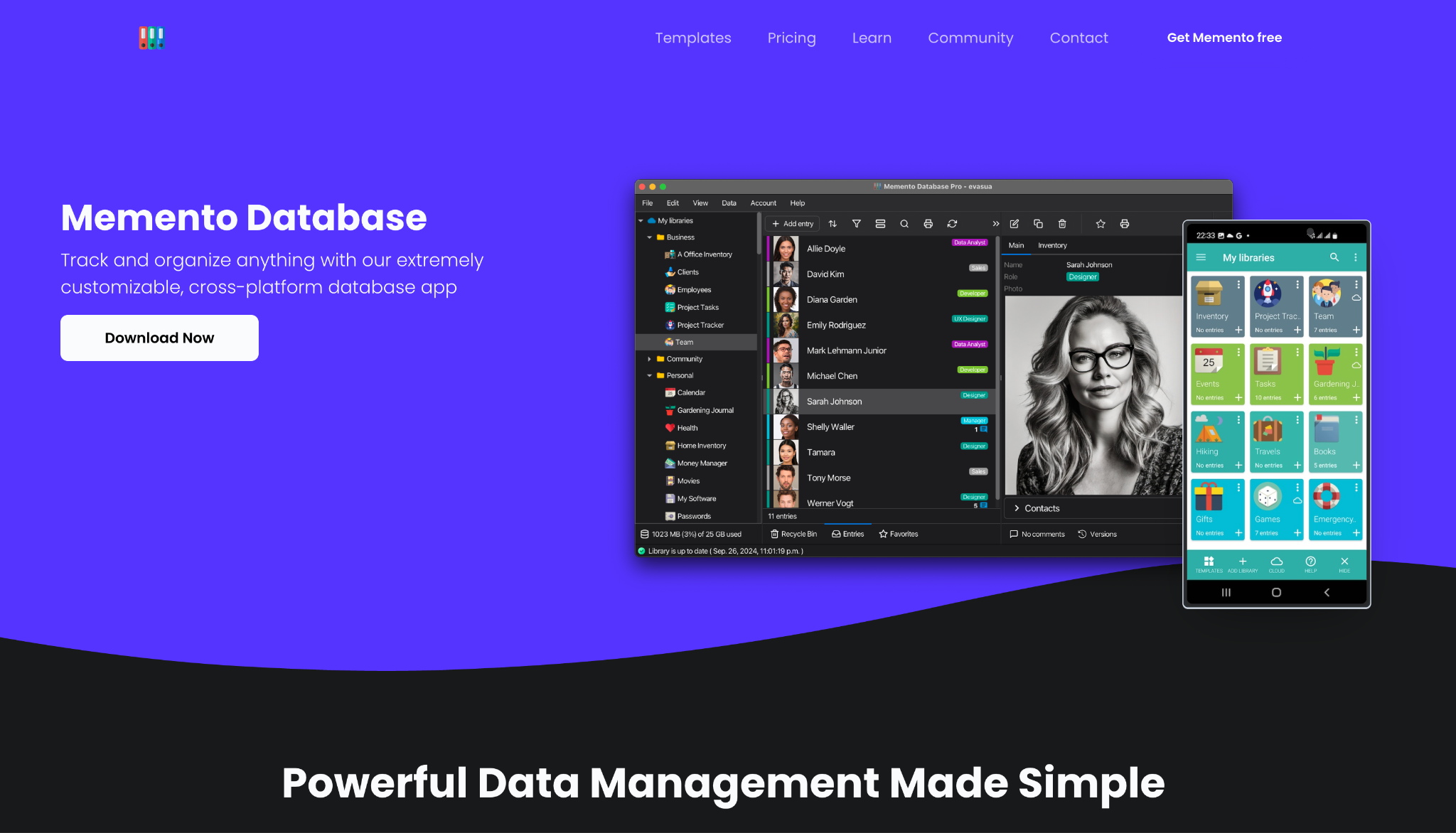
Memento Database is a personal database that runs on your phone and works offline, then syncs to the cloud when you reconnect. It has 20+ field types, including relations between libraries, and a community template catalog to start from.
Picture the Access user whose "database" is really a personal tracker, an inventory, a collection, a client list, that they'd rather carry in their pocket than tie to a desktop. That's who Memento is for.
Key features
- Mobile-first with offline mode: Enter and edit data offline on Android or iOS, then sync to the cloud later
- Rich field types: Use text, currency, image, location, calculation, and relation fields to model your data
- Template library: Pick a prebuilt library from the catalog and adapt it to your data
- Flexible views: See entries as a list, cards, table, map, or calendar
Pros
✅ Fully mobile and offline, unlike the desktop-bound tools here
✅ A public template catalog and 20+ field types give you a prebuilt library to start from
✅ A free forever plan covers day-to-day personal use
Cons
❌ Made for individuals and small teams, so it tops out below department-wide apps
❌ Thinner collaboration and governance than the business platforms
Best for
- Solo users who want a database on their phone
- Personal trackers, inventories, and collections
Pricing
Memento has a free forever plan. Paid plans start at $8/month for Pro, with Business at $14/user/month.
11. Neon
Neon is serverless Postgres for when a developer is rebuilding the Access backend as a proper database. It gives you git-like branching, autoscaling, and full Postgres compatibility, and it separates compute from storage so the database scales to whatever the workload demands.
It needs a developer, and it doesn't hide that. Reach for Neon once the Access file has outgrown any spreadsheet database and you need a proper Postgres backend an engineer can build on.
Key features
- Serverless Postgres: Run a standard Postgres database that autoscales compute and storage to the workload
- On-demand branching: Spin up copy-on-write database branches like git, for testing and development
- Postgres-compatible: Use the tooling, drivers, and SQL your team already knows
- Made for apps and agents: Pair the database with auth, functions, and object storage
Pros
✅ Full Postgres that scales far past any desktop-database ceiling
✅ Copy-on-write branches spin up a full database copy to test changes without touching production
✅ Usage-based pricing starts free and grows with actual load
Cons
❌ Requires a developer: you get a SQL console, not a no-code app or form builder for non-technical users
❌ It gives you the database layer only, so you build the frontend separately
Best for
- Developers rebuilding the backend on Postgres
- Apps that have outgrown what a no-code database can hold
Pricing
Neon has a free plan, then moves to pay-as-you-go pricing metered by compute hours and storage, with no fixed monthly fee.
12. AppSheet
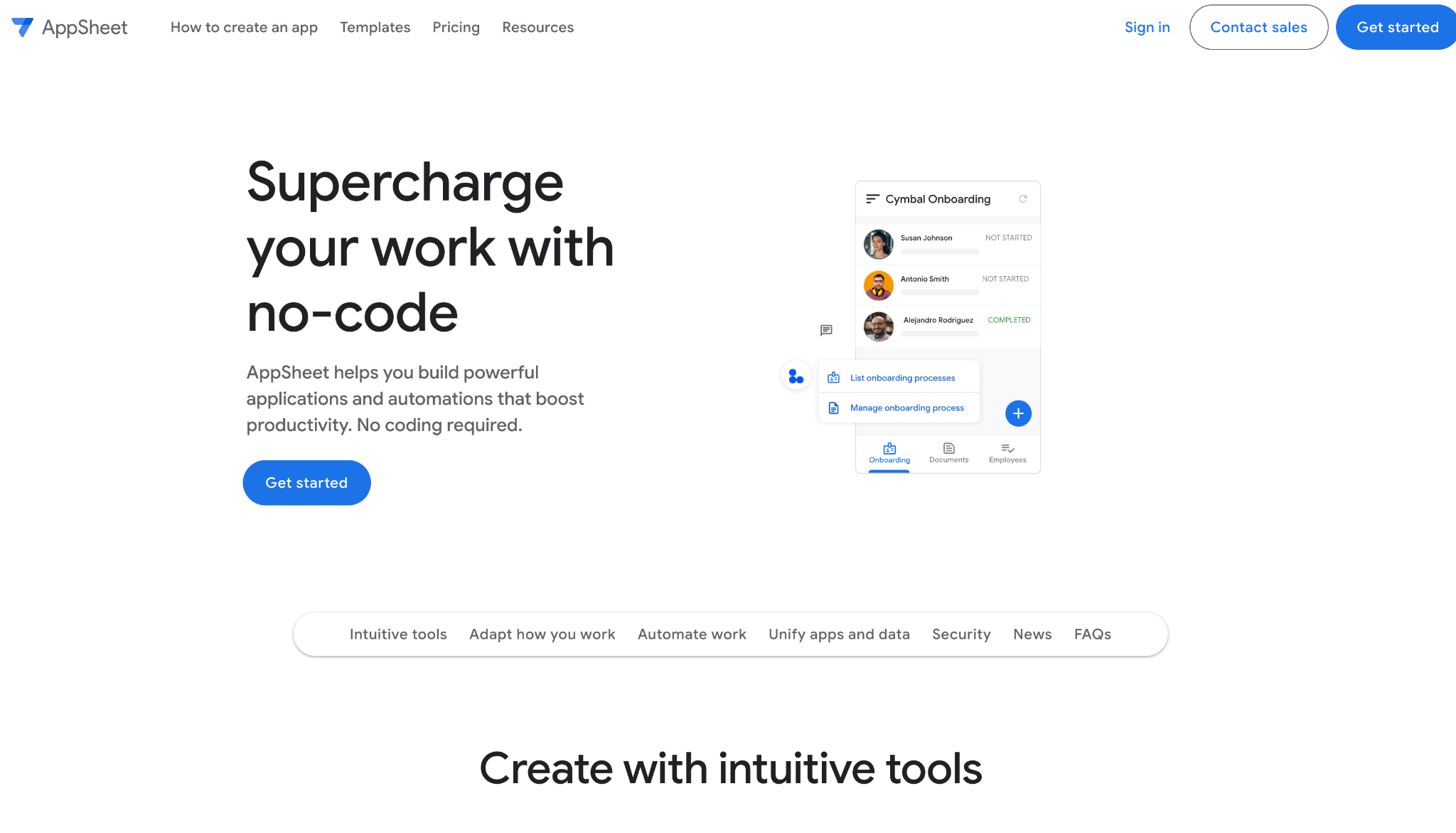
AppSheet turns a spreadsheet or database into a mobile and web app without code. Point it at Google Sheets, Excel, or a cloud SQL database, and it builds a working app around data you already keep, which makes it a quick way off an Access file.
It's strongest at turning data you already have into a field-ready app. You get offline access, barcode and photo capture, and Gemini for App Creation to scaffold the first version from a description.
Key features
- App from your data: Connect Google Sheets, Excel, or a cloud database and generate an app on top
- Mobile and offline: Ship apps that work on phones and keep working without a connection
- Rich data capture: Collect barcodes, photos, signatures, and locations from the field
- Gemini for App Creation: Describe the app and let Gemini scaffold the first version
Pros
✅ Turns data you already keep into a working mobile app
✅ Strong offline and field-capture features for on-site work
✅ Low per-user entry price
Cons
❌ Depends on its supported data sources, since it has no database of its own
❌ Advanced logic leans on spreadsheet-style expressions that take practice to master
Best for
- Teams turning existing sheets or databases into apps
- Field work that needs offline mobile data capture
Pricing
AppSheet is free to build and test with up to 10 users. Paid plans start at $5/user/month for Starter, with Core at $10/user/month.
How to evaluate a Microsoft Access alternative
It comes down to your main constraint. A few questions sort the field fast:
- How technical is the person building it? For a non-developer, a spreadsheet-database like Airtable or a no-code builder like Knack or Zoho Creator does the job. For a developer rebuilding the backend, Neon is the one to build on.
- Does the app need to be public-facing? If customers or members log in, Caspio and Knack build full portals. If it stays internal, nearly every tool here works.
- Do you need offline or mobile? Ninox, Memento, and AppSheet run natively and offline. The pure cloud tools don't.
- What are you doing with the old data? Caspio migrates an Access database online, LibreOffice Base reads Access files directly, and NocoDB layers over a database you already run.
- How many users, and how are they billed? Per-user pricing punishes big teams. Caspio and NocoDB's unlimited-seat options, and Knack's no-per-seat model, matter once headcount climbs.
Stop forcing a desktop database to do a team's job
Access was made for one person on one machine, and every tool here fixes a different piece of what that costs you: the Windows lock-in, the 2GB wall, the lack of a web frontend. No single tool replaces it for everyone, so pick the one that matches the job you're doing.
For a team sharing a few related tables, the choice is usually between a spreadsheet-database like Airtable, a no-code app builder like Knack or Zoho Creator, and a free desktop option like LibreOffice Base.
Once you have a shortlist, match the tool to your constraint, check the price at your true headcount, and confirm the migration path before you move.
When your Access file outgrew a single department
Here's the case worth naming on its own. If you're replacing Access because internal tools have spread across teams and now need proper permissions, an audit trail, and connections to the systems your business already runs on, that's a different job than a personal tracker.
For that, Superblocks is the governed platform where teams build internal apps with Clark AI over existing databases like Postgres, Snowflake, and Salesforce, inside guardrails IT sets once, with RBAC, SSO, audit logs, and React code export.
To see governed app building in your own environment, book a demo and watch Clark generate an app on your data.
Frequently asked questions
What is the best Microsoft Access alternative?
It depends on your job. Airtable works for the widest range of teams that want a shared spreadsheet-database; Ninox suits people who want a native desktop feel; Caspio and Knack cover public-facing apps; and LibreOffice Base leads the free desktop options.
Is there a free Microsoft Access alternative?
Yes, several Microsoft Access alternatives are free. LibreOffice Base is a free, open-source desktop database that even reads Access files, and Memento Database, NocoDB, Neon, and AppSheet all offer free plans.
The catch with free cloud plans is that they usually cap records or users, so larger projects often move to a paid tier.
Can I open a Microsoft Access database in another tool?
Yes, a few tools open or import Access data directly. LibreOffice Base connects to Microsoft Access files through a native driver, and Caspio migrates an Access database online without a manual rebuild. Other tools require you to export your tables to a spreadsheet first, then import them.
What is the best free open-source Microsoft Access alternative?
The best free open-source Microsoft Access alternatives are LibreOffice Base for the desktop and NocoDB for the cloud.
Between the two, LibreOffice Base is a full desktop database under the Mozilla Public License, while NocoDB is a self-hostable, spreadsheet-style database you can point at your own MySQL or Postgres.
Why do people replace Microsoft Access?
People replace Microsoft Access mainly for cloud access, collaboration, and scale.
Those three needs trace back to the same root: Access runs on one Windows machine with a 2GB file limit and no true multi-user sharing, so teams that need browser access, Mac support, or a database past a few thousand rows move to a cloud or open-source alternative.
At Virgin Voyages, non-technical teams now build their own AI apps, with IT governance fully intact. The result: 15+ production apps, seven departments onboard, and zero dedicated frontend engineers.
At Matthews, a marketing manager with zero coding background built an app that auto-generates offering memorandums, cutting turnaround from days to hours. See how the brokerage is putting AI builders on every team, with full governance intact.


Stay tuned for updates
Get the latest Superblocks news and internal tooling market insights.
Request early access
Step 1 of 2
Request early access
Step 2 of 2

You’ve been added to the waitlist!
Book a demo to skip the waitlist
Thank you for your interest!
A member of our team will be in touch soon to schedule a demo.
production apps built
days to build them
semi-technical builders
traditional developers
high-impact solutions shipped
training to get builders productive
SQL experience required
See the full Virgin Voyages customer story, including the apps they built and how their teams use them.

"Those tools are great for proof of concept. But they don't connect well to existing enterprise data sources, and they don't have the governance guardrails that IT requires for production use."
Table of Contents
%20(1).png)

Multiple authors
12 AI Agent Deployment Best Practices [2026]
AI agent deployment best practices that move an agent from offline evals to full traffic in stages, with scoped tools and a way to revoke it mid-task.
%20(1).png)
%20(1).png)