
A demo shows an agent answering a prompt, calling one tool, and returning a result before anyone asks about governance.
After launch, a run that stalls for 20 minutes has to resume where it stopped, and every reasoning step and token has to be traceable. IT also has to know which agent touched which system.
I mapped 11 platforms against the same reference agent, a refund workflow with database reads, one long step, and a human sign-off before a refund is paid. Each entry covers who the platform suits and what users report, with current pricing from the vendor's own page.
The 11 best AI agent deployment platforms: TL;DR
- Superblocks: Best for business teams deploying governed internal agents and apps under IT control.
- LangSmith Deployment: Best for LangGraph teams running long, stateful agents with checkpoints, though other frameworks deploy too.
- Amazon Bedrock AgentCore: Best for AWS organizations that want per-session isolation for multiple frameworks.
- Gemini Enterprise Agent Platform: Best for Google Cloud teams that want a verifiable identity per agent.
- Microsoft Foundry Agent Service: Best for Azure teams publishing agents into Teams and Microsoft 365.
- Northflank: Best for platform teams that want agents in their own AWS, GCP, or Azure account.
- Modal: Best for Python teams running sandboxed agent code in parallel.
- CrewAI AMP: Best for multi-agent teams that require tracing, cost data, and approvals on Flows.
- Salesforce Agentforce: Best for CRM-native agents that run on Salesforce data and flows.
- Kore.ai: Best for customer service and employee support agents across many channels.
- IBM watsonx Orchestrate: Best for governing agents from several vendors in one control plane.
How I researched and evaluated these AI agent deployment platforms
The reference agent stayed the same across all 11 platforms. It reads an order from a database and checks a refund policy. Then it runs one step that takes longer than 15 minutes and waits for a person to approve any refund above a set amount.
I mapped that agent against each platform's runtime and limits docs and its pricing page, then read G2 reviews from people using these products.
Four criteria come from where production agents fail, plus price.
- Durable state checks whether a run resumes from its last step after a crash or a restart.
- Tracing looks at whether each step of a run, tool calls and token cost included, shows up in one trace.
- Isolation and run limits weigh how sessions are sandboxed and how long they can run, since isolation is one defense against the attack paths agents open up.
- Governance covers agent identity, permission scoping, audit logging, and human approval gates, the four controls AI agent governance depends on.
- Pricing: The entry tier or base usage rate, taken from each vendor's own page.
Mapping the long step and the approval gate separated runtimes that host an agent from platforms that make its actions traceable. AgentCore and Gemini Enterprise Agent Platform handle state well, and approvals on both come from your own code or an experimental feature.
Superblocks publishes this guide and sits at #1 for governed internal agents, so I applied the same criteria and sources to it as to every other platform here, which lets you check the ranking yourself. Teams writing their own framework agents will find the runtimes below a closer match.
Three groups came up in my search but don't get a full section here.
- LangGraph is an agent framework, and its production deployment path runs through LangSmith Deployment, which already has the #2 slot.
- Fiddler AI and Arthur AI both monitor and govern agents after they go live, so they belong in our governance platforms roundup.
- Vercel, Railway, and Fly.io host the app layer around an agent well, and our app deployment stack guide covers them layer by layer.
The 11 best AI agent deployment platforms: quick comparison
Pricing checked on October 2, 2026. Verify with each vendor before purchasing.
Production readiness at a glance
1. Superblocks: Best for governed agents that business teams create
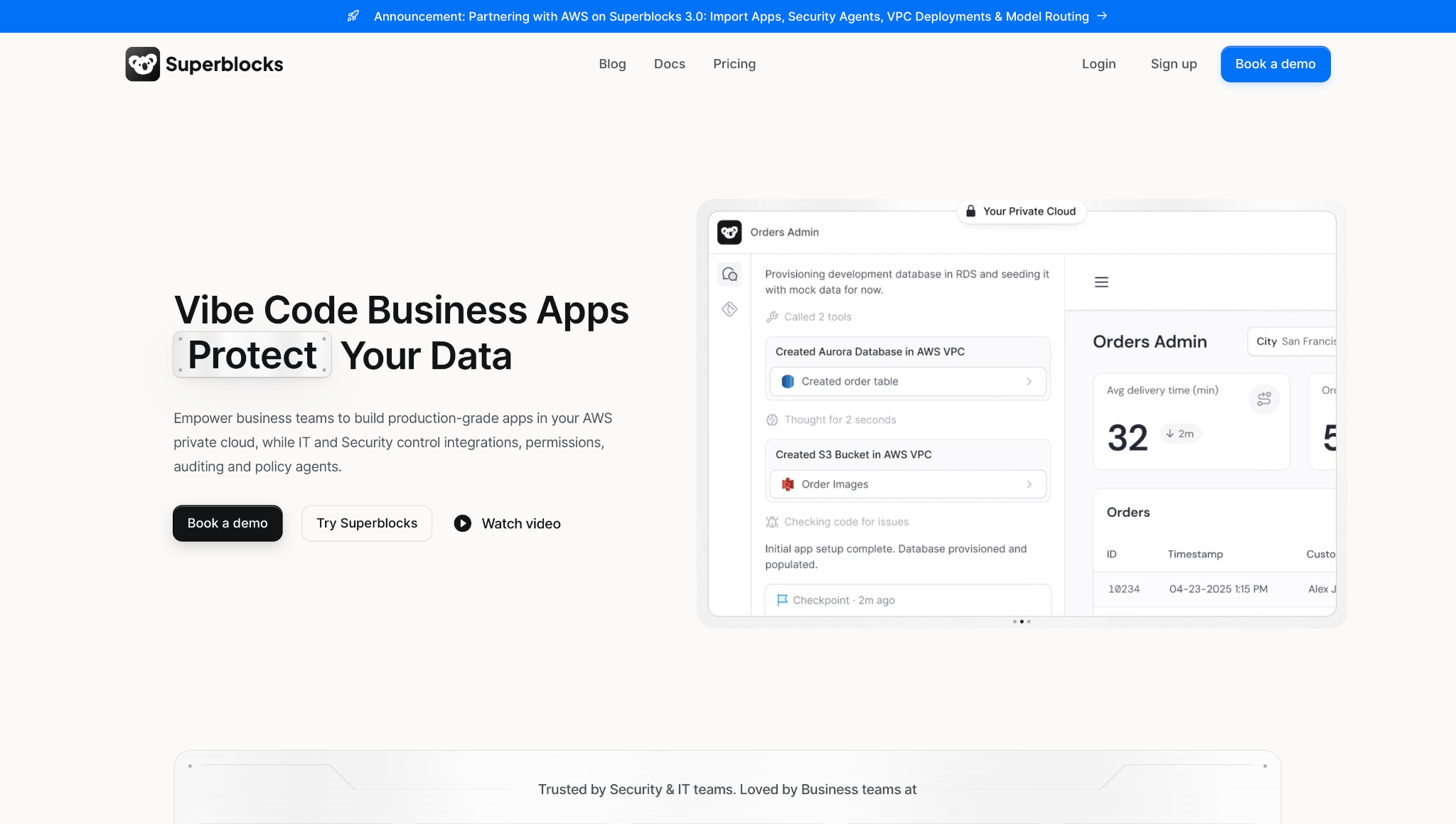
What it does: Superblocks is a governed enterprise vibe coding platform where business teams build AI apps and agent workflows with Clark, and IT configures the guardrails once.
Best for: Enterprises where non-engineers build agents and internal apps, but IT keeps control of access and audit.
Superblocks operate above the runtimes covered below. Here, non-engineers describe the refund workflow to Clark by Superblocks, which writes the backend APIs in TypeScript for an engineer to review before release.
IT sets governance before the first deployment, and on Enterprise, audit logs then track builder edits, end-user activity, and integration changes.
Beyond the logs, the Superblocks Admin MCP lets IT ask Claude Code who created an app and what it touched, and production data can stay in your VPC through the On-Premise Agent, which only connects outbound.
Superblocks covers internal apps and agent workflows, and Workflows created with Clark are still in early access, with event triggers rolling out. A hand-coded LangGraph agent still needs one of the runtimes below.
Key Features
- Clark by Superblocks: Generate apps and TypeScript APIs from plain language, with code engineers can review in Git.
- Superblocks Admin MCP: Manage roles, pull Clark chat history, and query audit events from MCP clients like Claude Code and Cursor.
- Security Agents: Review each app at publish for issues like missing authorization checks, while Superblocks-managed policy agents run checks across development, publish, and production.
Pros and Cons
Pros:
✅ Guardrails are set before the first build, with RBAC and deterministic checks on apps and agents.
✅ Hybrid and Cloud-Prem options keep production data inside your own network.
✅ IT gets a system of record for who created what and who has access.
Cons:
❌ Agents written in a framework need a separate runtime, since Superblocks targets internal apps and agent workflows.
❌ Audit logs and SSO need the Enterprise plan, and so does VPC deployment.
❌ Workflows created with Clark are still in early access, listed in the docs as coming soon.
What Users Say
"Superblocks' BYOC deployment model is a dream compared to more traditional ones." (Jerome D., G2)
"Sometimes it's buggy and slow, the experience at times can be worse than with Retool." (Jan K., G2)
Pricing
Superblocks Teams costs $125 per month billed monthly, or $100 billed annually, with 100 Governed Agent Units and a 14-day free trial. Enterprise is custom.
Bottom Line
Superblocks gives IT RBAC and, on Enterprise, audit logs over what business teams create, which answers a worry about unapproved AI use spreading.
Flex runs Superblocks self-hosted in its own AWS account, and teams across 18 departments shipped 170 apps in 90 days. Framework code still needs a runtime alongside it.
2. LangSmith Deployment: Best for long-running LangGraph agents
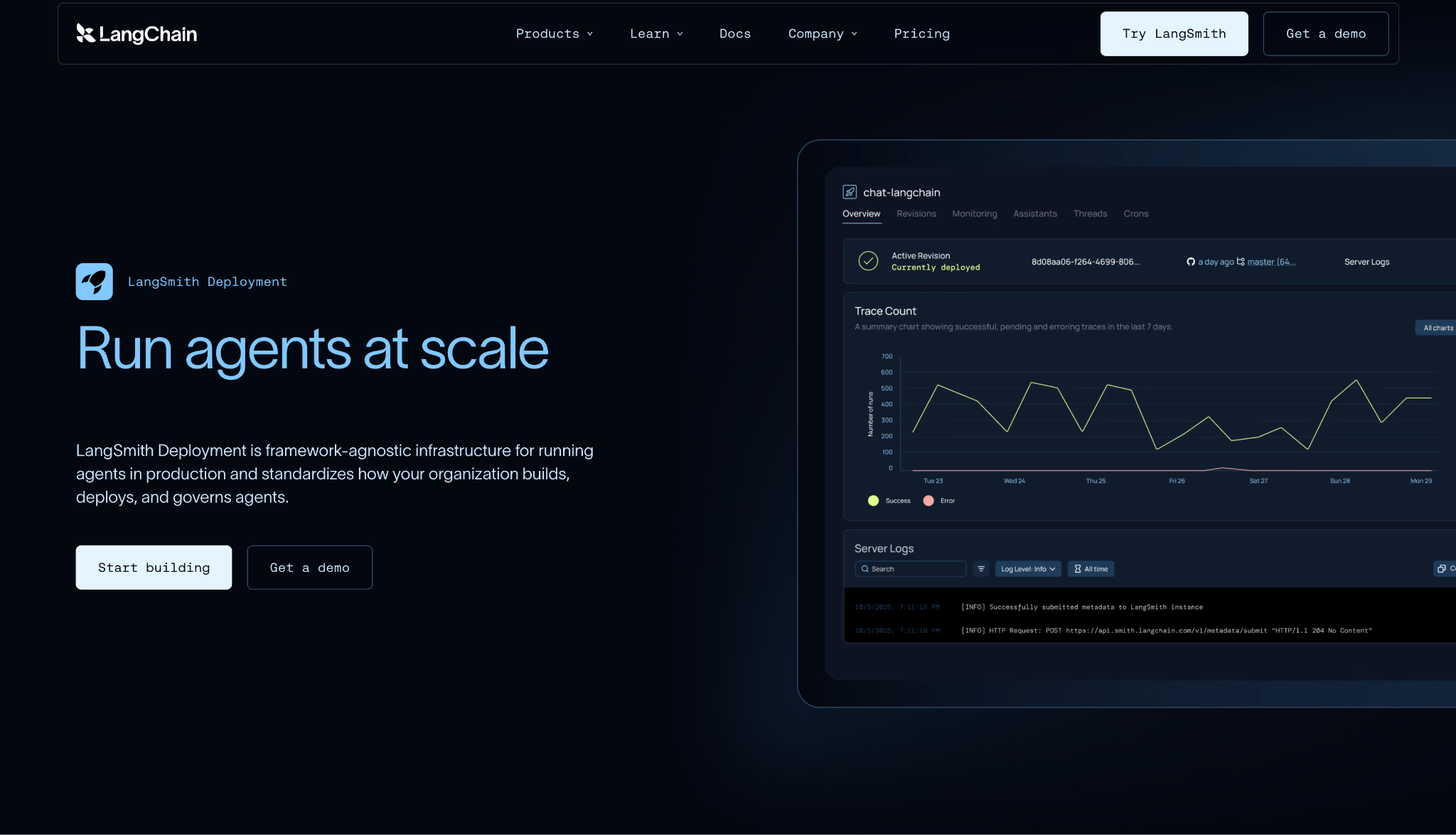
What it does: LangSmith Deployment is LangChain's infrastructure for long-running agent workloads, with durable execution and live streaming.
Best for: Engineering teams on LangGraph that need agents that resume after restarts and pause for human review.
The refund agent's slowest step is where LangSmith Deployment pays off. Checkpoints write graph state at every step, so a run that hits a restart resumes from the last snapshot, and background runs let the long job continue after the request window closes.
Tracing comes from the same company's LangSmith, which records token usage and cost per trace for the major providers, so the reasoning chain and its bill appear in one view.
Cloud deployments need Plus or above. RBAC, self-hosting, and BYOC all require Enterprise.
Key Features
- Durable checkpoints: Persist graph state at every step, so runs resume after restarts and cold starts.
- Human-in-the-loop: Edit and approve tool calls before the agent acts on them.
- Cost tracking: See token usage and spend per trace for major model providers.
Pros and Cons
Pros:
✅ Long runs resume after failures through per-step checkpoints and retried background jobs.
✅ Framework-agnostic deployment, with docs covering LangGraph, Google ADK, CrewAI, and the Claude Agent SDK.
✅ Python and JavaScript agents both deploy through the LangGraph CLI.
Cons:
❌ Clients reconnect to fetch output from runs longer than 1 hour, because Cloud API requests time out at that mark.
❌ RBAC requires the Enterprise plan.
❌ Deployment type can't change after creation, so serverless versus dedicated must be chosen at setup.
What Users Say
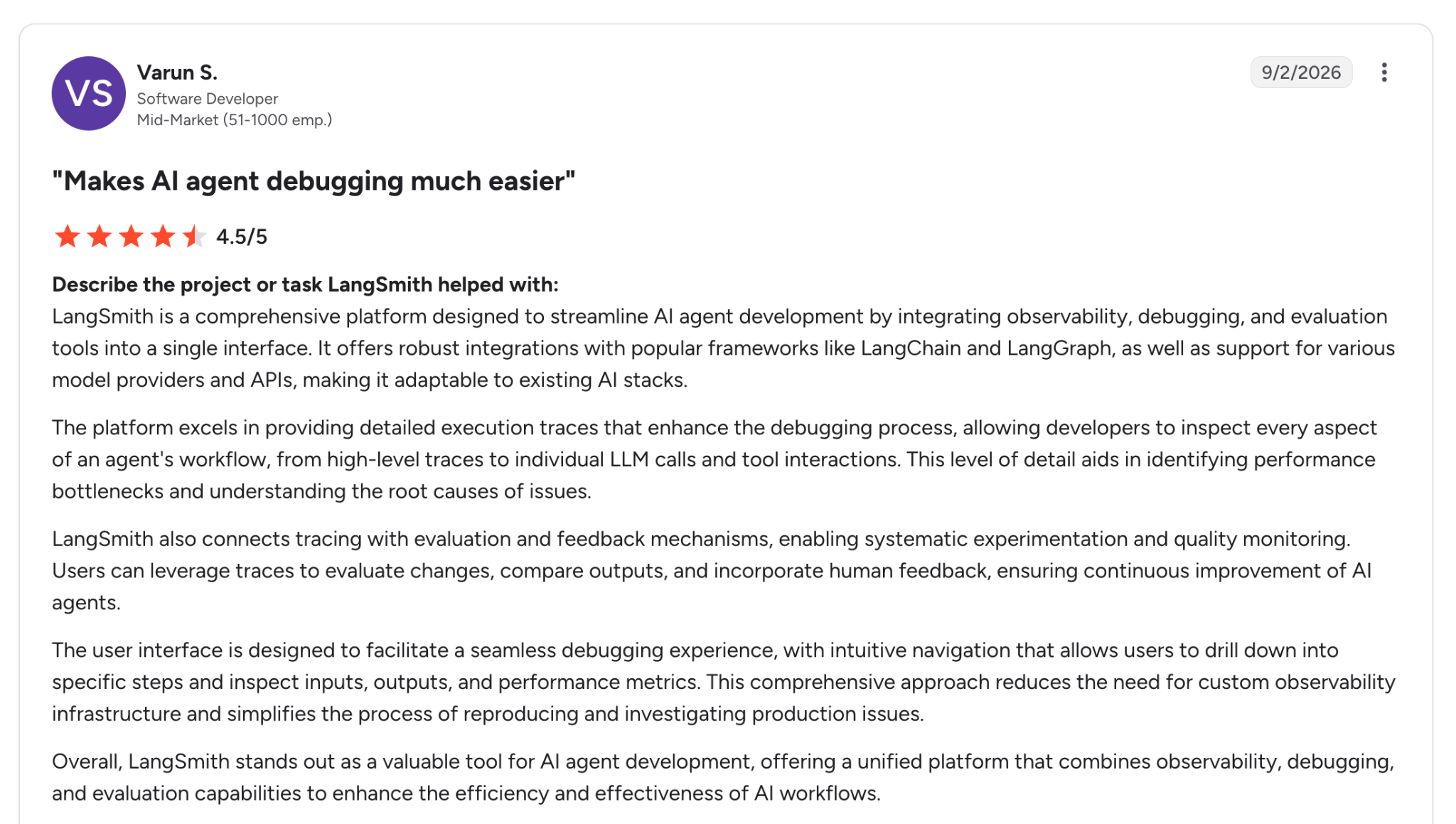
"What I like best about LangSmith is that it brings most of the AI development and observability workflow into one place." (Varun S., G2)
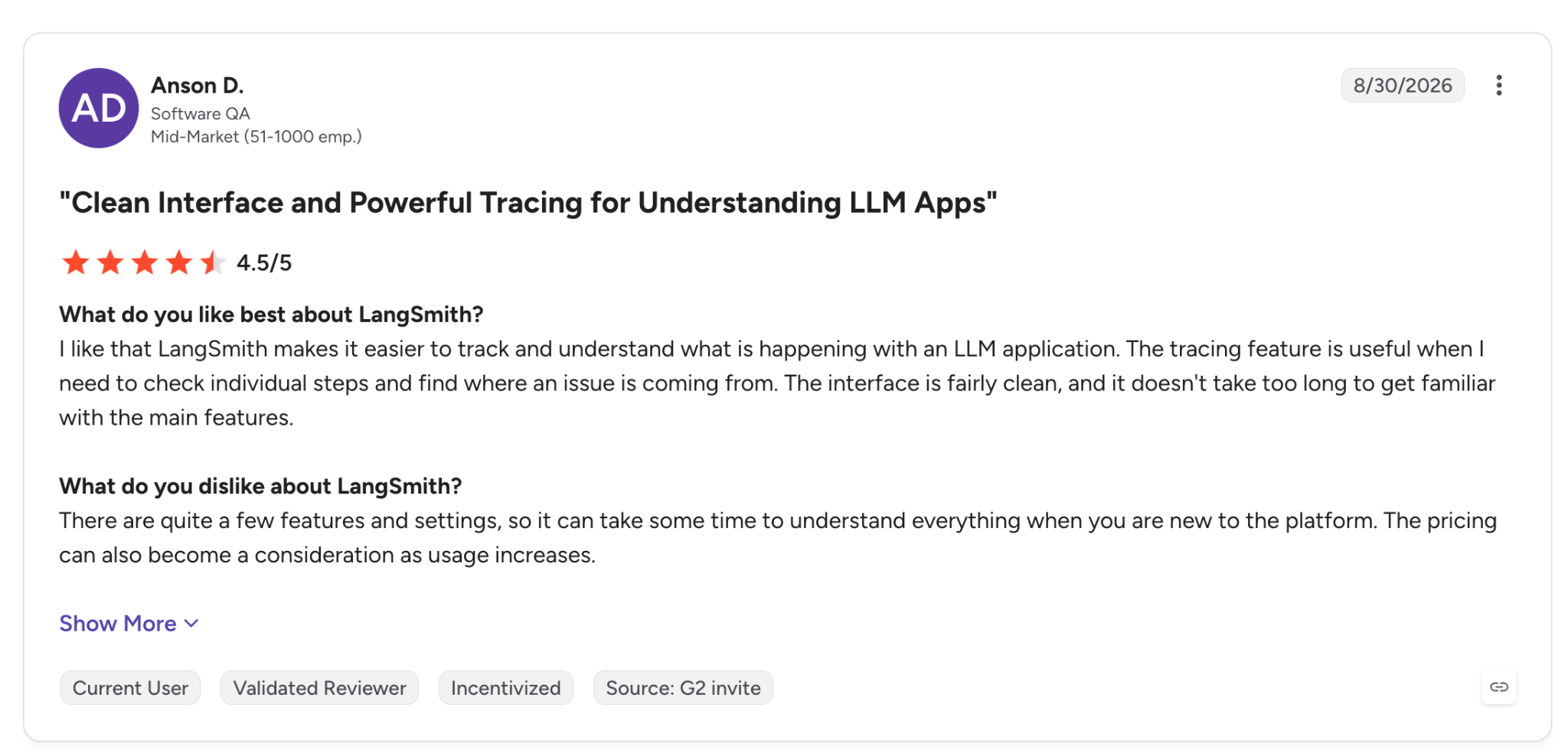
"The pricing can also become a consideration as usage increases." (Anson D., G2)
Pricing
LangSmith's Developer plan is free for one seat with 5k base traces a month. Plus costs $39 per seat per month with Deployment access and one free Serverless deployment, extra deployments bill on compute, and Enterprise is custom.
Bottom Line
LangGraph agents that need to pause for a person and resume afterward get that from LangSmith Deployment without extra tooling. RBAC requires Enterprise, a tier to cost out before committing if you need it from the start.
3. Amazon Bedrock AgentCore: Best for AWS organizations running multiple frameworks
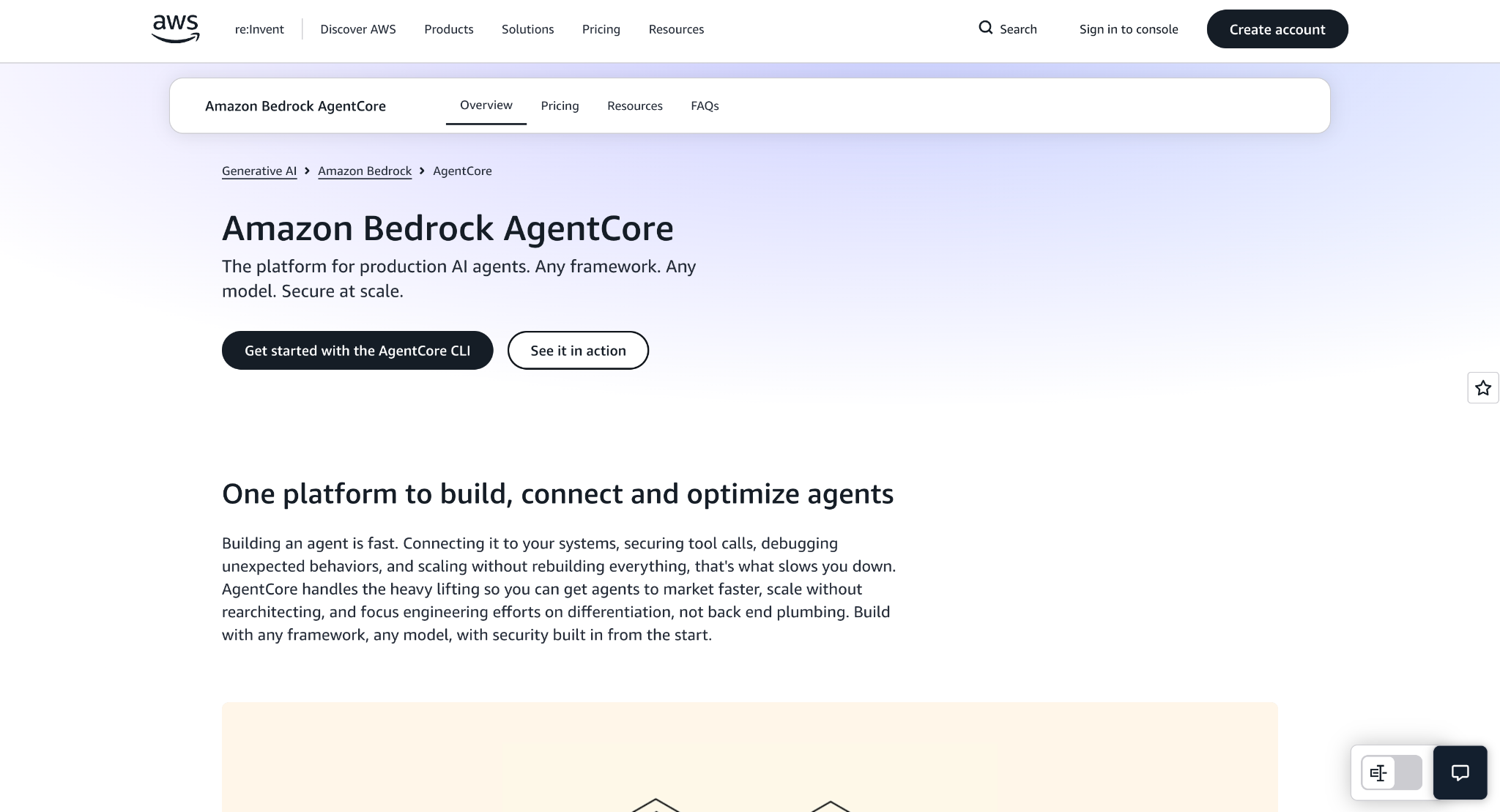
What it does: Amazon Bedrock AgentCore is AWS's service for deploying and operating agents at scale with multiple frameworks and foundation models.
Best for: AWS-based teams that depend on per-session isolation for multi-tenant agents written with CrewAI, LangGraph, Strands, or their own code.
AgentCore gives every user session its own machine. Each session gets a dedicated microVM with isolated compute, memory, and filesystem for up to 8 hours. The newer Instances compute type extends sessions to 14 days, so the refund agent's long step can run within a single session.
Governance also operates outside the agent's code. Each agent identity runs as a workload identity, and Cedar policies evaluate every tool call at the Gateway, so the rule applies regardless of what the model decides.
Runtime, Memory, Gateway, Policy, and Evaluations each bill separately, which splits the cost of one agent across five meters. A single synchronous request also caps at 15 minutes, a limit separate from the 8-hour session length.
Key Features
- Runtime: Run isolated sessions on microVMs for up to 8 hours, or on Runtime Instances for longer workloads.
- Gateway: Turn existing APIs and Lambda functions into MCP-compatible tools that agents can call.
- Observability: Send OpenTelemetry traces, token usage, and latency to Amazon CloudWatch dashboards.
Pros and Cons
Pros:
✅ Framework freedom, from CrewAI and LangGraph to Strands and the OpenAI Agents SDK.
✅ Session isolation by default, with a dedicated microVM per session.
✅ Deterministic tool-call policy written in Cedar and enforced at the Gateway.
Cons:
❌ microVM sessions cap at 2 vCPU and 8 GB, and heavier workloads move to Runtime Instances.
❌ Human sign-offs are policy conditions you configure yourself, since there's no native approval interface.
❌ Feature coverage varies by region, and Web Search and Agent Registry are available in only a few.
What Users Say
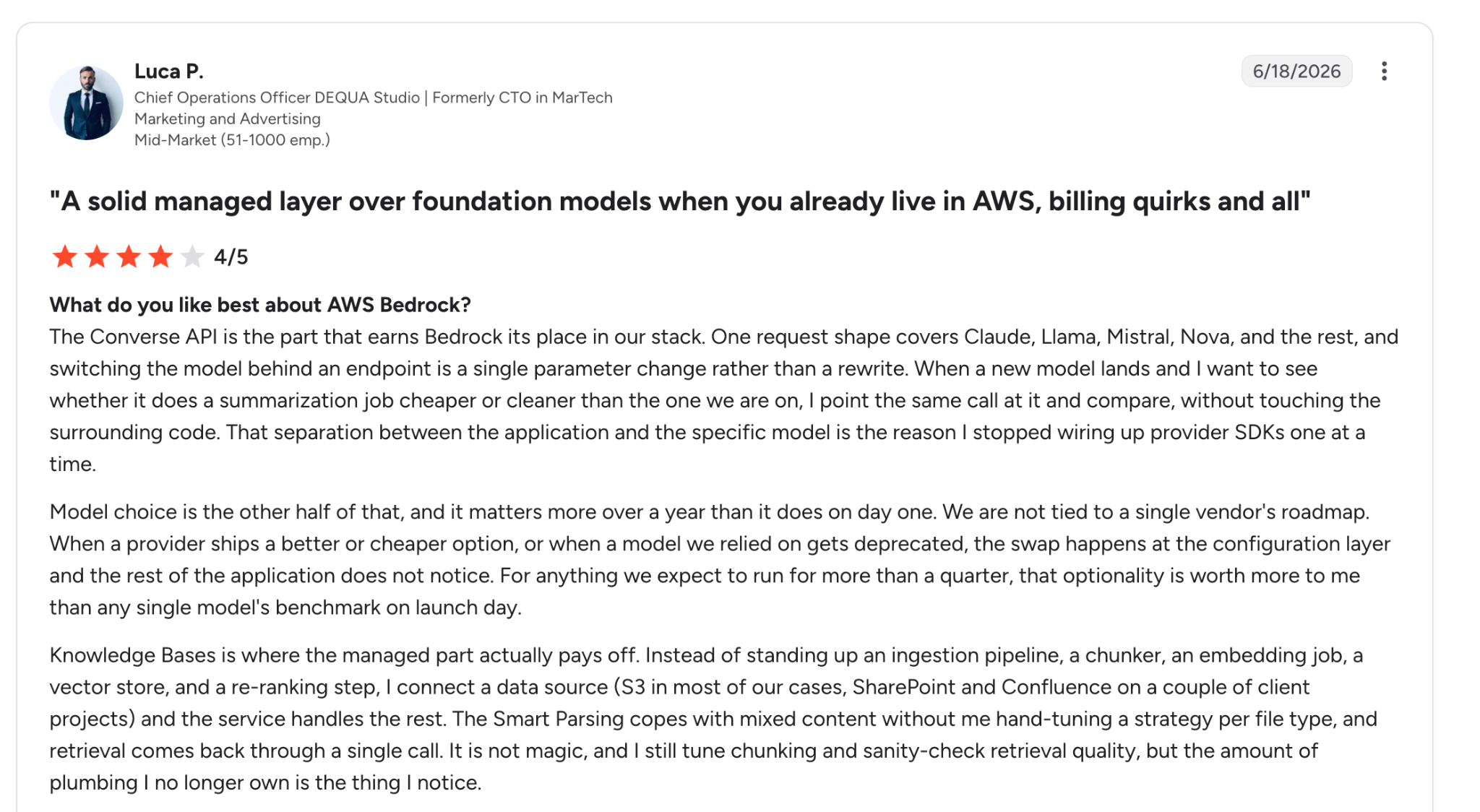
"Most of the production agent work we have started recently sits on AgentCore, and the portability of the tool layer has saved us from building the same integrations twice." (Luca P., G2)
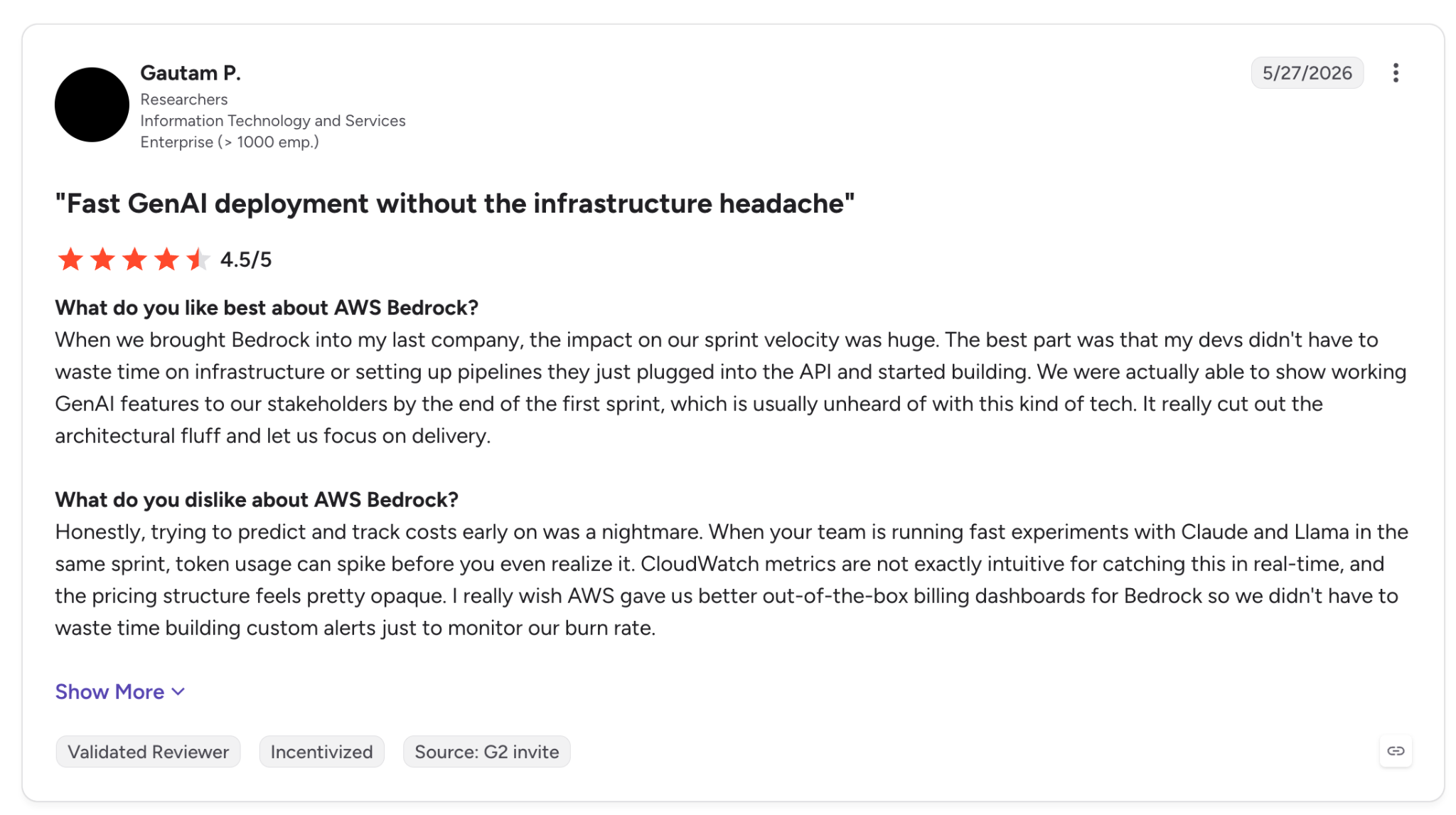
"Honestly, trying to predict and track costs early on was a nightmare." (Gautam P., G2, reviewing Amazon Bedrock more broadly)
Pricing
AgentCore bills on consumption. Runtime microVMs start at $0.0895 per vCPU-hour and $0.00945 per GB-hour of active use, with Memory, Gateway, Policy, and Evaluations metered separately and Identity free through Runtime or Gateway.
Bottom Line
AgentCore provides AWS teams with the core agent components as managed services. Approvals and a single invoice line are still pieces you assemble yourself.
4. Gemini Enterprise Agent Platform: Best for per-agent identity on Google Cloud
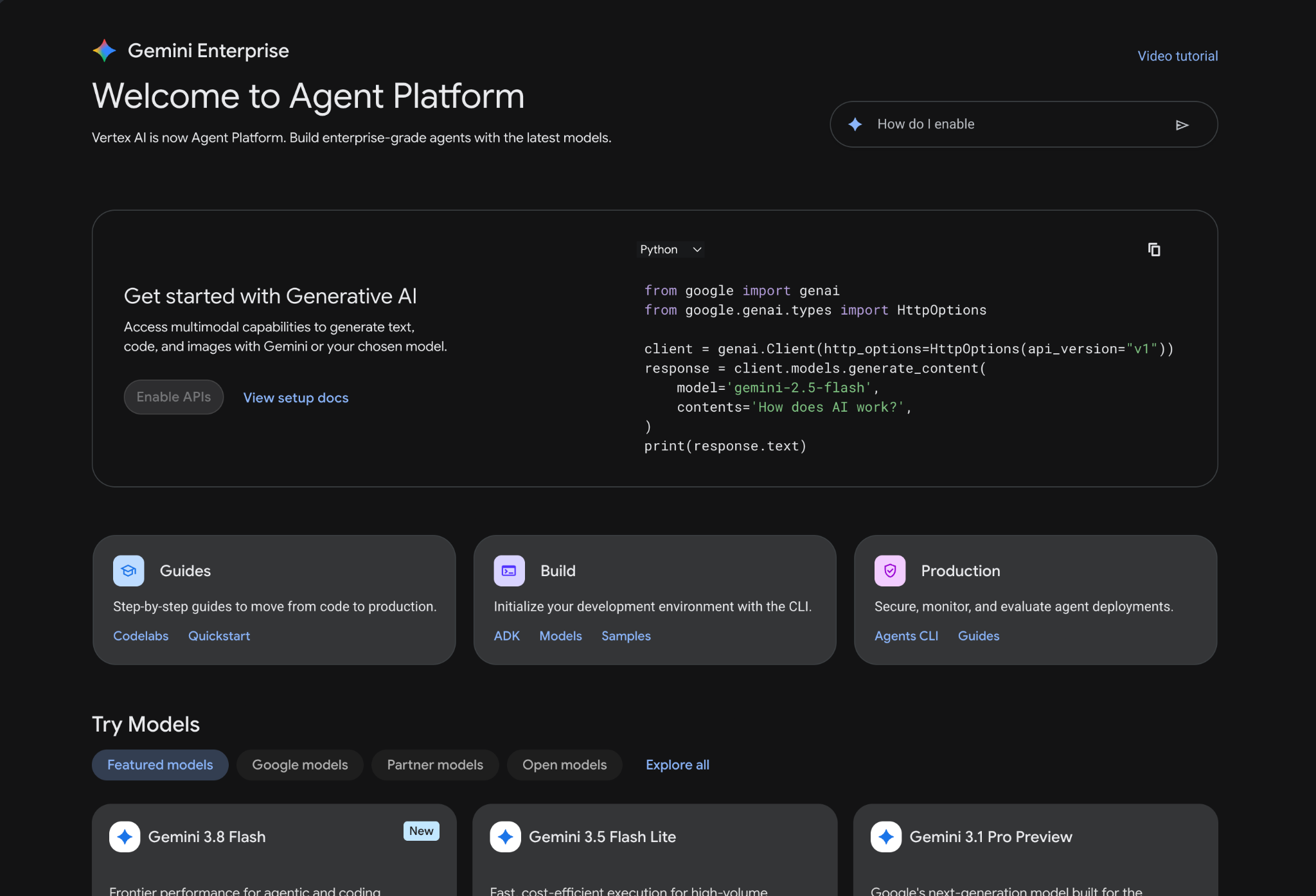
What it does: Gemini Enterprise Agent Platform, formerly Vertex AI, is Google Cloud's environment to build and govern agents at scale, with Agent Runtime as its managed host.
Best for: Google Cloud teams building with ADK that want each agent to carry its own auditable identity.
With Agent Identity enabled, each agent receives a cryptographic identity based on the SPIFFE standard, and permissions are granted to that identity directly. Logs show both the agent and the user it acted for, and OpenTelemetry traces record execution paths and token usage.
Agent Runtime covers the long step, since Google supports agents that run continuously for up to 7 days. Sessions and Memory Bank keep context across turns.
For the refund sign-off, the human-in-the-loop docs list ADK's tool confirmation as experimental and unsupported by the managed session service, so the sign-off needs a different design on this stack.
Key Features
- Agent Identity: Give each agent a SPIFFE-based ID and grant it only the resources it needs.
- Agent Gateway and Registry: Index agents, tools, and skills, and apply Model Armor protections in one place.
- ADK in five languages: Build in Python, TypeScript, Go, Java, or Kotlin and deploy from the command line.
Pros and Cons
Pros:
✅ Per-agent audit trail, mapped back to authorization policies.
✅ Containerized agents can run, with SDK integrations for LangChain, LangGraph, AG2, and LlamaIndex.
✅ Managed long-term memory through Memory Bank, with an isolated memory collection per scope.
Cons:
❌ ADK tool confirmation is experimental and isn't supported with the managed session service.
❌ The default query quota is 90 requests per minute per project and region.
❌ The trace format is experimental.
What Users Say
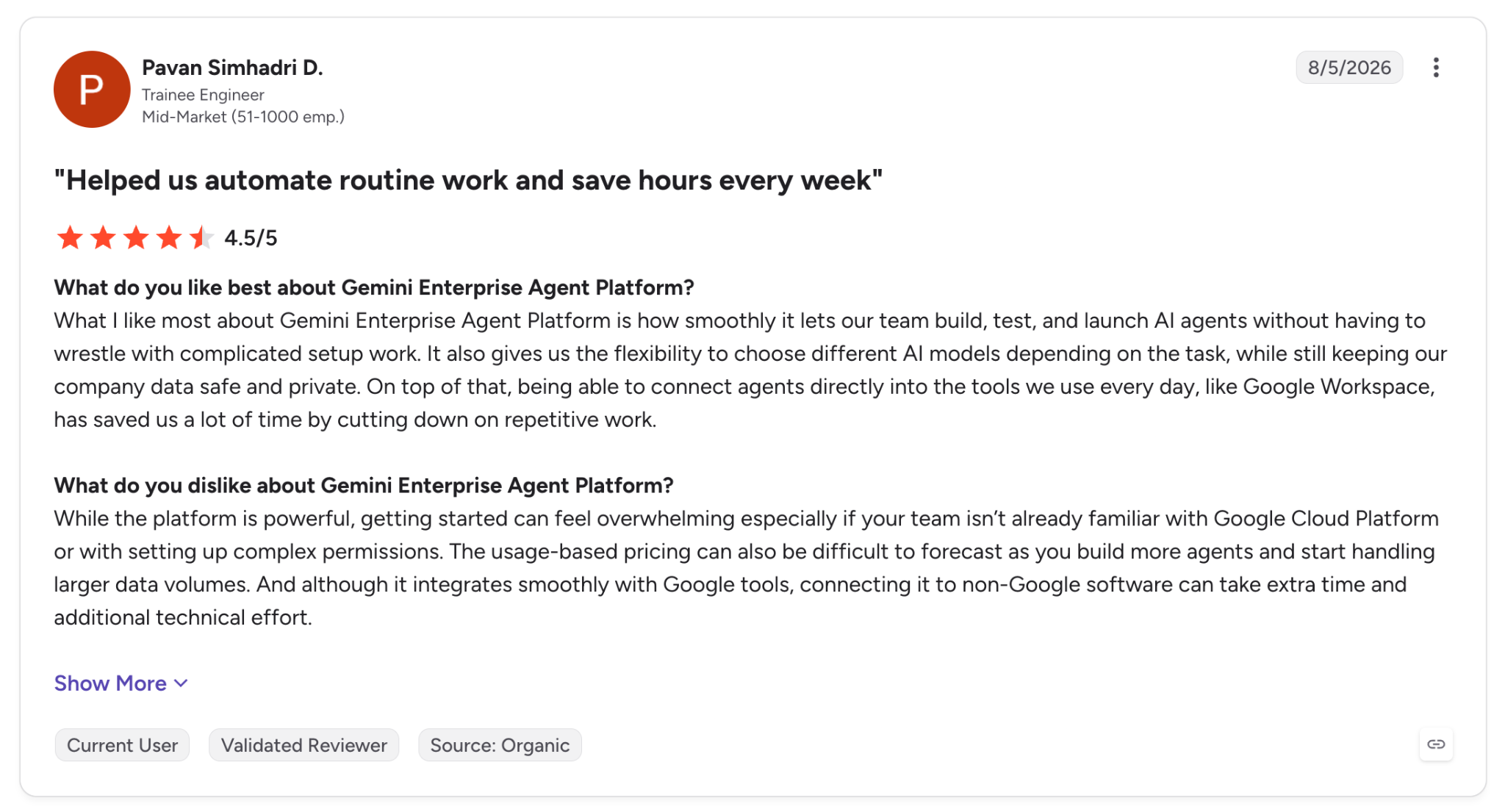
"What I like most about Gemini Enterprise Agent Platform is how smoothly it lets our team build, test, and launch AI agents without having to wrestle with complicated setup work." (Pavan Simhadri D., G2)
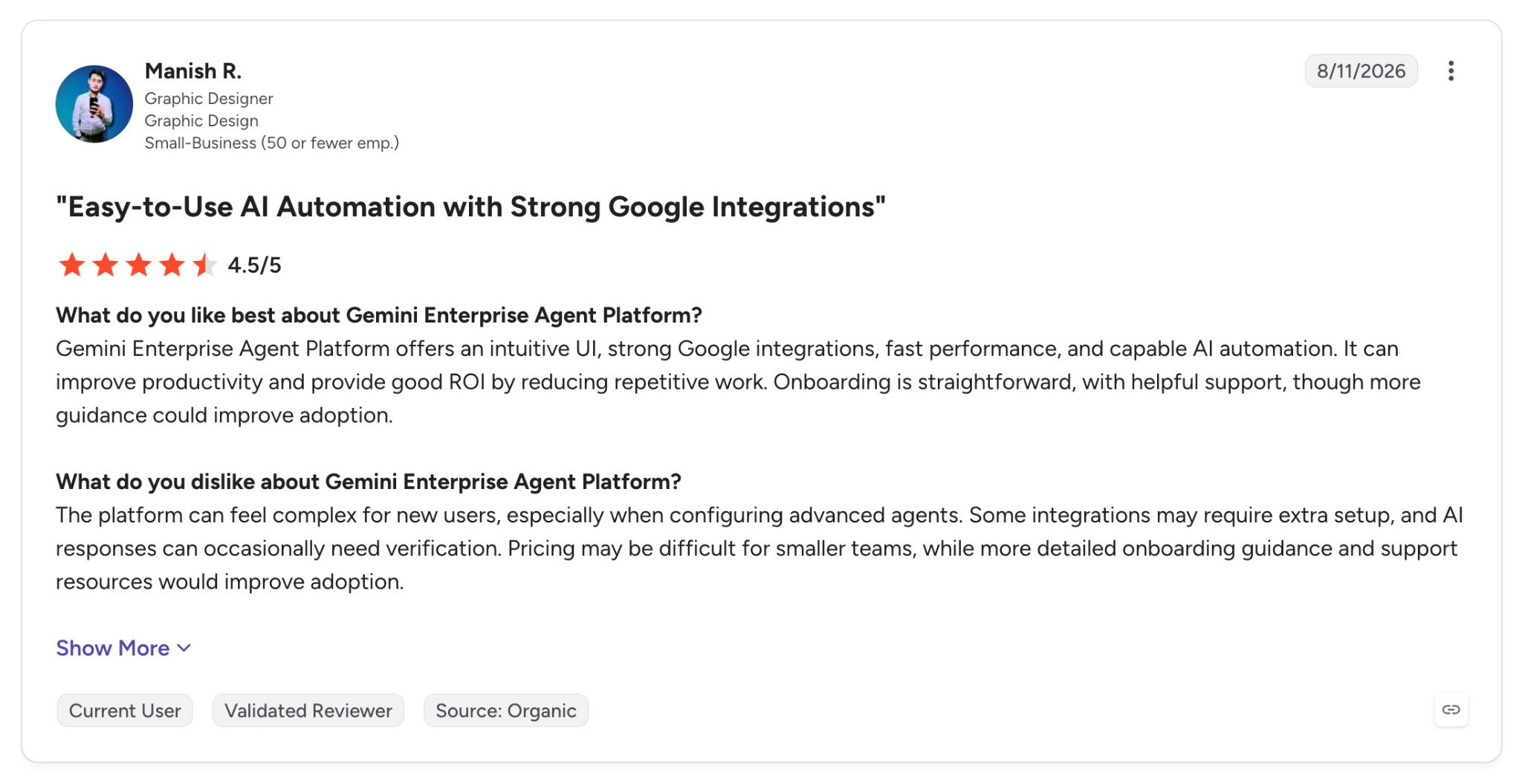
"The platform can feel complex for new users, especially when configuring advanced agents." (Manish R., G2)
Pricing
Agent Runtime includes 50 free vCPU-hours and 100 free GiB-hours a month, then costs $0.085 per vCPU-hour and $0.009 per GiB-hour, with idle time between turns unbilled. Model tokens bill separately, and new customers get $300 in credits.
Bottom Line
The identity model answers which agent did what, and for which user, in the logs. Approval gates on managed sessions deserve a test before commitment, since ADK's tool confirmation is experimental.
5. Microsoft Foundry Agent Service: Best for Azure and Microsoft 365 teams
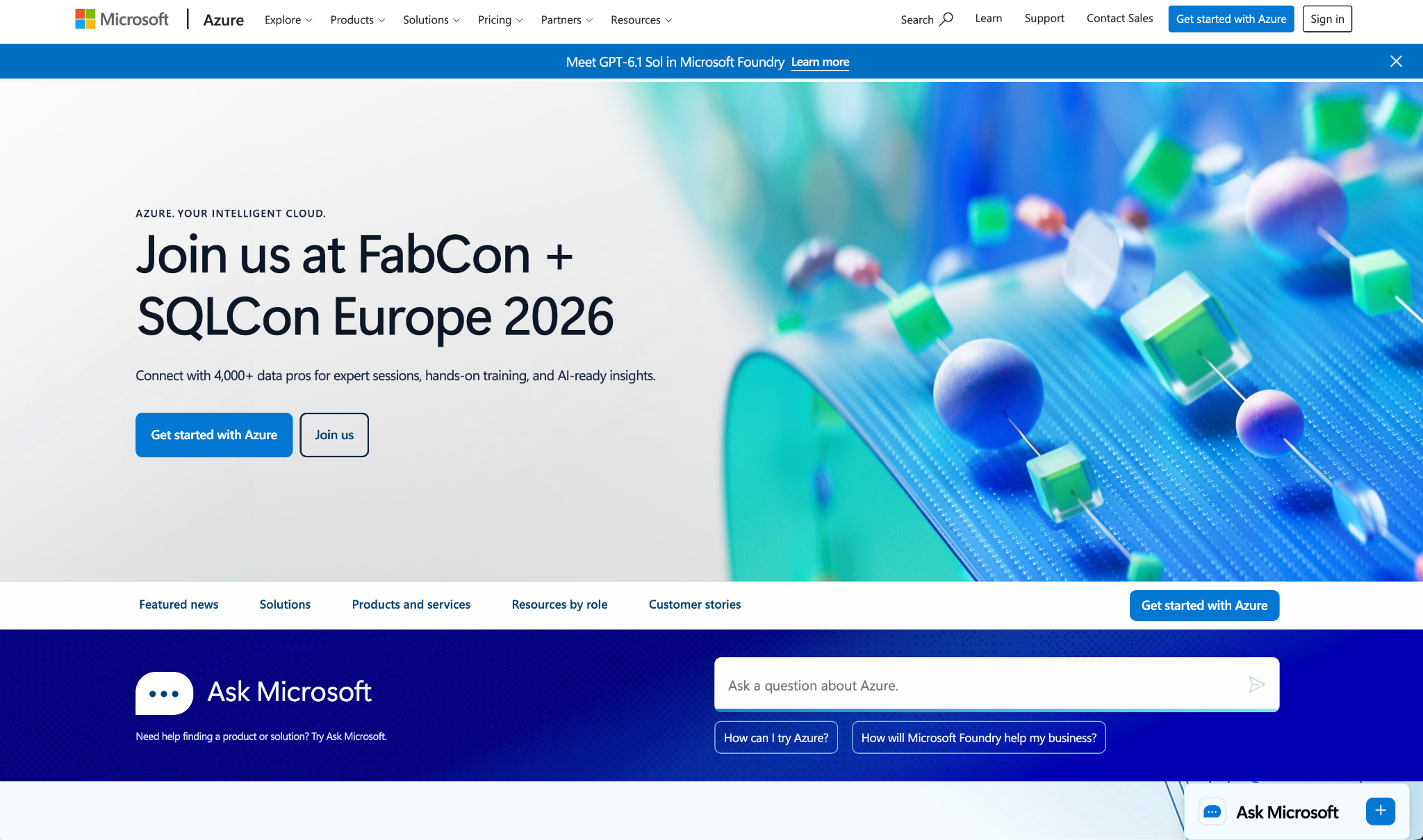
What it does: Microsoft Foundry Agent Service is a managed service for AI agents that ranges from no-code prompt agents to hosted agents written in your own code.
Best for: Organizations on Azure that want agents published into Teams and Microsoft 365 Copilot.
Each hosted-agent session runs in a VM-isolated sandbox with a persistent filesystem and scales to zero when idle. State is restored when the next request arrives.
For the refund agent, that means the long step runs in a session that restores state after scale-to-zero, and sessions are deleted only after 30 days of inactivity.
Governance relies on Entra, since every hosted agent gets its own Microsoft Entra agent identity and MCP tool calls require approval by default. Tracing in Application Insights then captures token consumption and cost.
Hosted agents support Python and C# only, and they don't support private networking during preview. Memory and voice agents are also still in preview.
Key Features
- Hosted agents: Deploy from the command line to session-isolated sandboxes that autoscale and scale to zero when idle.
- Entra agent ID: Give each agent a dedicated identity with Conditional Access and scoped permissions.
- Teams and Copilot publishing: Publish agents to Microsoft Teams and Microsoft 365 Copilot.
Pros and Cons
Pros:
✅ Stateful resume after scale-to-zero means idle agents hold no compute.
✅ Approval on MCP tools by default, which puts a person in front of external actions.
✅ Open frameworks, including Agent Framework, LangGraph, and the OpenAI SDK.
Cons:
❌ Memory is still in preview, and hosted agents don't support private networking yet.
❌ Hosted agents support Python and C# source, which rules out TypeScript agents on that path.
❌ Tool availability varies by region, with file search missing in Italy North and Brazil South.
What Users Say
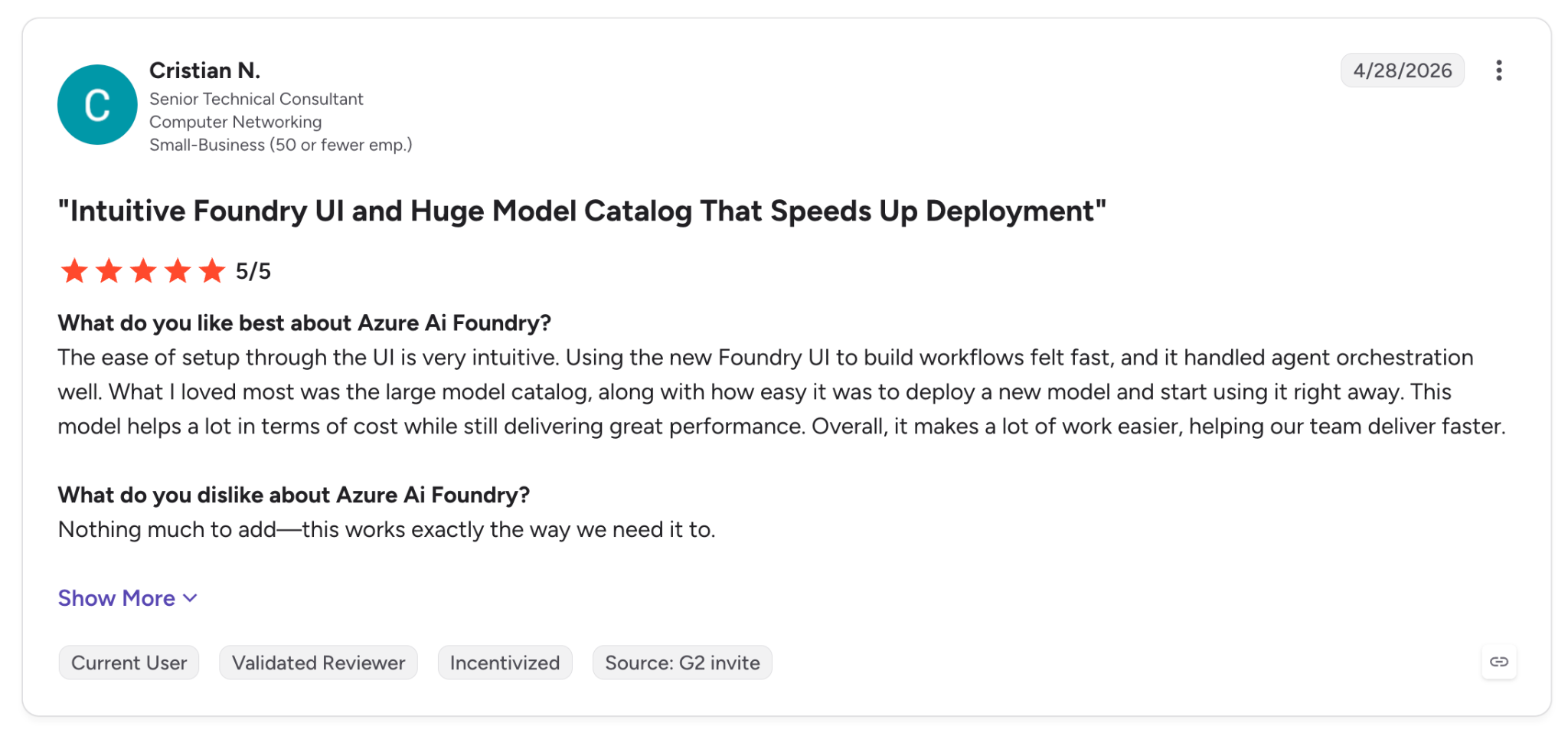
"Using the new Foundry UI to build workflows felt fast, and it handled agent orchestration well." (Cristian N., G2)
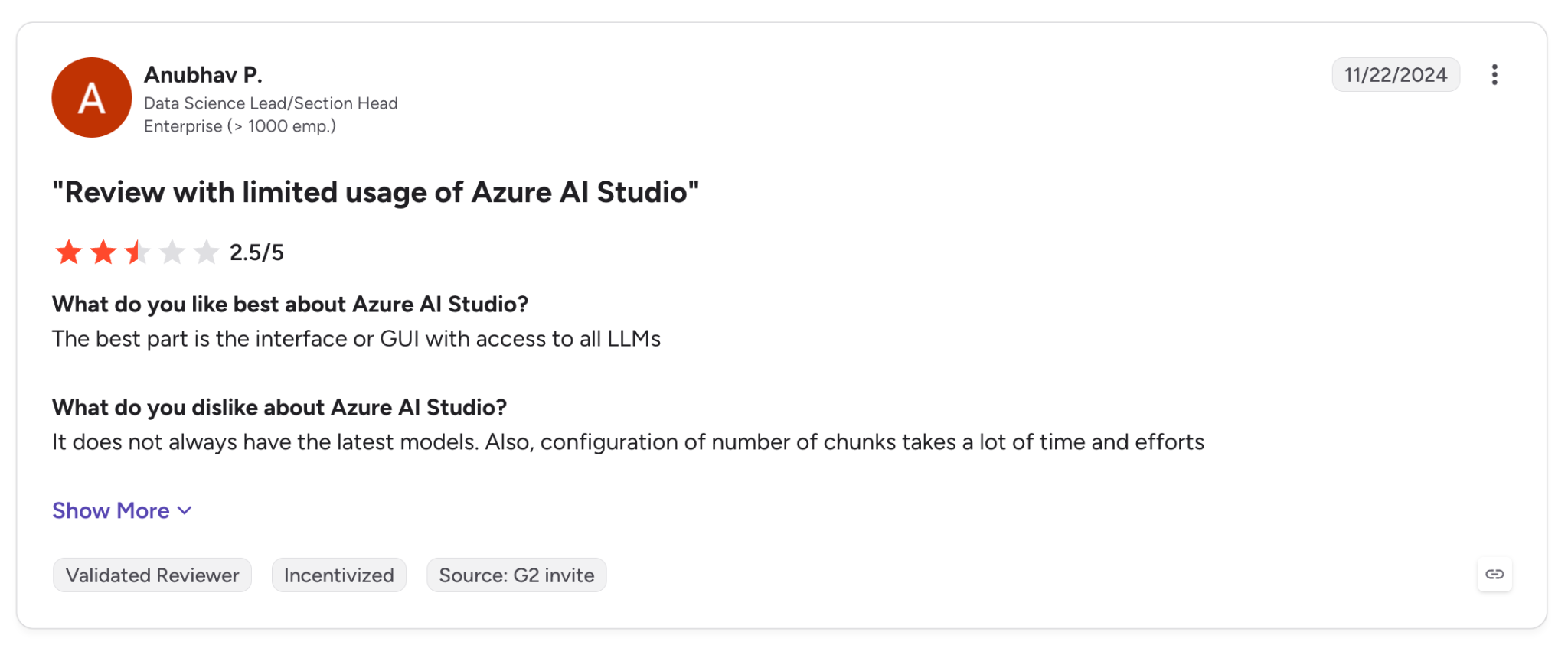
"It does not always have the latest models." (Anubhav P., G2, reviewing Azure AI Studio, the product's earlier name)
Pricing
Foundry adds no charge for prompt agents and workflows, so you pay for model tokens and tools: Code Interpreter is $0.033 per session and Web Search is $14 per 1,000 transactions. Hosted agents bill on container compute, at $0.0994 per vCPU-hour in East US.
Bottom Line
Foundry publishes agents straight into Teams and Microsoft 365 Copilot, where those users already work. Memory is still in preview, so a buyer who needs it generally available has reason to wait. Outside Azure, another platform on this list is the better starting point.
6. Northflank: Best for full infrastructure control
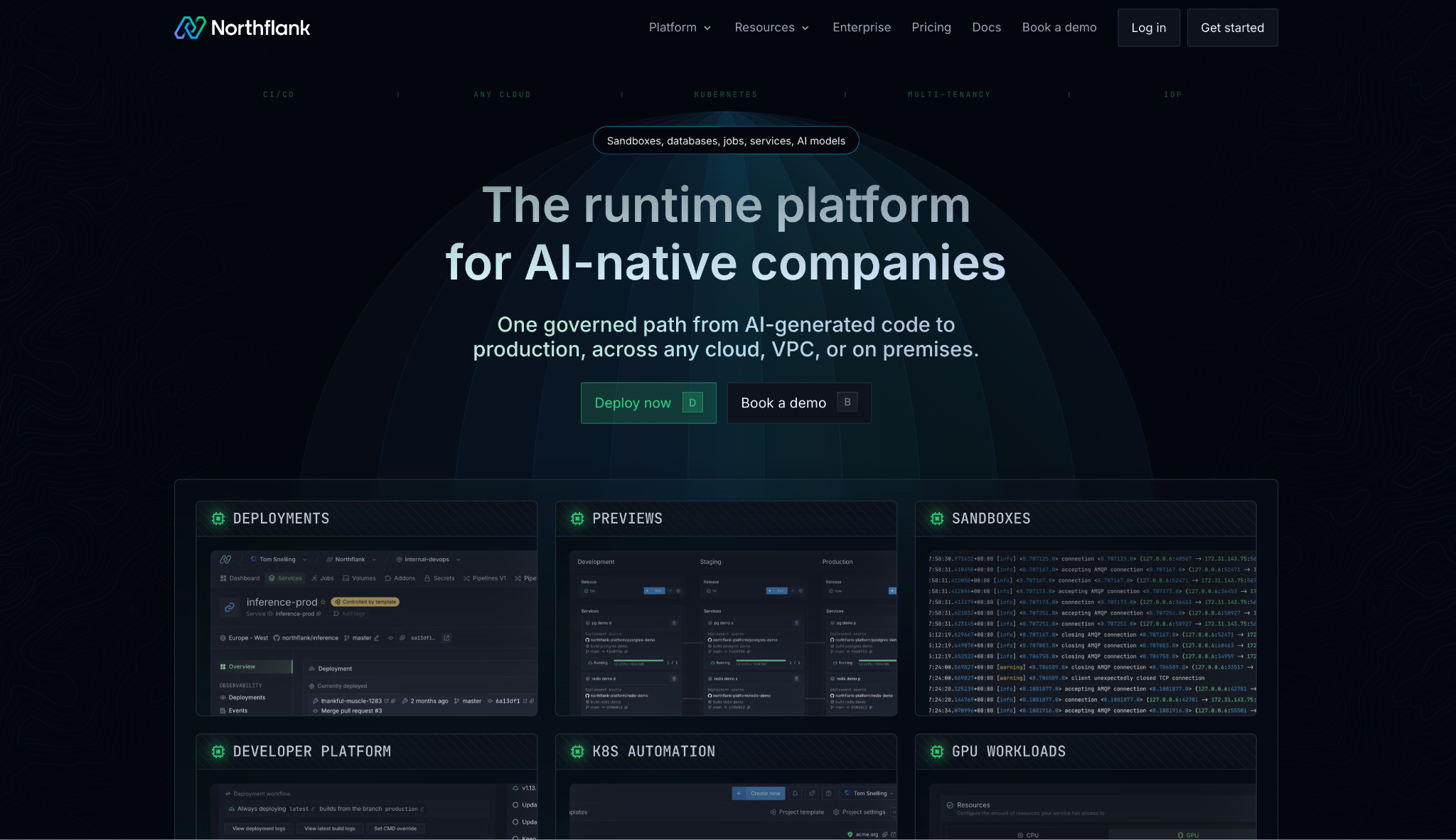
What it does: Northflank is a runtime that hosts AI agents and the infrastructure around them in secure microVMs, on Northflank's cloud or your own.
Best for: Platform teams that want the whole agent stack in their own AWS, GCP, or Azure account.
Northflank places the agent inside a larger stack. The refund agent, its API, a Postgres database, background workers, and a private model server can share a single control plane, with CPU and GPU workloads on the same deployment model.
Bring your own cloud is self-serve across AWS, GCP, Azure, Oracle, CoreWeave, and Civo, and sandboxes for untrusted code start in under a second, on microVMs for CPU and gVisor for GPU workloads.
Northflank's own guide says the platform doesn't define checkpoint and replay semantics, so durable runs come from pairing it with LangGraph or Temporal, or writing your own state logic.
Key Features
- BYOC: Deploy the data plane into your own cloud account or an on-prem Kubernetes cluster.
- Secure sandboxes: Run agent-generated code in microVMs (CPU) or gVisor (GPU) with start-up times under a second.
- Unified stack: Host the agent's services and its GPU inference side by side.
Pros and Cons
Pros:
✅ Control over where agents run, down to on-prem and bare-metal clusters.
✅ Isolation designed for untrusted code, which matters once agents execute what they write.
✅ One platform for CPU and GPU, so private inference runs next to the agent.
Cons:
❌ No native checkpoint or replay leaves durability to your own design.
❌ Reasoning traces need a separate tool, since native observability stops at logs and metrics.
❌ SSO and audit logs are Enterprise-tier features.
What Users Say
"We can bring our own AWS account and manage all the things in one interface." (Toby M., G2)
"They have limited regions to deploy your service. You need to email to enable other regions." (Chris Ian F., G2)
Pricing
Northflank has a free Sandbox tier, and pay-as-you-go starts at $0 with compute at $12 per vCPU per month and $6 per GB of memory. GPUs start at $576 per month for an NVIDIA L4, and Enterprise is custom.
Bottom Line
Northflank suits a platform team that wants agents, data, and GPUs inside its own cloud under one control plane. Durable state and approvals come from tools you add, and tracing from a separate service.
7. Modal: Best for sandboxed agent code at scale
What it does: Modal is cloud infrastructure for AI workloads, from inference and training to sandboxes and functions, aimed at teams that develop and serve AI applications.
Best for: Python teams whose agents execute code and call for thousands of isolated sandboxes on demand.
Each Modal sandbox runs on gVisor or in its own VM, and Modal says more than a million can start in under a minute. Its JavaScript and Go SDKs let a TypeScript agent call them.
Functions and sandboxes can run for up to 24 hours, and logs, audit logs, and container metrics export to OpenTelemetry-compatible providers. The refund agent's long step runs inside the 24-hour window, and the wait for a sign-off depends on state you store yourself.
Modal's native state storage is limited, with Dict entries expiring after 7 days without reads or writes, and anything past the 24-hour ceiling needs a filesystem snapshot and a fresh sandbox.
Key Features
- Sandboxes: Start isolated environments for agent-generated code, with idle timeouts and snapshots.
- Long timeouts: Run functions and sandboxes for up to 24 hours.
- Per-second GPUs: Attach GPUs from an L4 to a B300 without reservations.
Pros and Cons
Pros:
✅ Parallel sandboxes for coding agents and reinforcement learning rollouts, with more than a million able to start in under a minute, according to Modal.
✅ Python-native workflow, with infrastructure defined in the same code as the agent.
✅ Works with existing observability tools through OpenTelemetry and Datadog exports.
Cons:
❌ Function authoring is Python-only, and the JavaScript and Go SDKs are in beta.
❌ RBAC needs the Team plan, while audit logs and SSO need Enterprise.
❌ Agent governance is something you create yourself, from approval steps to reasoning traces.
What Users Say
"Modal makes it easy to run Python workloads without managing servers or infrastructure." (Muhammed A., G2)
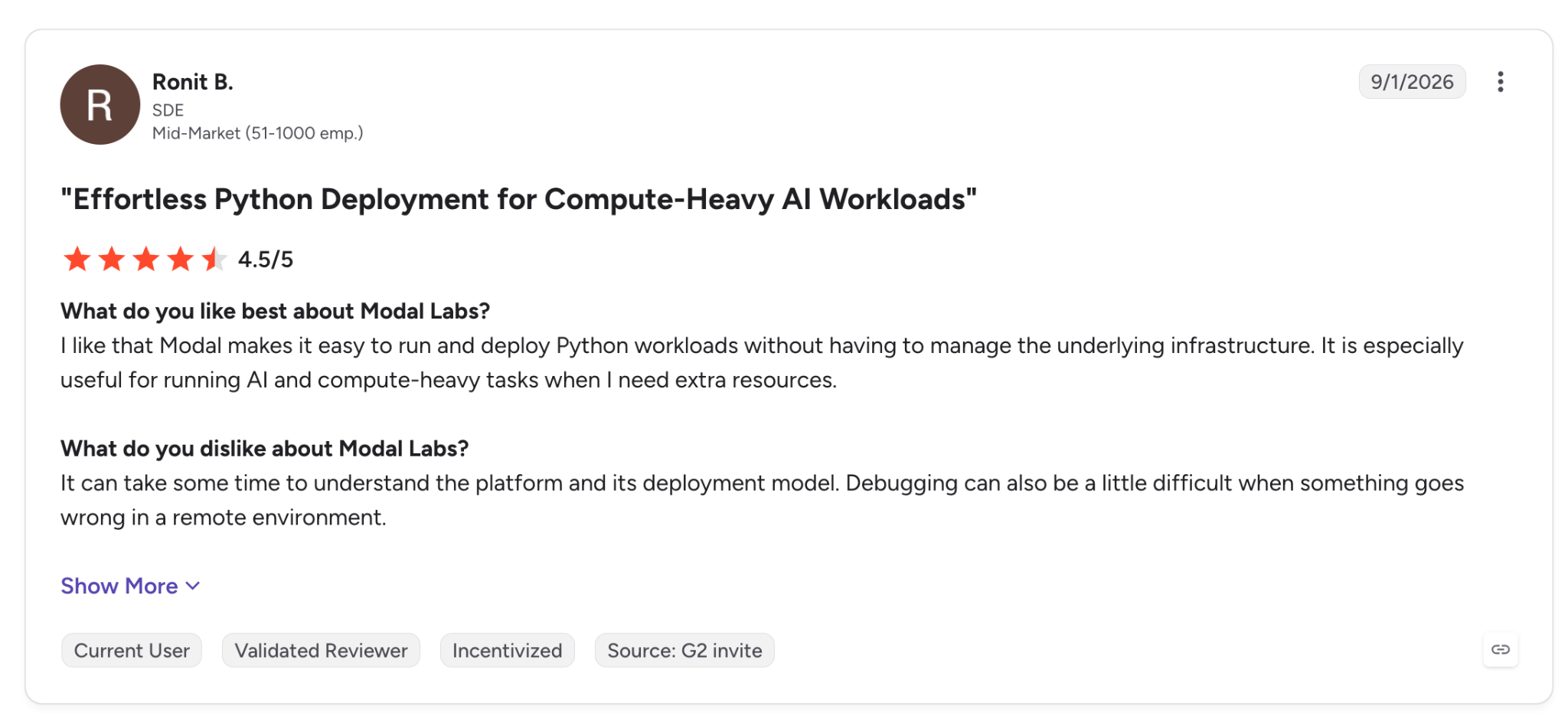
"Debugging can also be a little difficult when something goes wrong in a remote environment." (Ronit B., G2)
Pricing
Modal's Starter plan is $0 plus compute with $30 in monthly credits, and Team costs $250 per month plus compute with $100 in credits. GPUs bill by the second, from $0.80 an hour for an L4 to $7.10 for a B300.
Bottom Line
Modal provides isolated compute on demand for agents that write and execute code at volume. Runs that last longer than a day, or a requirement for self-hosting, point to other options on this list.
8. CrewAI AMP: Best for multi-agent teams with Flow approvals
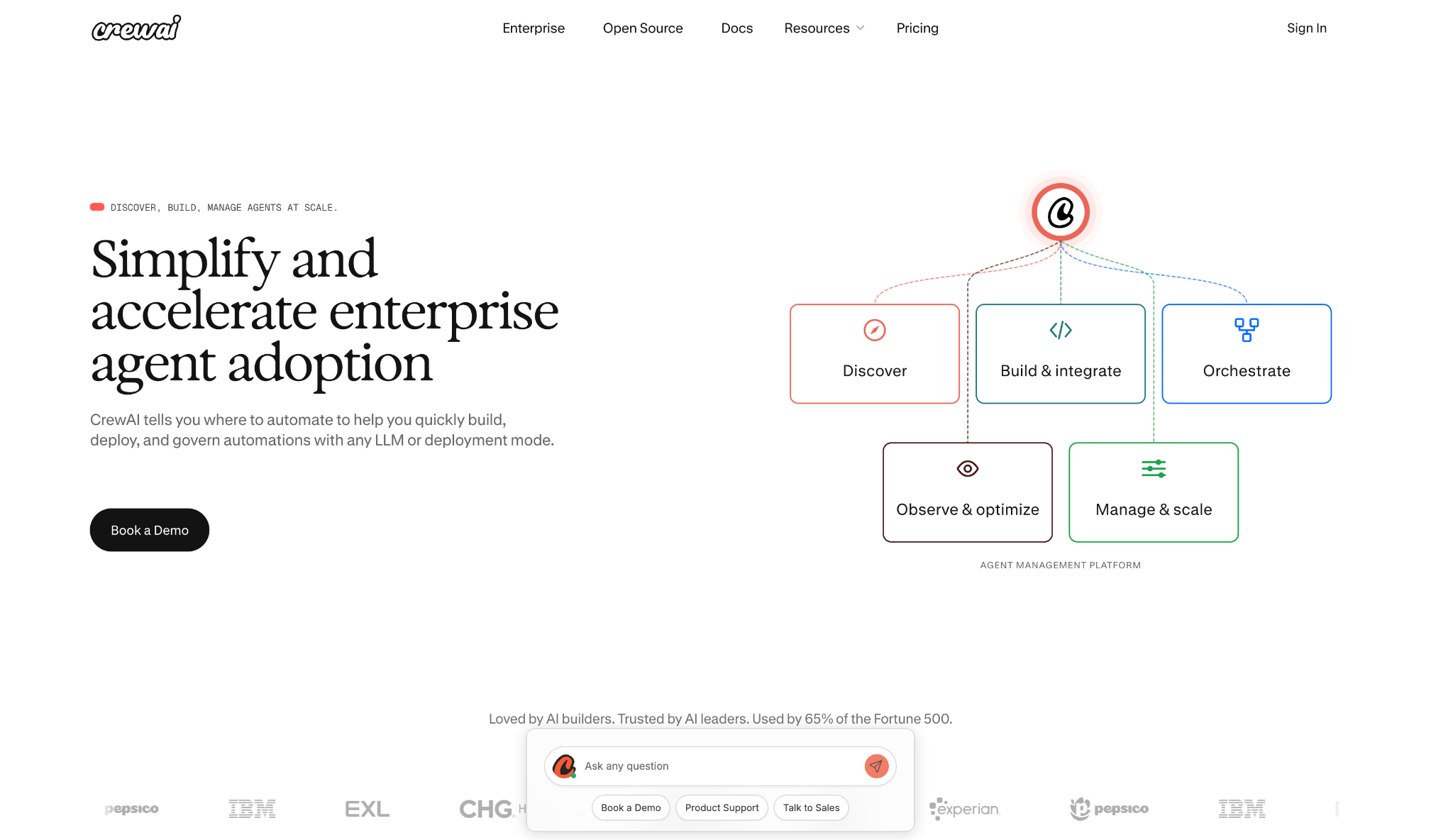
What it does: CrewAI AMP is CrewAI's agent management suite, which deploys and monitors Crews and Flows with RBAC, audit trails, and human-in-the-loop checkpoints.
Best for: Teams already building multi-agent systems with the CrewAI framework.
CrewAI AMP adds hosting and management on top of the open-source framework. A crew deploys from the CLI or GitHub, with the first deployment taking about a minute, and traces then show each agent's reasoning and tool calls along with token consumption and cost estimates.
In Flows, a run can pause for human review with email notifications and routing rules. Workload identity also lets the platform read secrets without long-lived cloud keys.
For the refund agent, the sign-off maps to a Flow with human review, and the traces record the database reads and the long step.
CrewAI requires Python 3.10 through 3.13. Human review covers Flows and skips Crews, and email reply tokens expire after 7 days.
Key Features
- Traces with cost: See agent reasoning and tool outputs next to token use and cost estimates for each run.
- Flow approvals: Route human review by email, with routing rules and auto-responses.
- Workload identity: Read secrets from AWS, GCP, or Azure using short-lived tokens.
Pros and Cons
Pros:
✅ Multi-agent orchestration, which a G2 reviewer says needs little boilerplate code.
✅ PII redaction in traces, available on Enterprise.
✅ Hosting on CrewAI cloud, in your VPC, or on your own infrastructure with Enterprise.
Cons:
❌ Python only, with no documented TypeScript SDK.
❌ No run-duration limit appears in the public docs, which complicates capacity planning.
❌ SSO, RBAC, workload identity, and PII redaction need Enterprise, and Basic runs on CrewAI cloud only.
What Users Say
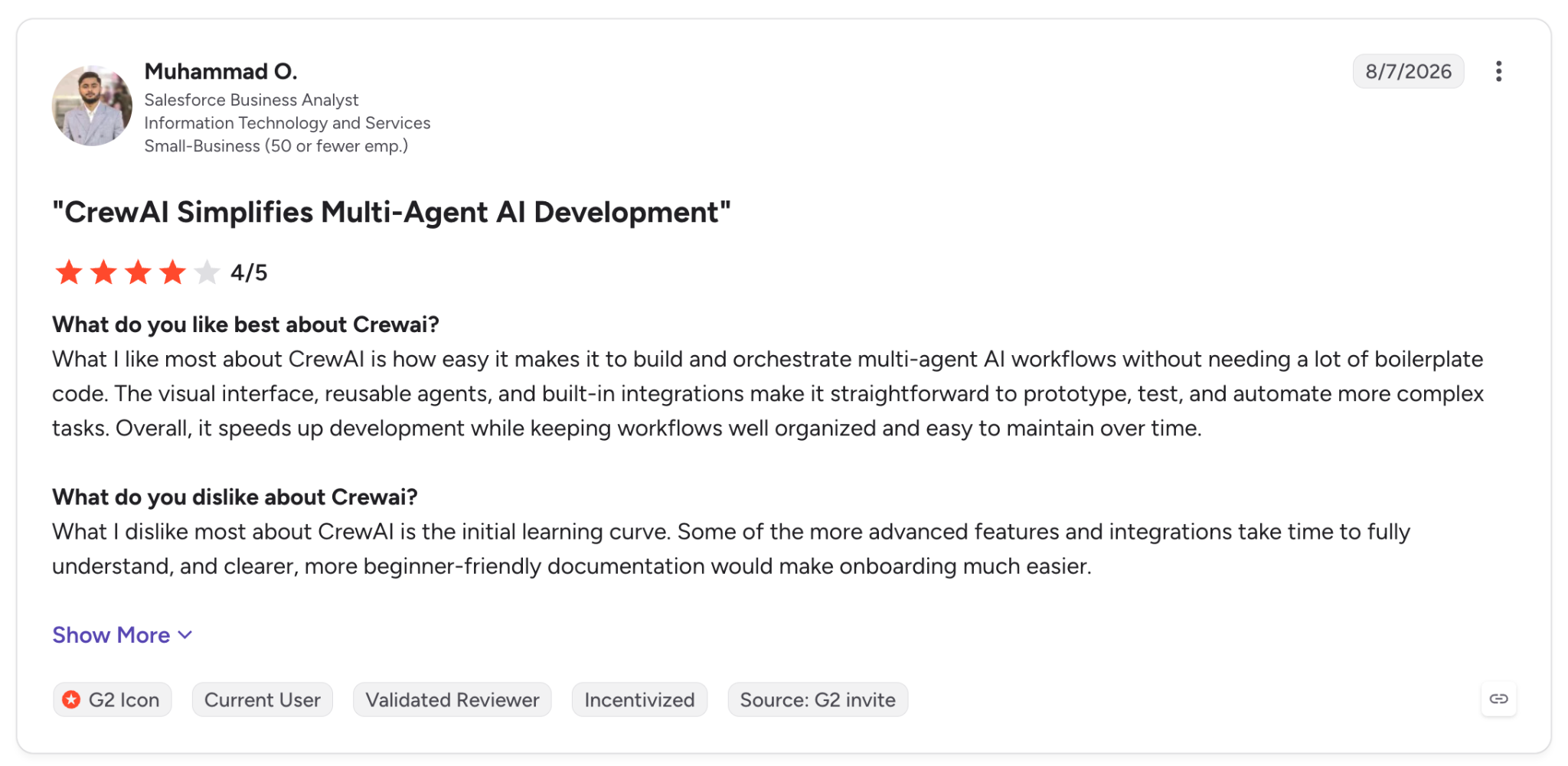
"What I like most about CrewAI is how easy it makes it to build and orchestrate multi-agent AI workflows without needing a lot of boilerplate code." (Muhammad O., G2)
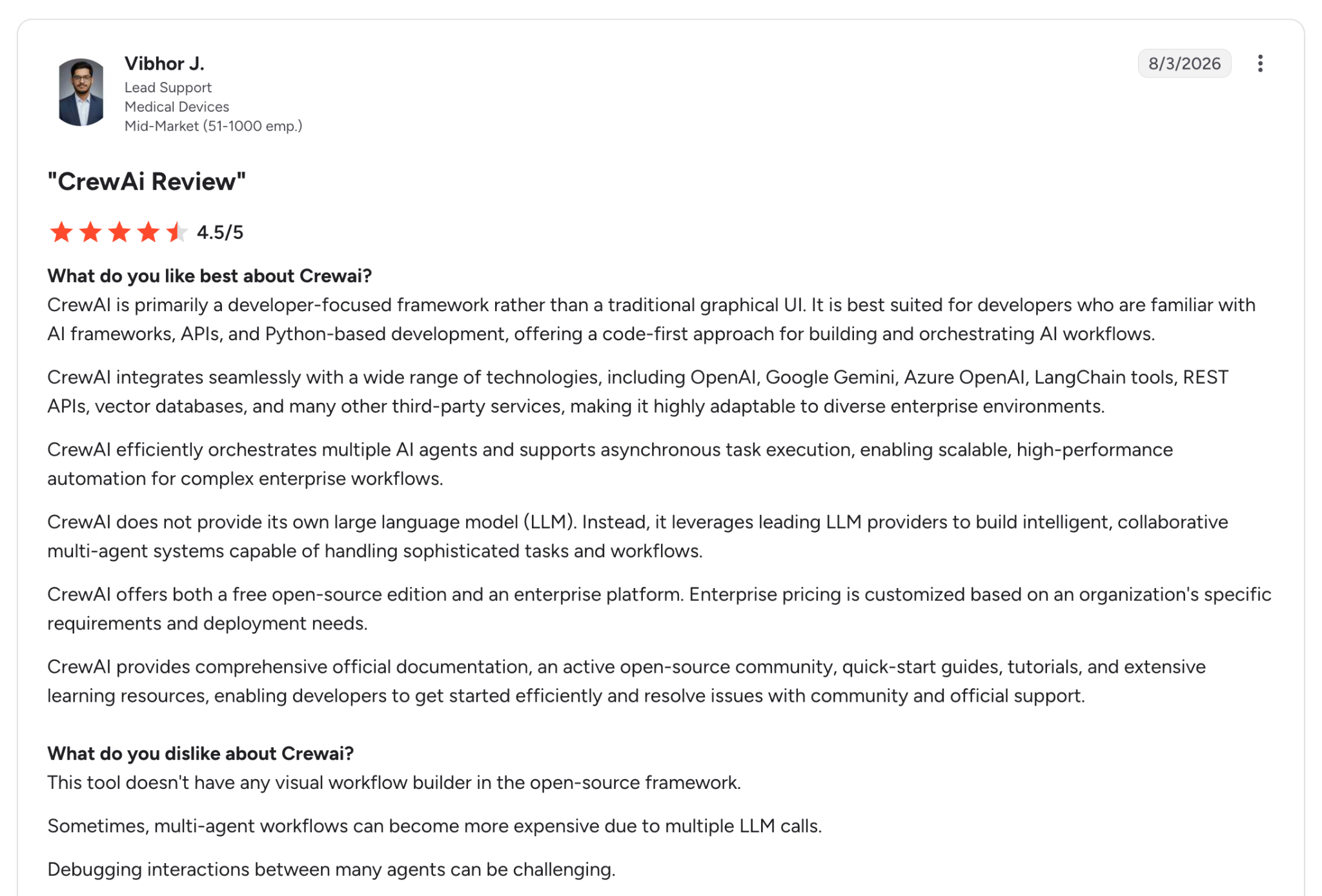
"Sometimes, multi-agent workflows can become more expensive due to multiple LLM calls." (Vibhor J., G2)
Pricing
CrewAI's Basic plan is free with 50 workflow executions a month on CrewAI cloud. Enterprise is custom and adds SSO, RBAC, workload identity, PII redaction, VPC or self-hosted deployment, and 45-day onboarding.
Bottom Line
Existing CrewAI crews gain tracing and identity from AMP, plus approvals for Flows, without a platform migration. For TypeScript work or documented runtime limits, look to LangSmith or AgentCore.
9. Salesforce Agentforce: Best for CRM-native agents
What it does: Salesforce Agentforce is Salesforce's AI agent product for customer-facing and employee agents that act on CRM data inside Salesforce.
Best for: Salesforce customers that want agents acting on the flows and Apex they already maintain.
Agentforce suits refunds that Salesforce flows and records already handle. Existing flows and Apex become agent actions, and employee agents respect the same access model as users, including field-level security.
Agent Script mixes natural-language instructions with programmatic rules, which keeps the refund threshold deterministic. Session tracing logs turns, reasoning steps, and actions, and Testing Center scores responses with an LLM judge before rollout.
The Agent API times out at 120 seconds. Observability data also lives in Data 360, where storage beyond the allocated amount is billed even though Session Tracing no longer draws Flex or Data Services credits.
Key Features
- Agent Script: Combine natural language with programmatic expressions for business rules the agent has to follow.
- Session tracing and observability: Track each turn and its reasoning, plus credit consumption per agent, as sessions run.
- Einstein Trust Layer: Apply toxicity guardrails and zero-data-retention agreements with LLM providers, plus an audit trail.
Pros and Cons
Pros:
✅ Existing flows and Apex become agent actions without a rebuild.
✅ Inherits Salesforce permissions, down to field-level security.
✅ Testing before rollout, with LLM-judged evaluations in Testing Center.
Cons:
❌ Tied to the Salesforce platform, so work in outside systems depends on connectors.
❌ The Agent API times out at 120 seconds, which limits long synchronous calls.
❌ Testing consumes credits, and trace storage can bill past its allocation.
What Users Say
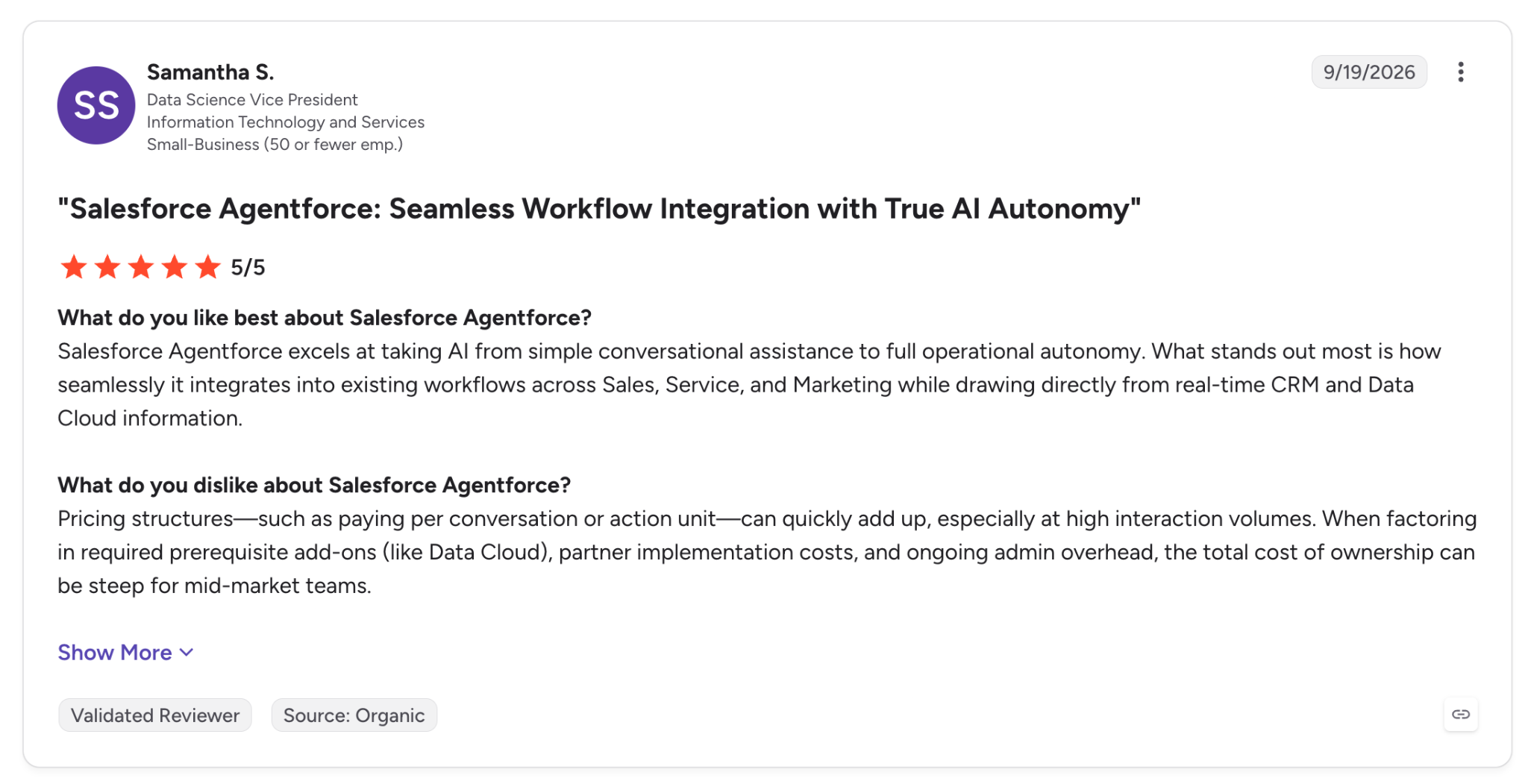
"Salesforce Agentforce excels at taking AI from simple conversational assistance to full operational autonomy." (Samantha S., G2)
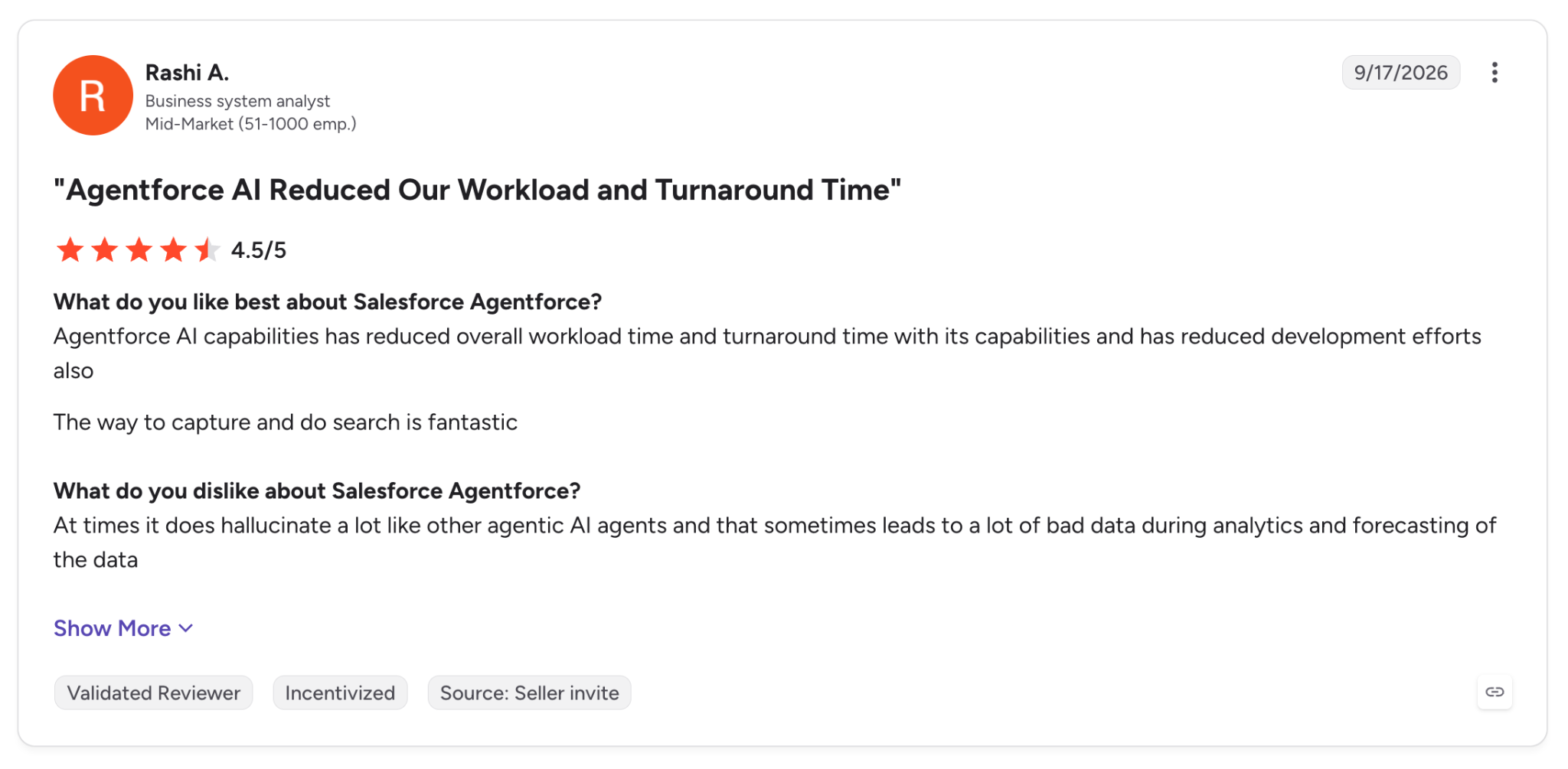
"At times it does hallucinate a lot like other agentic AI agents and that sometimes leads to a lot of bad data during analytics and forecasting of the data." (Rashi A., G2)
Pricing
Salesforce Foundations is free and includes Agentforce Builder and Agent Script. Usage runs on Flex Credits at $500 per 100,000 credits, where a standard action uses 20 credits, and Agentforce add-ons cost $125 per user per month.
Bottom Line
The flows and Apex you run today become agent actions in Agentforce, under the same permission model. Work outside the CRM depends on connectors.
10. Kore.ai: Best for customer and employee service agents
What it does: Kore.ai offers its newer Agent Platform for creating and governing programmable agent systems across customer service and employee productivity.
Best for: Large enterprises deploying contact-center and HR agents under compliance requirements.
Kore.ai's newer Agent Platform works like a software delivery pipeline. Agent definitions are YAML artifacts that live in Git and move through development, staging, pilot, and production. They pass evaluation gates on the way.
The workflow engine supports approval gates and durable execution that continues after pod restarts, and tracing captures reasoning steps, tool calls, and guardrail checks.
Analytics also report token cost and latency per model. For the refund agent, the sign-off maps to an approval gate, and its long step runs under durable execution.
The Artemis generation launched in May 2026, so the platform has a short track record, and July's 1.4.0 release included breaking changes. Memory retention is limited to 30 days.
Key Features
- Agent Evals: Run test suites and quality gates inside the deployment pipeline.
- Dual-brain runtime: Pair agent reasoning with a deterministic engine that can override routes when policy requires it.
- Guardrail scanners: Check inputs and outputs for prompt injection and PII, among other risks.
Pros and Cons
Pros:
✅ Approval gates and durable execution inside the workflow engine.
✅ Model-agnostic definitions let you swap the LLM and keep the agent intact.
✅ Self-hosted option for data-residency requirements on Enterprise.
Cons:
❌ Launched in May 2026, with breaking changes in the July 1.4.0 release.
❌ Pro-code agents rely on a Python SDK, with JavaScript limited to code tools.
❌ Memory stores keep data for up to 30 days.
What Users Say
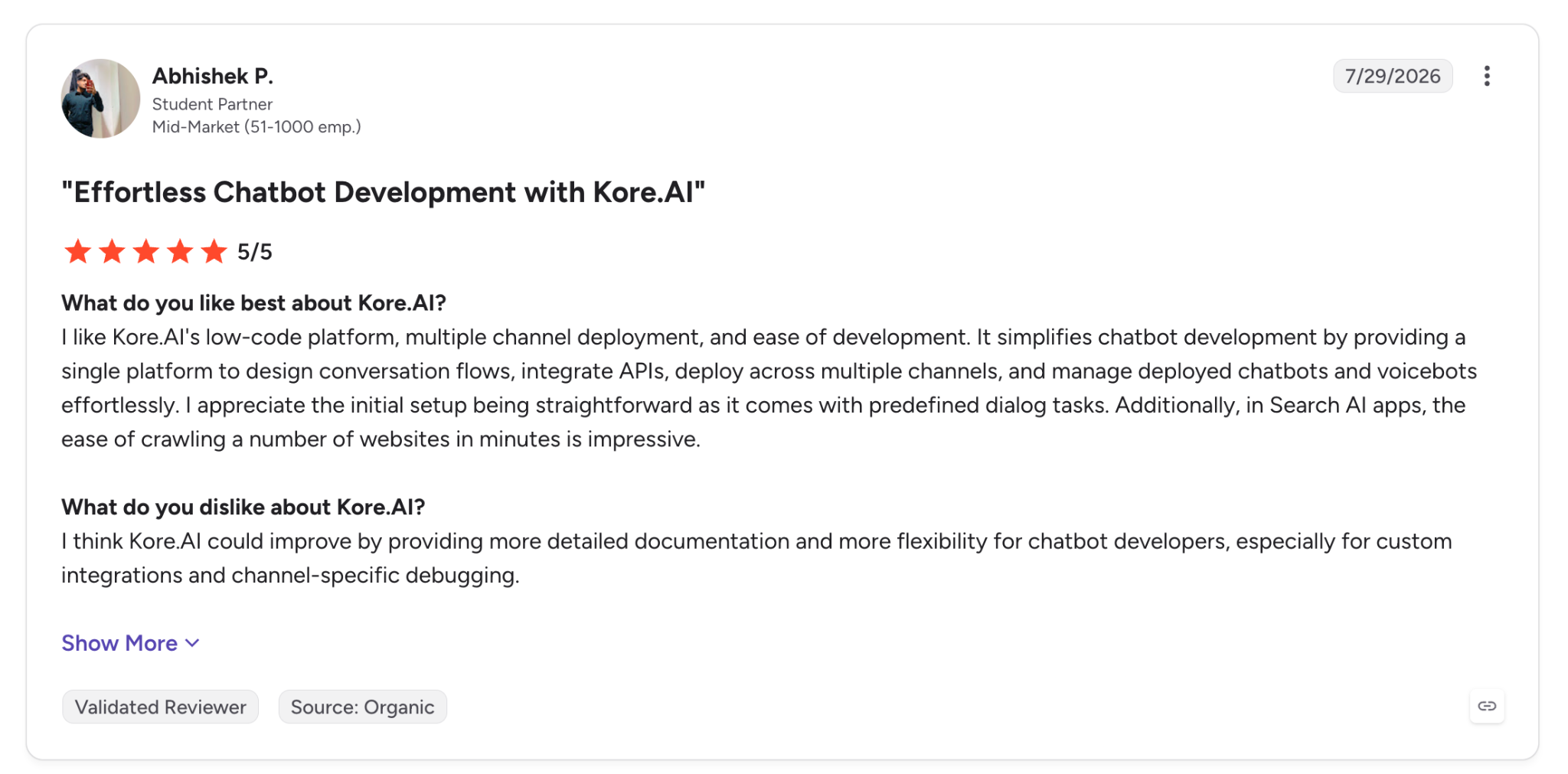
"It simplifies chatbot development by providing a single platform to design conversation flows, integrate APIs, deploy across multiple channels, and manage deployed chatbots and voicebots effortlessly." (Abhishek P., G2, reviewing Kore.ai's chatbot builder)
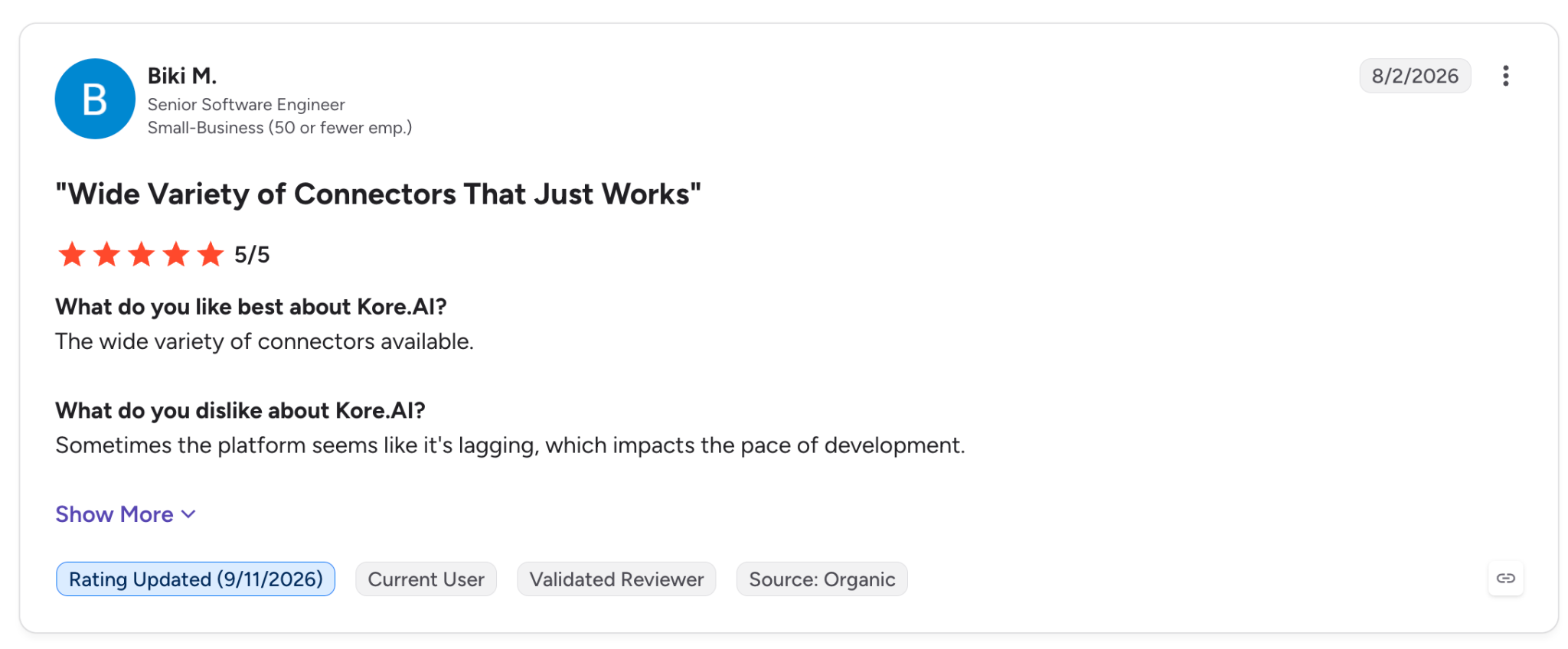
"Sometimes the platform seems like it's lagging, which impacts the pace of development." (Biki M., G2, reviewing Kore.ai's chatbot builder)
Pricing
Kore.ai doesn't publish pricing. Buyers request a quote through its contact form, and self-hosted deployment is available to enterprise customers.
Bottom Line
Kore.ai puts evals and approvals in the pipeline, so each service or HR agent goes out like a software release. The platform launched in May 2026 and quotes pricing only on request, so buyers who want a longer track record or an upfront price have more to weigh.
11. IBM watsonx Orchestrate: Best for governing agents across vendors
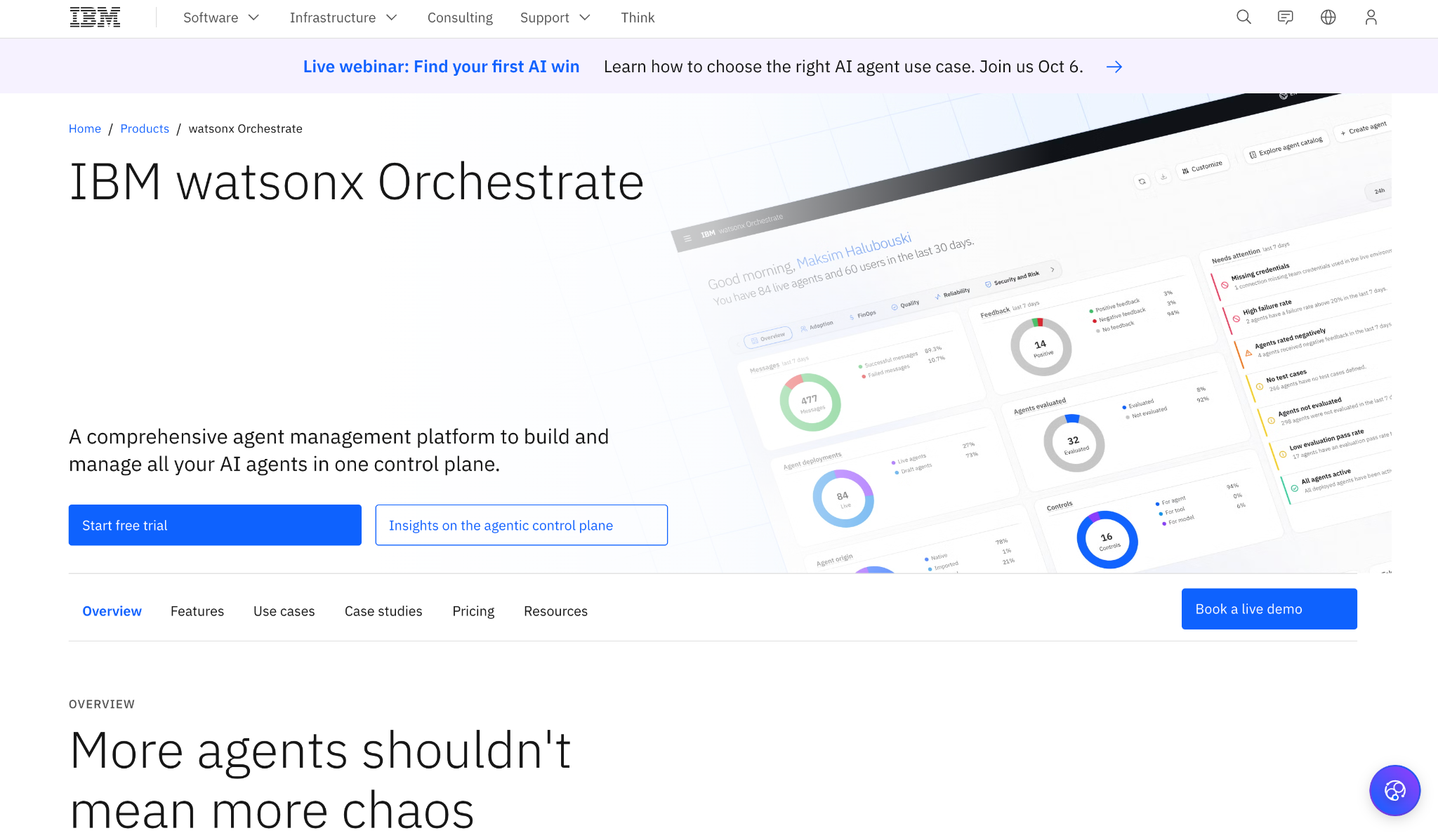
What it does: IBM watsonx Orchestrate is IBM's control plane for creating and managing AI agents, including agents created outside IBM.
Best for: Enterprises with agents spread across vendors that look for one place for policy and audit.
IBM watsonx Orchestrate aims to govern agents from other vendors. It scans connected platforms for agents and imports them into one control plane with shared policies and guardrails. Amazon Bedrock is supported today, with Microsoft Foundry and Google's platform following.
Agentic workflows can run for minutes to days and pause for human approval, and the platform reports token usage and LLM calls per agent.
Evaluations check that responses hold up and tool calls succeed. For the refund agent, the sign-off maps to a workflow that pauses for human approval before the refund is paid.
MCP workflows are still in public preview, pro-code building runs through a Python ADK, and Essentials covers 4,000 monthly active users and up to 200,000 messages a month.
Key Features
- Agent control plane: Discover and manage agents from IBM and other platforms in one directory.
- Low-code and pro-code builders: Turn an SOP into a deployable agent, or build custom tools with the Python ADK.
- Evaluation gates: Check that responses hold up and tool calls succeed on each agent.
Pros and Cons
Pros:
✅ Cross-vendor governance, with Bedrock agents generally available and Foundry and Google support following.
✅ Long-running workflows with human approvals included.
✅ Deployment choice across IBM Cloud, AWS, or on-premises environments.
Cons:
❌ Plan-based capacity caps on monthly users and messages.
❌ The ADK is distributed as a Python library and CLI, so pro-code teams work in Python.
❌ MCP workflows are in public preview, and their elicitations time out after 5 minutes by default.
What Users Say
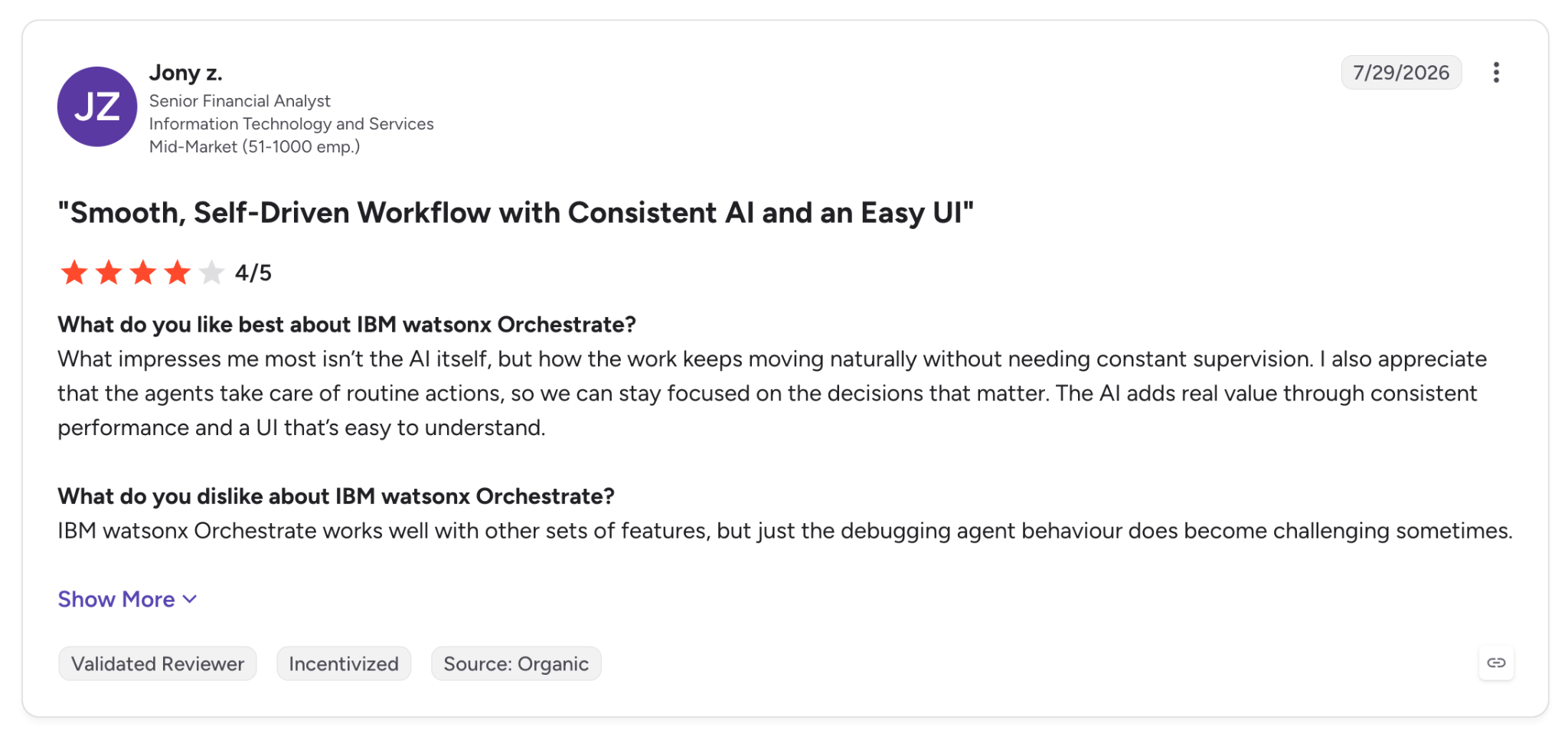
"I also appreciate that the agents take care of routine actions, so we can stay focused on the decisions that matter." (Jony z., G2)
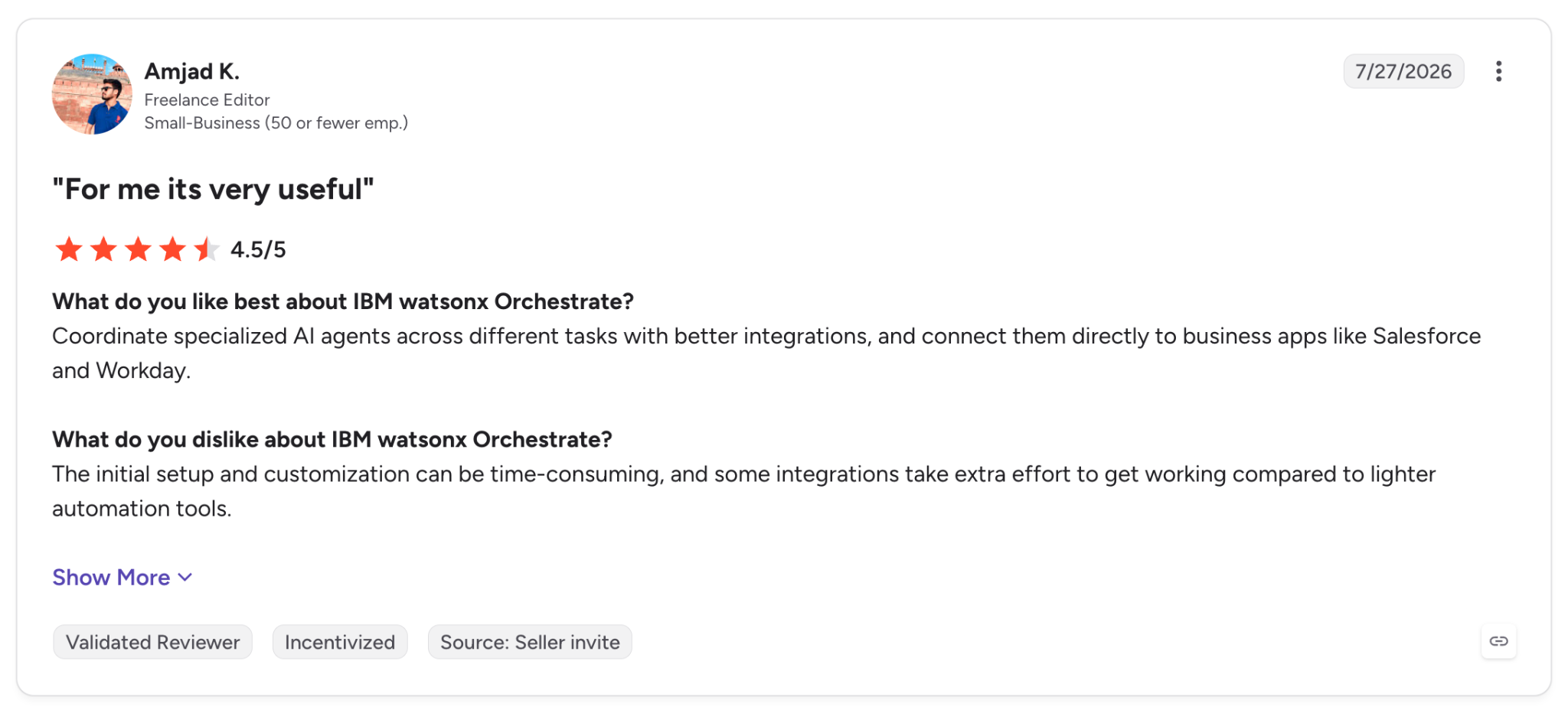
"The initial setup and customization can be time-consuming, and some integrations take extra effort to get working compared to lighter automation tools." (Amjad K., G2)
Pricing
watsonx Orchestrate Essentials starts at $530 per month, Standard at $6,360 per month, and Premium on contact pricing, with a 30-day free trial.
Bottom Line
watsonx Orchestrate gives an enterprise running agents in Bedrock and elsewhere one place to set policy and read the audit trail. With a single agent, there is no multi-vendor fleet for the control plane to govern.
Which AI agent deployment platform should you choose?
Start with who builds the agent and how long it runs, then decide how much of the stack IT wants to own.
- Choose Superblocks if non-engineers create agents and internal apps, and IT requires governance controls, data residency included, from the first deploy.
- Choose LangSmith Deployment if your agents are written in LangGraph and need checkpoints and human review.
- Choose Amazon Bedrock AgentCore if you work on AWS and want session isolation for multiple frameworks.
- Choose Gemini Enterprise Agent Platform if you're on Google Cloud and want an auditable identity per agent.
- Choose Microsoft Foundry Agent Service if your users work in Teams and Microsoft 365.
- Choose Northflank if you want your agents and their infrastructure inside your own cloud account.
- Choose Modal if your agents execute code in parallel and your team writes Python.
- Choose CrewAI AMP if you already build multi-agent crews with CrewAI.
- Choose Salesforce Agentforce if your agents work on Salesforce data and flows.
- Choose Kore.ai if you're deploying service and HR agents across many channels.
- Choose IBM watsonx Orchestrate if you must govern agents from several vendors' platforms.
Python and TypeScript support
Language narrows the shortlist mainly for TypeScript teams. CrewAI is Python only and IBM's ADK is Python. Modal defines functions in Python with beta JavaScript and Go SDKs, and Foundry's hosted agents accept Python and C#.
TypeScript teams have more options on LangSmith (LangGraph.js), AgentCore, and Google's ADK. Superblocks has Clark write the backend APIs in TypeScript, and Northflank runs containerized workloads.
Managed runtime versus your own infrastructure
Managed runtimes such as AgentCore, Google's Agent Runtime, Foundry, Agentforce, and Modal handle scaling and patching, and in return your agents run on the vendor's cloud. Northflank is at the other end, with BYOC across six clouds and on-prem Kubernetes.
In between, LangSmith, CrewAI, Kore.ai, and IBM offer hybrid or self-hosted options on enterprise plans, and Superblocks keeps production data in your VPC through hybrid or Cloud-Prem deployment.
Writing the agent itself is a separate step that tools like Claude Code and Cursor help with, and our AI development platforms roundup covers that side of the stack.
If you run a single internal chatbot with no tool access, a model API and a basic web host already cover the job.
Final verdict
For engineering teams writing their own agents, LangSmith Deployment checkpoints state at every step, Amazon Bedrock AgentCore isolates each session in its own microVM, and Gemini Enterprise Agent Platform gives each agent a SPIFFE-based identity.
For teams that want to host everything themselves, Northflank deploys into their own cloud account or an on-prem Kubernetes cluster.
Microsoft Foundry, Salesforce Agentforce, and Kore.ai work best for teams whose users or data already sit in those ecosystems, and IBM watsonx Orchestrate covers fleets that span more than one.
Among the remaining two, Modal suits Python teams running code agents in parallel, and CrewAI AMP suits teams already working in the CrewAI framework.
The call comes down to what happens when a run stalls, who can see which step spent which token, and whether IT can say yes to the next agent without opening a new risk review.
If the governed side of deployment is the priority, where departments create agents and apps and IT keeps the audit trail, Superblocks covers it. A demo shows how it works in your environment.
Frequently Asked Questions
What is the best AI agent deployment platform in 2026?
The best AI agent deployment platform depends on who builds the agent. Superblocks suits business teams building governed internal agents, LangSmith Deployment and Amazon Bedrock AgentCore suit engineers deploying framework code, and Gemini Enterprise Agent Platform suits Google Cloud teams.
Durable state also separates the options, since in my mapping Superblocks, Northflank, and Modal leave durable state partly or fully to you, while the other eight platforms provide it natively.
Where can I deploy AI agents?
You can deploy AI agents on managed agent runtimes, inside business platforms that host agents natively, or on your own infrastructure.
AgentCore, Google's Agent Runtime, Foundry, and LangSmith Cloud host agents for you. Agentforce and Kore.ai host agents next to CRM and service data, while Northflank and self-hosted LangSmith or CrewAI run them in their own cloud or Kubernetes cluster.
How are AI agents being deployed?
Across the 11 platforms covered here, agents deploy as containerized services or isolated sessions, with state, tracing, and scoped identities handled by the platform or added by the team.
Kore.ai moves agents through development, staging, pilot, and production with evaluation gates, and IBM watsonx Orchestrate adds evaluations for each agent.
Approval steps come from the platforms that support them, such as LangSmith Deployment and CrewAI Flows, which add a human sign-off before actions that move money or change records.
What is an AI agent deployment platform?
An AI agent deployment platform hosts agents in production and manages what happens around each run.
That covers durable state, tracing of steps and tokens, and isolated execution, along with the governance controls IT needs to oversee what agents do.
How much does an AI agent deployment platform cost?
Most AI agent deployment platforms bill on usage or a monthly plan, from free tiers to enterprise contracts.
AgentCore starts at $0.0895 per vCPU-hour, LangSmith Plus at $39 per seat, Superblocks Teams at $125 per month, and IBM watsonx Orchestrate at $530 per month, while Kore.ai runs on custom pricing.
At Virgin Voyages, non-technical teams now build their own AI apps, with IT governance fully intact. The result: 15+ production apps, seven departments onboard, and zero dedicated frontend engineers.
At Matthews, a marketing manager with zero coding background built an app that auto-generates offering memorandums, cutting turnaround from days to hours. See how the brokerage is putting AI builders on every team, with full governance intact.


Stay tuned for updates
Get the latest Superblocks news and internal tooling market insights.
Request early access
Step 1 of 2
Request early access
Step 2 of 2

You’ve been added to the waitlist!
Book a demo to skip the waitlist
Thank you for your interest!
A member of our team will be in touch soon to schedule a demo.
production apps built
days to build them
semi-technical builders
traditional developers
high-impact solutions shipped
training to get builders productive
SQL experience required
See the full Virgin Voyages customer story, including the apps they built and how their teams use them.

"Those tools are great for proof of concept. But they don't connect well to existing enterprise data sources, and they don't have the governance guardrails that IT requires for production use."
Table of Contents
%20(1).png)

Multiple authors
12 AI Agent Deployment Best Practices [2026]
AI agent deployment best practices that move an agent from offline evals to full traffic in stages, with scoped tools and a way to revoke it mid-task.
%20(1).png)
%20(1).png)