
Lovable, Cursor, and Superblocks are the three Bolt alternatives worth testing first, covering the closest prompt-to-app match, full code control for developers, and governed apps built on real business data. I ranked all 13 I tested below, judging each on the same build.
One disambiguation first. If you landed here looking for a Chevy Bolt comparison or the Bolt ride-hailing app, this isn't that. This list covers the Bolt.new AI app builder specifically, since all three share a name on Google.
I built the same small internal app, a request form with a database and an approval step, on every tool below that offered a free tier, then verified every price and feature claim directly against the vendor's live pricing page.
Thirteen platforms made the cut, grouped by the job they're built for. That covers prompt-to-app and frontend design, full-stack development with real code control, and no-code visual building.
Superblocks is on this list, and I tested it the same way as everything else, with the same pricing and the same honest limitations, so you can judge the fit yourself.
13 best Bolt.new alternatives: TL;DR
1. Superblocks: Best for governed internal apps at enterprise scale.
2. Lovable: Best for polished, full-stack MVPs from a single prompt.
3. Emergent: Best for multi-agent orchestration on full-stack builds.
4. Cursor: Best for professional developers coding with AI in their IDE.
5. Claude Code: Best for agentic work across a large codebase.
6. v0 by Vercel: Best for frontend prototyping on Vercel's own platform.
7. Replit: Best for collaborative, all-in-one building and hosting.
8. Devin Desktop: Best for developers who want a polished agentic IDE.
9. Base44: Best for non-coders who want an all-in-one backend included.
10. Bubble: Best for no-code apps needing complex visual logic.
11. UI Bakery: Best for low-code internal tools and admin panels.
12. Glide: Best for turning a spreadsheet into an app fast.
13. Google Antigravity: Best free option now that Firebase Studio is winding down.
Why people look for Bolt.new alternatives
Bolt.new is a fast way to get a prototype in front of someone. The reasons people start looking elsewhere tend to show up a little later, once a project moves past that first demo.
- Iteration burns through tokens fast. Fixing a bug or tweaking a feature means re-prompting the whole change, and that cost compounds with each round of fixes a project needs.
- Larger builds get less stable. Several tools on this list, including Superblocks and Claude Code, held up better on a multi-file, multi-step build than Bolt.new's single-pass generation did in my side-by-side tests.
- Default styling needs a cleanup pass. Generated interfaces usually need manual polish before they look like something you'd ship externally, a gap Lovable and v0 closed more consistently in my testing.
- There's no governance layer. Bolt.new has no built-in RBAC, SSO, or audit logging. That absence rules it out the moment a project touches real business data instead of a personal side project.
None of that makes Bolt.new a bad tool. The right alternative depends on which of these problems you've run into.
When sticking with Bolt.new makes more sense
Switching tools costs time, so it's worth confirming you've hit one of the walls above before switching. A few signs you probably haven't yet:
- Nobody outside your team has used the app yet: Token costs and re-prompting are annoying at the prototype stage, but they're not yet expensive enough to justify a migration on their own.
- The project has no compliance or client requirement around access control: Without a SOC 2, HIPAA, or contractual reason to have RBAC or audit logs, the missing governance layer isn't a blocker yet, but it will be one later.
- Monthly usage is still predictable: Check your actual Bolt.new spend against what a seat-based alternative would cost before assuming a switch saves money. For a small, low-traffic build, that cost difference is still small.
- The data model is still simple: If the current build is a straightforward CRUD app and Bolt.new's default Supabase setup handles it without a fight, there's no backend-complexity reason to move.
None of this is permanent. It's worth re-checking this list the moment a project stops being a side project and starts being something other people depend on.
How I researched and tested these Bolt.new alternatives
I built the same reference app, a request form writing to a database with a role-gated approval step, on every tool offering a free tier or trial.
I cross-checked pricing, free-tier limits, and feature claims against each vendor's current pricing page instead of trusting older comparison articles.
Here's what mattered most in that testing:
- Speed to a working prototype: How fast a single prompt or a few components turned into something usable instead of a polished-looking demo.
- Code ownership and export: Whether you keep clean, portable code or stay dependent on the platform's hosting indefinitely.
- Backend and database depth: How much logic and data modeling each tool supports before you hit a wall.
- Governance for production use: RBAC, SSO, and audit logs, where that matters for anything beyond a personal project.
- Real cost at actual usage: What a plan costs once credits, tokens, or seats scale past the free tier.
Running the same build across all 13 showed a clear split by job. Some tools are built to get a prototype in front of someone fast; others are built for developers who want full control of the codebase.
A few more are built for business users who think visually instead of working in prompts.
Bolt.new alternatives by job
Google's own AI Overview for this exact search groups tools the same way, so I'm matching that structure instead of forcing a single ranking approach onto different use cases.
For the broader category these tools belong to, see our guide to AI app builders and how an AI app platform differs from a builder.
Prompt-to-app and frontend design
Lovable, Emergent, v0 by Vercel, and Base44 turn a sentence into a working interface fast.
Full-stack development with real code control
Cursor, Claude Code, Devin Desktop, and Replit give developers AI acceleration without losing control of the codebase, and Superblocks belongs in this group too, specifically for governed internal apps.
No-code visual building
Bubble, UI Bakery, and Glide fit business users who think in components and data, rather than in prompts.
13 best Bolt.new alternatives: quick comparison
Pricing correct as of October 2026. Verify with vendor.
1. Superblocks: Best for governed internal apps at enterprise scale
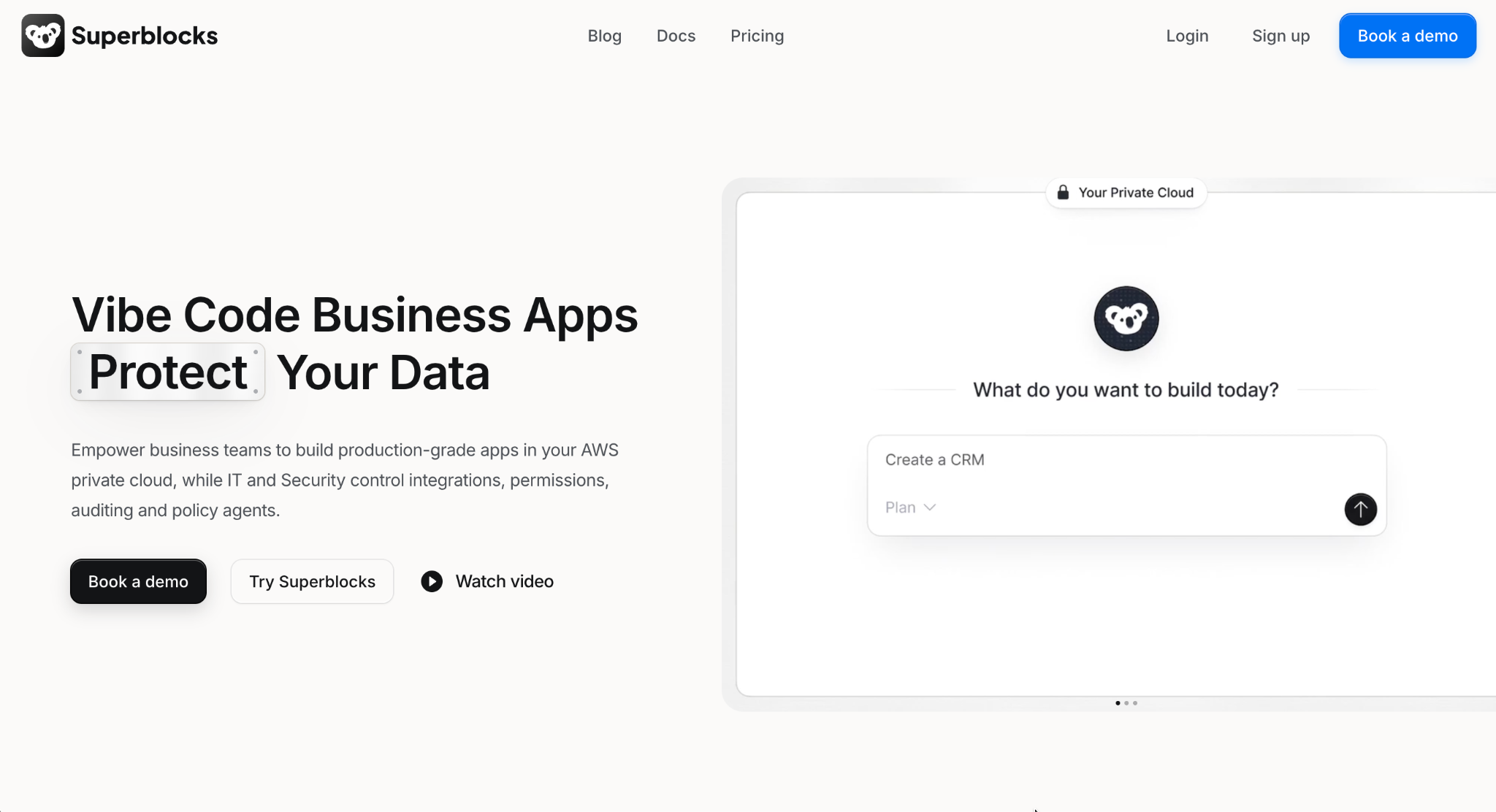
What it does: Superblocks combines AI generation, a visual editor, and full code access under one governed platform, built for production-grade internal applications rather than consumer prototypes.
Best for: Enterprises that want Clark to generate working apps fast without opening a gap in who can see or touch sensitive data.
Clark turned my prompt into a working form and database schema in about 25 minutes. The real difference showed up after that. The generated app inherited my test user's existing permissions on its own, whereas Bolt.new and most of the prompt-to-app tools on this list default new apps to open access until someone locks them down by hand.
Key features
- Three ways to build, one source of truth: Prompt Clark in natural language, drag-and-drop in the visual editor, or write code directly, and every mode stays in sync with the others.
- A governance layer built in, not bolted on: Role permissions, single sign-on, and audit trails are managed from one dashboard as the app footprint grows.
- Guardrails Clark can't skip: Set prompt rules and design standards once, and every app Clark generates follows them automatically.
- Sensitive data stays on your network: An on-premise agent handles the connections that touch regulated or internal systems directly.
Pros
- ✅ Governance applies automatically to AI generation, with no separate review step required.
- ✅ Mode switching stayed reliable, and AI, visual, and code modes never broke my build.
- ✅ RBAC ships on Teams by default, not gated behind a separate add-on.
Cons
- ❌ Built for internal tooling, not consumer-facing product launches.
- ❌ Smaller template library than Bubble or Retool at this point.
Best for
- Platform teams building an internal claims-review tool that needs to inherit existing Okta permissions automatically.
- IT teams replacing a spreadsheet-based intake process with proper audit logging for compliance.
- Fintech ops groups that need AI-generated apps reviewed against the same access rules as hand-coded ones.
Pricing
Superblocks has no free plan. Teams starts at $125/month, billed monthly, and covers up to 15 builders with RBAC included by default. Enterprise is custom-priced and adds SSO, audit logs, and VPC deployment. See the Superblocks pricing page.
Bottom Line
Superblocks is the pick when the app being built handles live production data and needs governance from day one, the core idea behind enterprise vibe coding as a category. Teams still validating an idea, with no compliance requirement yet, don't need what Superblocks adds.
2. Lovable: Best for polished, full-stack MVPs from a single prompt
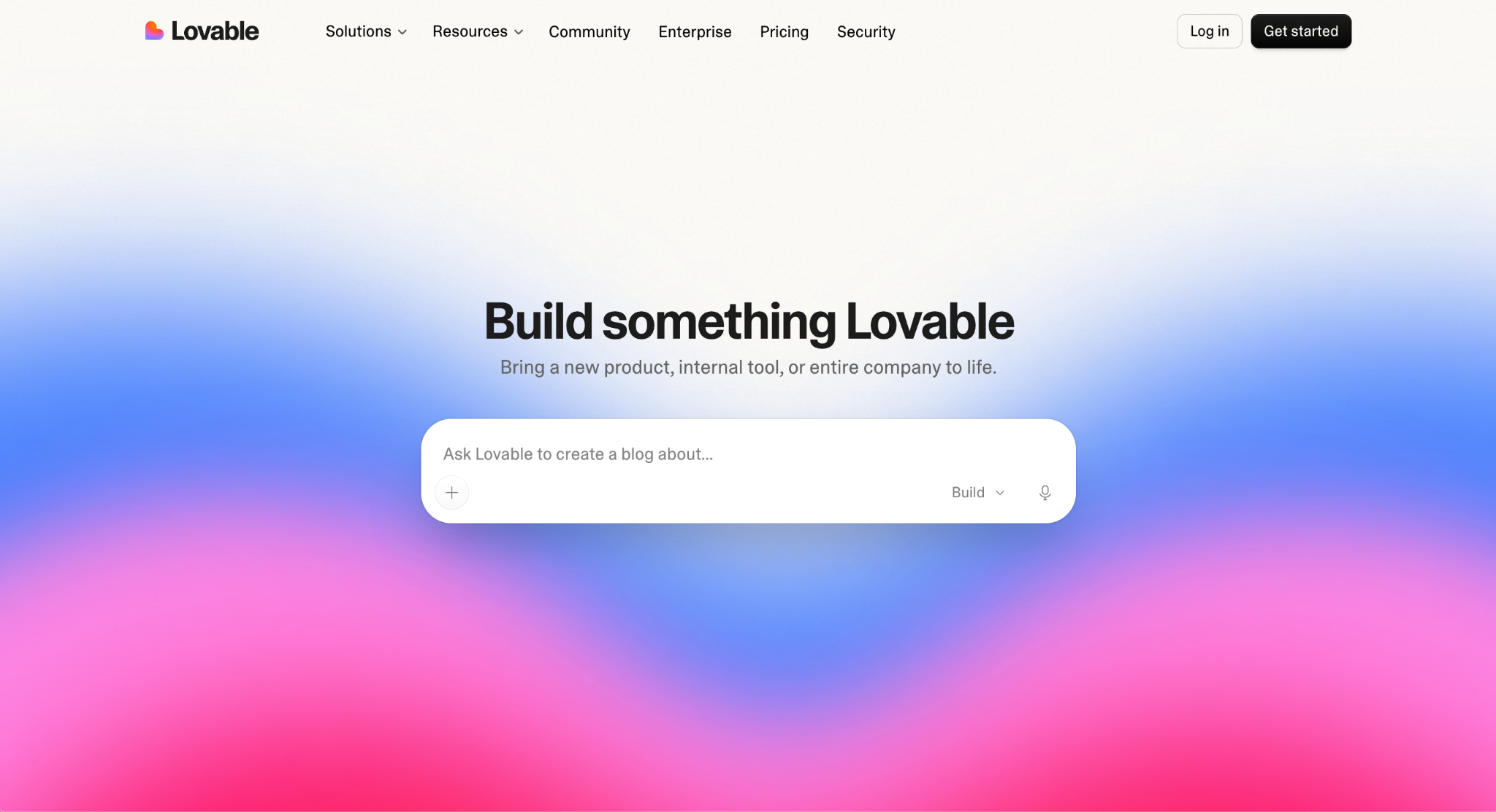
What it does: Lovable generates complete web applications from natural-language prompts, producing standard React and TypeScript code with Supabase handling the backend by default.
Best for: Founders and non-technical builders who want a polished, demo-ready MVP without hiring engineers.
Lovable had my reference build working in about 15 minutes, with noticeably cleaner default styling than Bolt.new produced on the same prompt. The backend logic still needed a manual review pass before I'd trust it with real users.
Key features
- Conversational app generation: Scaffolds a full-stack app from a chat interface.
- Visual editing: Real-time, drag-and-drop changes to generated components.
- Code access: Review, edit, export, or sync generated code with GitHub.
Pros
- ✅ Cleaner default output than most prompt-to-app competitors.
- ✅ GitHub sync makes handing off to a developer straightforward.
- ✅ The visual editor fixes issues the AI's first pass gets wrong.
Cons
- ❌ Multi-layered app logic is where it struggles.
- ❌ No governance layer, so sensitive data is off the table.
Best for
- Solo founders building a demo-ready MVP to show investors before hiring an engineer.
- Non-technical product managers who want a working prototype without waiting on a dev sprint.
- Small agencies spinning up a client-facing tool fast, then handing the exported code to a developer for polish.
Pricing
Lovable is free with 5 AI generations a day. Paid plans start at $25/month for Pro. Business costs $50/month and adds team workspaces, role-based access, and SSO. Enterprise is custom-priced, billed as a volume-based platform fee. See the Lovable pricing page. For more options, see our Lovable alternatives guide.
Bottom Line
Lovable comes closest to replicating Bolt.new's own workflow, and its default output needed less cleanup on my side-by-side tests. Once governance or deep backend logic enters the picture, though, it's time to look elsewhere on this list.
3. Emergent: Best for multi-agent orchestration on full-stack builds
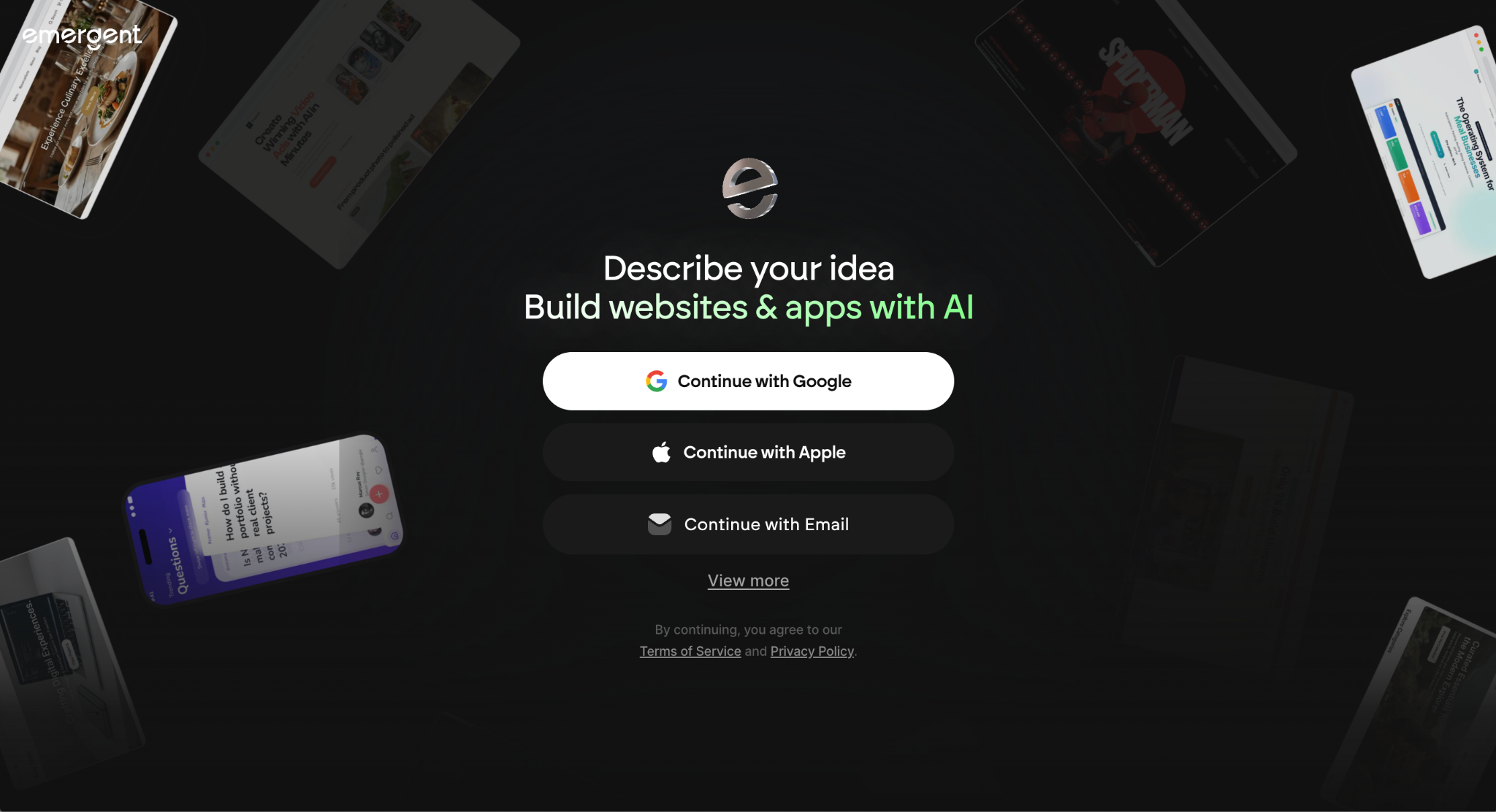
What it does: Emergent is a Y Combinator-backed platform that orchestrates teams of specialized AI agents, handling design, code, deployment, and integrations from one conversation to build full-stack web and mobile apps.
Best for: Builders who want a more structured, multi-agent approach to full-stack generation than a single prompt-and-response tool.
Emergent's agents finished my reference build in about 20 minutes. Watching them hand off design and backend work felt more deliberate than Bolt.new's single-pass generation, though iteration credit consumption ran faster than I expected.
Key features
- Multi-agent orchestration: Specialized agents handle design, code, and deployment as a coordinated team.
- Web and mobile builds: Generates both from the same natural-language brief.
- SOC 2 and ISO 27001 certification: A notable compliance baseline for a prompt-to-app tool.
Pros
- ✅ Multi-agent handoffs produced noticeably more coherent output on complex prompts.
- ✅ SOC 2 and ISO 27001 certifications most prompt-to-app competitors don't have.
- ✅ Web and mobile both generate from the same brief.
Cons
- ❌ Credits burn fast on iteration and bug fixes.
- ❌ 10 free credits monthly barely cover a real evaluation.
Best for
- Startups building a full-stack app where design, backend, and deployment need to move together under one brief.
- Teams wary of single-pass AI who want multiple agents checking each other's work.
- Compliance-conscious teams that need SOC 2 and ISO 27001 baked in from day one.
Pricing
Emergent is free with 10 credits a month. Paid plans start at $20/month for Standard, which includes 100 credits and drops to $17/month billed annually. Pro costs $200/month with 750 credits. Business and Enterprise are both custom-priced, with Business adding RBAC and SSO ahead of Enterprise's audit logs and VPC deployment. See the Emergent pricing page.
Bottom Line
Emergent is worth it when a more structured, multi-agent build process matters more than the lowest possible cost per iteration.
4. Cursor: Best for professional developers coding with AI in their IDE
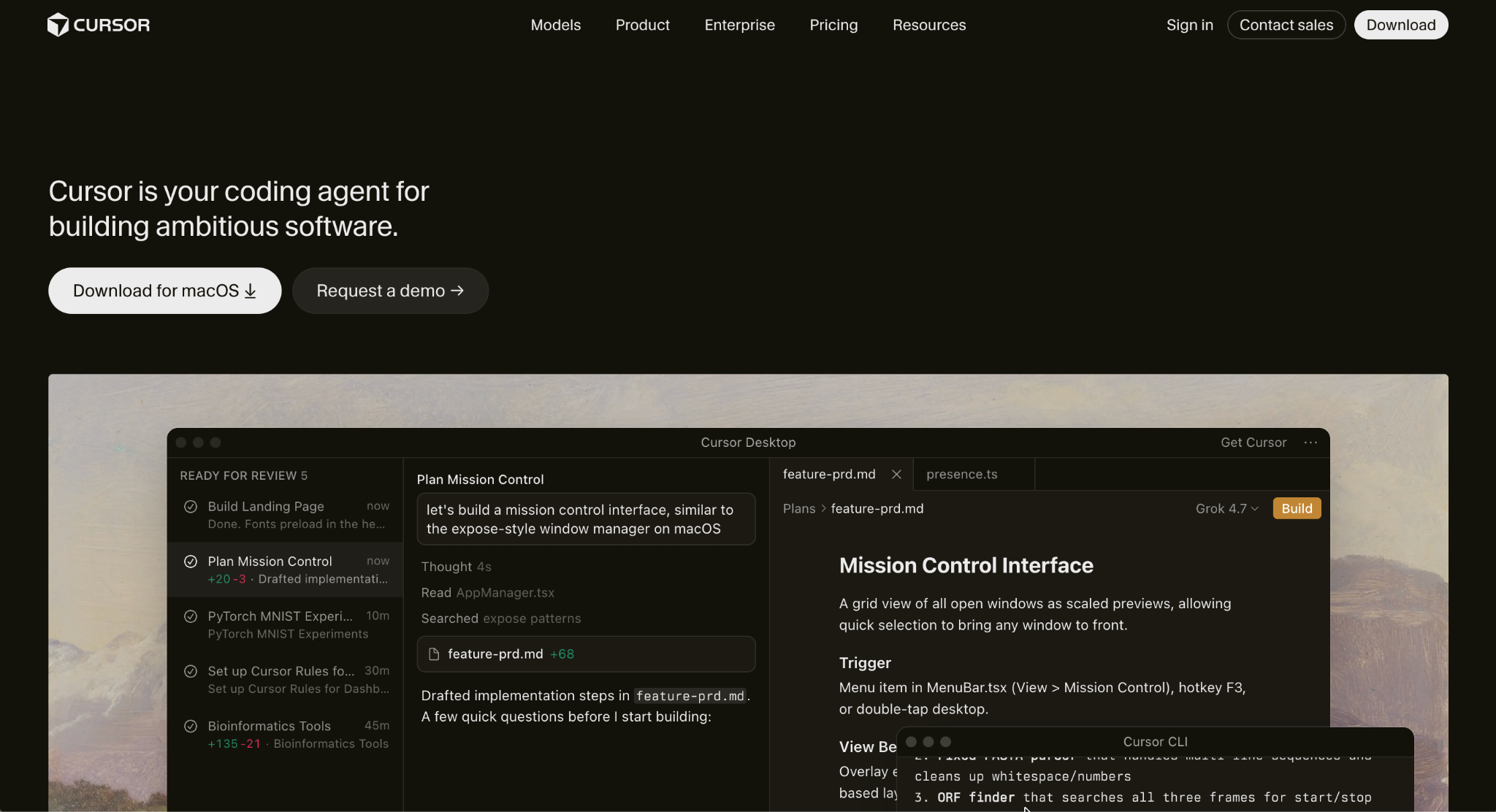
What it does: Cursor is an AI-first fork of VS Code that generates code, refactors existing projects, and reasons across a full codebase directly inside the editor.
Best for: Developers who want AI acceleration without leaving a familiar, code-first environment.
My reference app took about 40 minutes of active coding, which makes sense since Cursor is a coding tool for developers, not a prompt-to-app builder. Multi-file context awareness stood out most. Cursor correctly referenced my database schema in generated API logic without me re-explaining it.
Key features
- Composer agent mode: Multi-file, multi-step task execution across a codebase.
- Context-aware autocomplete: Suggestions that account for the whole project.
- VS Code compatibility: Existing extensions and keybindings carry over directly.
Pros
- ✅ Codebase-wide context makes suggestions meaningfully more relevant.
- ✅ Zero relearning for anyone coming from VS Code.
- ✅ Strong for boilerplate, tests, and documentation.
Cons
- ❌ Still requires programming knowledge; it accelerates coding rather than replacing it.
- ❌ Built for code, not clicks, so a non-technical teammate has no visual builder to fall back on.
Best for
- Developers refactoring a large codebase who want AI suggestions that understand the whole project.
- VS Code teams adopting AI tooling without retraining anyone on a new editor.
- Engineers writing tests and docs who want AI to handle the repetitive parts.
Pricing
Cursor has a free Hobby tier. Paid plans start at $20/month for Pro. Pro+ costs $60/month, and Ultra costs $200/month, both raising the usage limits on the same Individual plan. Teams costs $40/user/month. Enterprise is custom-priced. See the Cursor pricing page.
Bottom Line
For developers who want to stay in code with AI layered in, Cursor is the pick. Non-technical builders looking for a true Bolt.new replacement need a different pick here.
5. Claude Code: Best for agentic work across a large codebase
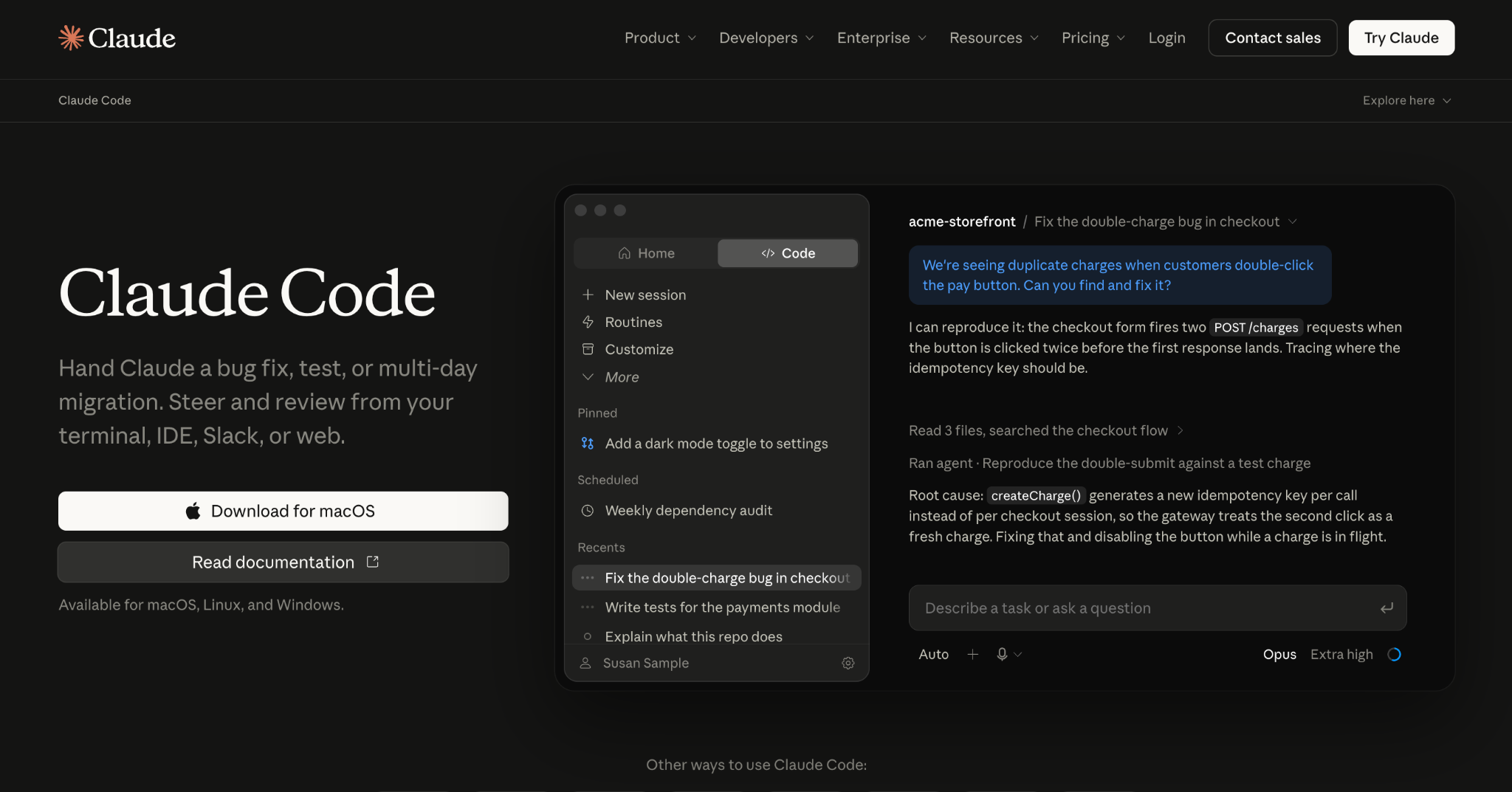
What it does: Claude Code is Anthropic's AI coding agent, working from the terminal or IDE to handle refactors, testing, and multi-file changes through conversational commands.
Best for: Engineering teams working in large, existing codebases who need an agent that reasons about the whole project.
Since Claude Code isn't built for starting a new app from scratch, I ran it against an existing mid-sized repo instead, asking it to add a feature end to end. It correctly traced dependencies across a dozen files without me pointing it to them individually.
Key features
- Project-aware coding: Understands full codebase structure without manual context setup.
- Multi-step agent commands: Executes complex tasks conversationally.
- Git-aware workflows: Stages, commits, and documents changes following existing conventions.
Pros
- ✅ Cross-file dependencies handled better than any other tool tested here.
- ✅ Strong on legacy code, generating documentation and tests reliably.
- ✅ Terminal-first workflow fits developers who already live there.
Cons
- ❌ Not built for blank-slate apps, only existing codebases.
- ❌ No visual layer, so non-technical users have nothing to click into instead of writing code.
Best for
- Engineering teams adding a feature to a repo with dozens of existing files and conventions to follow.
- Terminal-first developers who'd rather script than click through a visual editor.
- Teams tracing cross-file dependencies without pointing the agent to each one manually.
Pricing
Claude Code comes with Claude Pro at $20/month. Higher-usage Max plans cost $100/month and $200/month. See the Anthropic pricing page.
Bottom Line
Claude Code is the strongest agent here for existing codebases. Starting an app from nothing, Bolt.new's core use case, is the wrong job for it.
6. v0 by Vercel: Best for frontend prototyping on Vercel's own platform
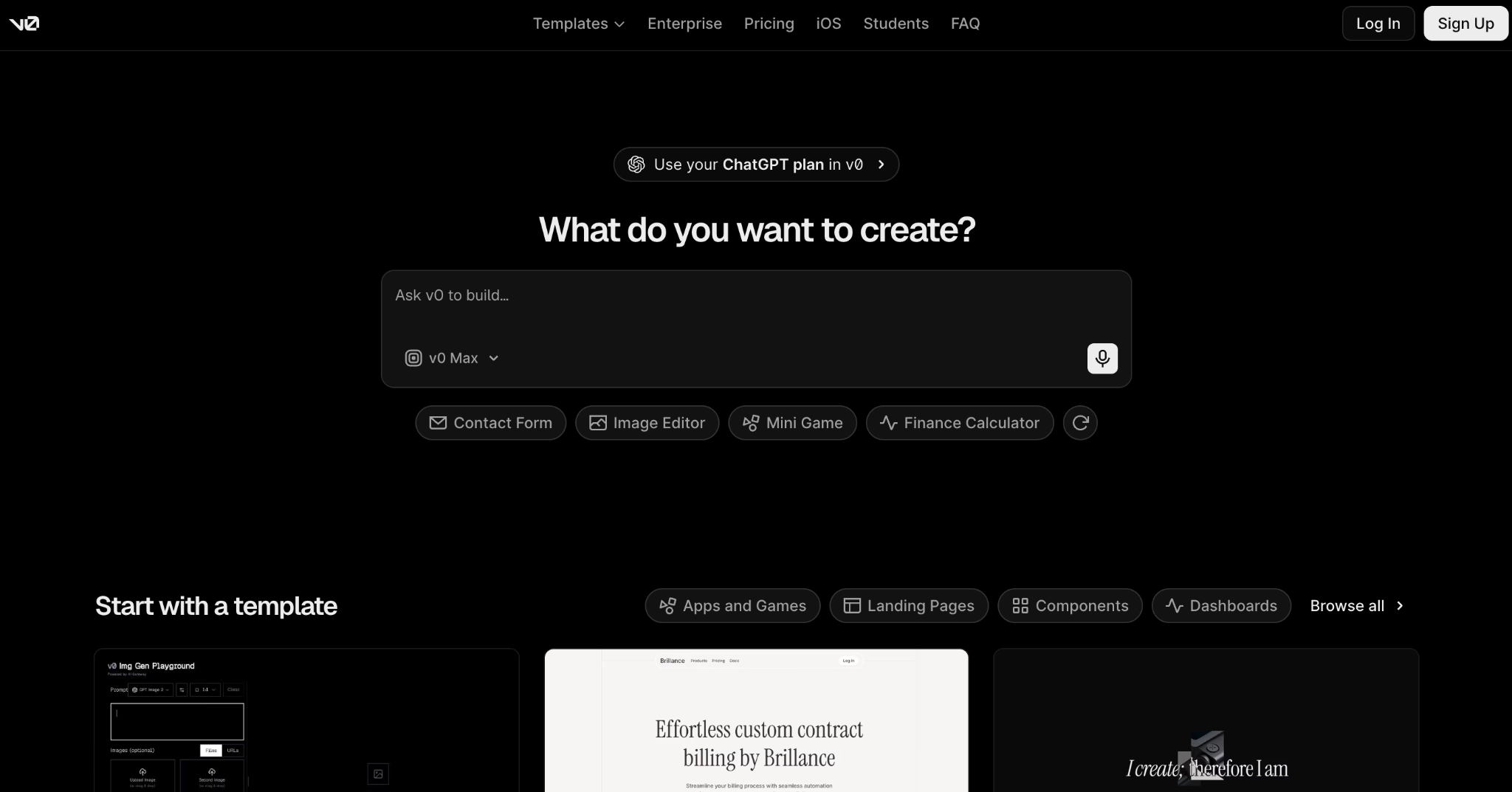
What it does: v0 converts a text prompt into web app components, UIs, and deployable sites, built on Vercel's infrastructure for instant preview deployments.
Best for: Product managers, designers, and developers prototyping interfaces who want to build and deploy without leaving Vercel's platform.
v0 generated a working form layout in under 10 minutes, but the backend logic for the approval step needed manual work. Vercel's own docs filled that gap, since v0 doesn't cover it.
Key features
- Text-to-UI generation: Describe an interface and get working Next.js code.
- Multiple input types: Upload mockups or connect Figma designs directly.
- Deep Vercel integration: Instant preview deployments, custom domains, and SSL.
Pros
- ✅ Output lands in a real GitHub repo as a standard Next.js app.
- ✅ Designers and developers collaborate on the same live prototype.
- ✅ Fast iteration, specifically on frontend design.
Cons
- ❌ Backend capabilities are limited out of the box.
- ❌ Generated designs read generic until manually customized.
Best for
- Designers and PMs prototyping a UI from a Figma file or mockup before handing it to engineering.
- Teams already on Vercel who want prototypes to land on a live preview URL immediately.
- Frontend developers who want working Next.js code instead of a static mockup.
Pricing
v0 is free with 7 messages a day. Paid plans start at $30/user/month for Plus. Business costs $100/user/month. Enterprise is custom-priced. See the v0 pricing page. For more options, see our v0 alternatives guide.
Bottom Line
v0 accelerates frontend work specifically, whereas Bolt.new tries to cover full-stack. It's limited for anything needing real backend logic.
7. Replit: Best for collaborative, all-in-one building and hosting
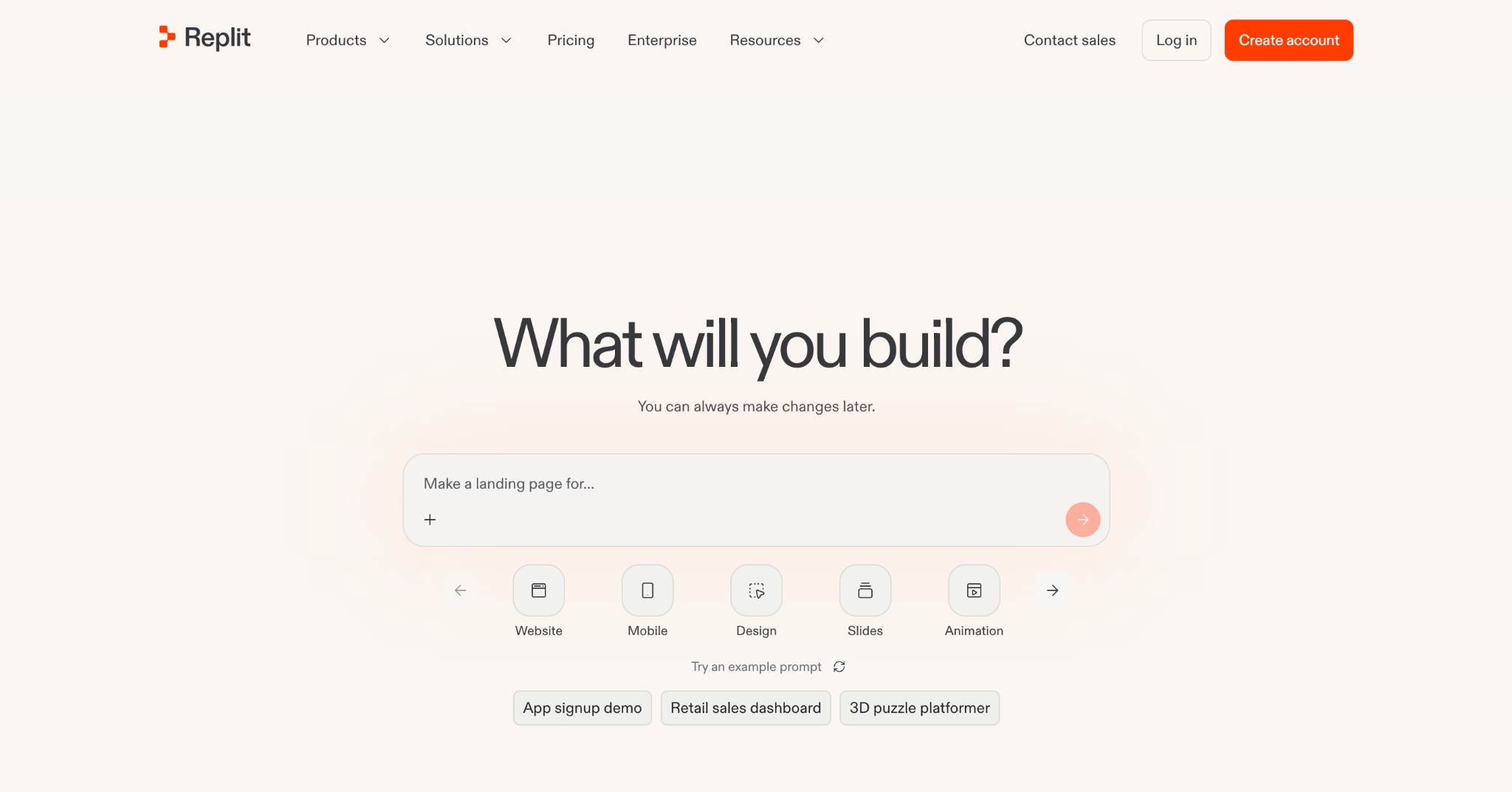
What it does: Replit provides a browser-based development environment where users code, collaborate, and deploy directly, with an AI agent that generates applications from prompts.
Best for: Individuals, students, and small teams shipping MVPs collaboratively without managing local environments.
Replit had my reference app running in about 30 minutes. Real-time multiplayer editing was the standout. Watching a teammate's cursor move through the same file live made pairing on the approval logic easy.
Key features
- AI agent coding assistance: Autocompletes functions, explains bugs, and generates context-aware code.
- Real-time multiplayer: Live cursor tracking, shared terminals, and built-in voice chat.
- One-click deployment: Turns projects into live apps without separate hosting setup.
Pros
- ✅ Real-time multiplayer coding makes remote collaboration easy.
- ✅ 50-plus languages supported in the same workspace.
- ✅ Direct imports from GitHub, Figma, or even Bolt and Lovable projects.
Cons
- ❌ Enterprise governance is limited, with thin security controls.
- ❌ No drag-and-drop building, only prompts and direct code.
Best for
- Small teams pairing in real time, without each person managing a local environment.
- Students and hobbyists learning to code who want to build and deploy from the browser.
- Teams importing an existing Bolt.new or Lovable project to keep iterating somewhere more collaborative.
Pricing
Replit's free Starter tier supports 10 apps with temporary links. Paid plans start at $20/month for Core. Pro costs $100/month. Enterprise is custom-priced. See the Replit pricing page. For more options, see our Replit alternatives guide.
Bottom Line
Replit is ideal for prototyping and collaborative learning, though it shares Bolt.new's lack of governance. Superblocks is the fix if that gap is the one you need closed.
8. Devin Desktop: Best for developers who want a polished agentic IDE
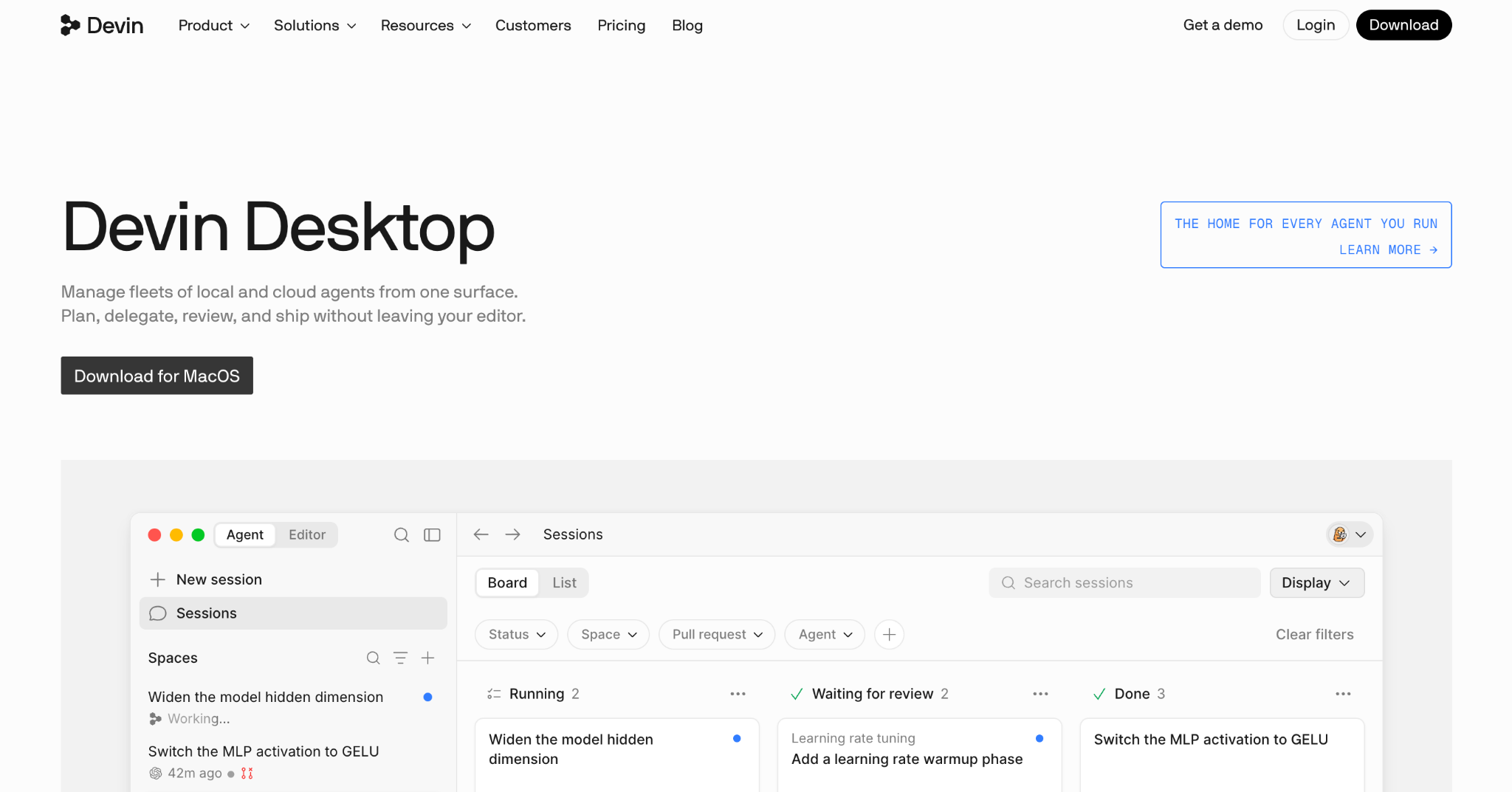
What it does: Windsurf built its reputation on Cascade, an agentic coding mode inside a polished editor, before Cognition rebranded the product to Devin Desktop in June 2026. That rebrand retired Cascade in favor of Devin Local and an Agent Command Center for coordinating several coding agents at once.
Best for: Developers who want deep agentic capability in a refined editor, now built around orchestrating multiple agents rather than one assistant at a time.
Cascade handled my reference app's multi-file changes smoothly, letting me approve each step visually before committing, which gave me more confidence than Bolt.new's more opaque generation process.
That workflow now runs under the Devin Local engine. Cognition's June 2026 rebrand carried existing plans, extensions, and keybindings over automatically, with no fresh setup required.
Key features
- Devin Local coding agent: The successor to Cascade, handling multi-step edits with visual diff approval at each stage.
- Agent Command Center: A Kanban-style dashboard for orchestrating several coding agents on different tasks at once.
- Flexible deployment: Cloud, hybrid, or self-hosted options for teams.
Pros
- ✅ Visual approval at each step builds trust in agentic changes before they commit.
- ✅ The editor itself feels complete, with agentic features built into the core rather than added on top.
- ✅ Deployment flexibility most prompt-to-app tools don't offer.
Cons
- ❌ Rebranded mid-2026 into Devin Desktop, so anyone comparing tools by the old Windsurf name should know Cascade no longer exists as such.
- ❌ Still editor-first, not visual, so a non-technical teammate still needs someone who can code.
Best for
- Developers who want visual approval on each AI-generated change before it commits.
- Teams running several coding agents at once from one dashboard.
- Existing Windsurf users who want their plans and extensions to carry over without a fresh setup.
Pricing
Devin Desktop, the product Windsurf became, is free to start. Paid plans start at $20/month for Pro, with Max at $200/month. Teams costs $80/month plus $40/month per developer seat. Enterprise is custom-priced. See the Devin pricing page.
Bottom Line
The agentic depth that made Windsurf worth using didn't get lost in the Devin Desktop rebrand, and existing subscriptions moved over with zero setup. It still isn't built for non-technical teammates who need a visual builder instead of an editor.
9. Base44: Best for non-coders who want an all-in-one backend included
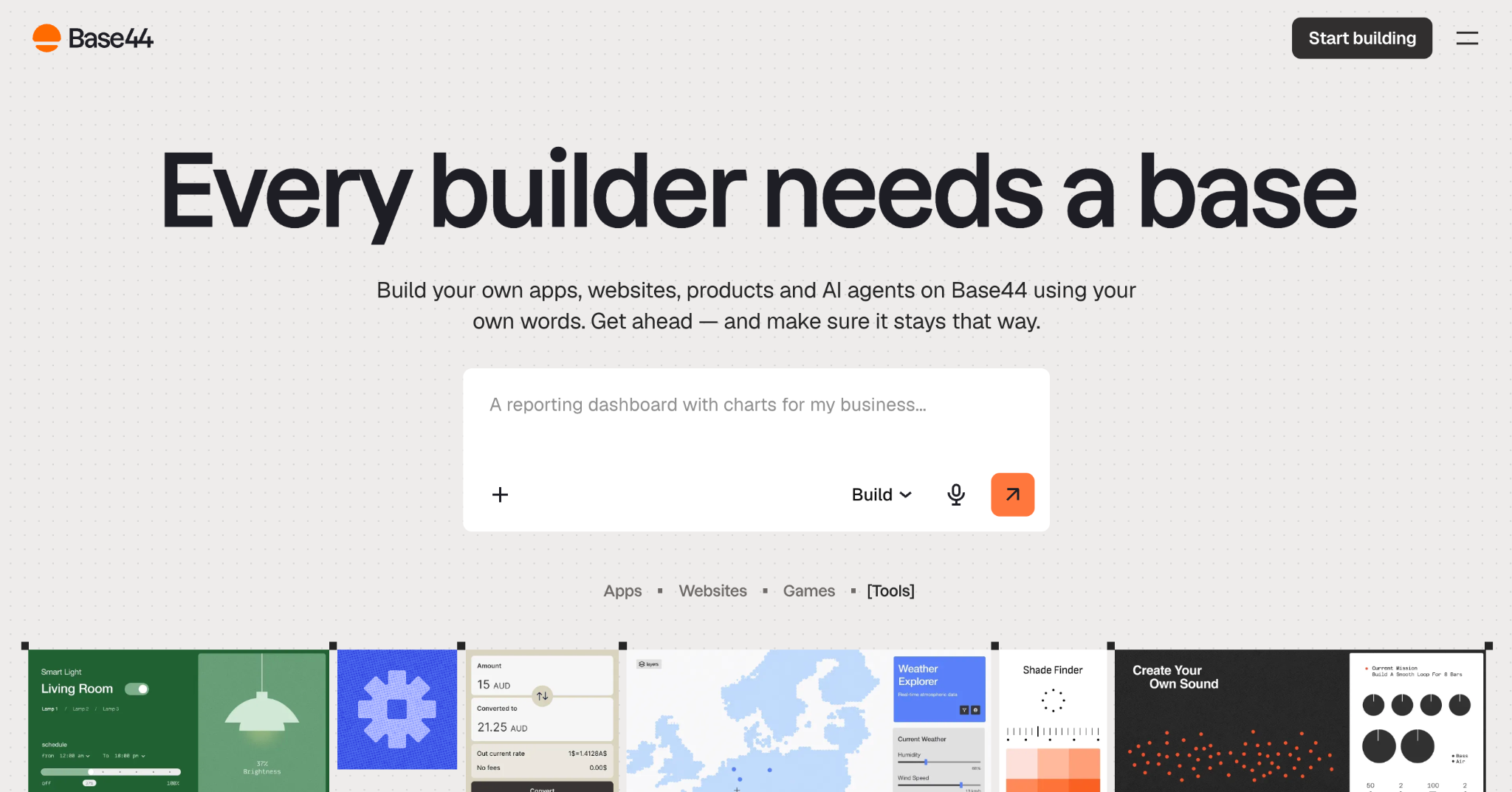
What it does: Base44 turns a natural-language prompt into a full-stack application, bundling database, authentication, and analytics so non-technical builders don't need to wire up separate services.
Best for: Non-coders who want the fewest possible moving parts between a prompt and a working app.
Base44 got my reference app's backend running faster than any no-code-leaning tool here, about 18 minutes, since authentication and database setup came bundled in rather than requiring separate configuration.
Key features
- All-in-one backend: Database, authentication, and analytics included by default.
- Natural language prompts: Describe the app and get a working version without separate integrations.
- In-app code edits: Adjust generated logic without leaving the platform.
Pros
- ✅ Fewer moving parts than tools requiring separate backend setup.
- ✅ Competitive entry pricing relative to similar all-in-one builders.
- ✅ Backend logic runs immediately, with no separate service to wire up.
Cons
- ❌ A past security vulnerability exposed some private enterprise applications; worth checking current status before sensitive use.
- ❌ No full code export on lower tiers, so you stay more platform-dependent than with Lovable.
Best for
- Non-technical founders who want authentication and a database working without configuring either separately.
- Small teams that want the fewest possible services to wire up before shipping an MVP.
- Builders prioritizing speed over full code ownership, at least for an early version.
Pricing
Base44 is free with 25 message credits a month. Paid plans start at $20/month for Starter. Builder costs $50/month, Pro costs $100/month, and Elite reaches $200/month. See the Base44 pricing page.
Bottom Line
Base44 is the fastest all-in-one option here for non-coders. Review its security track record before trusting it with sensitive data.
10. Bubble: Best for no-code apps needing complex visual logic
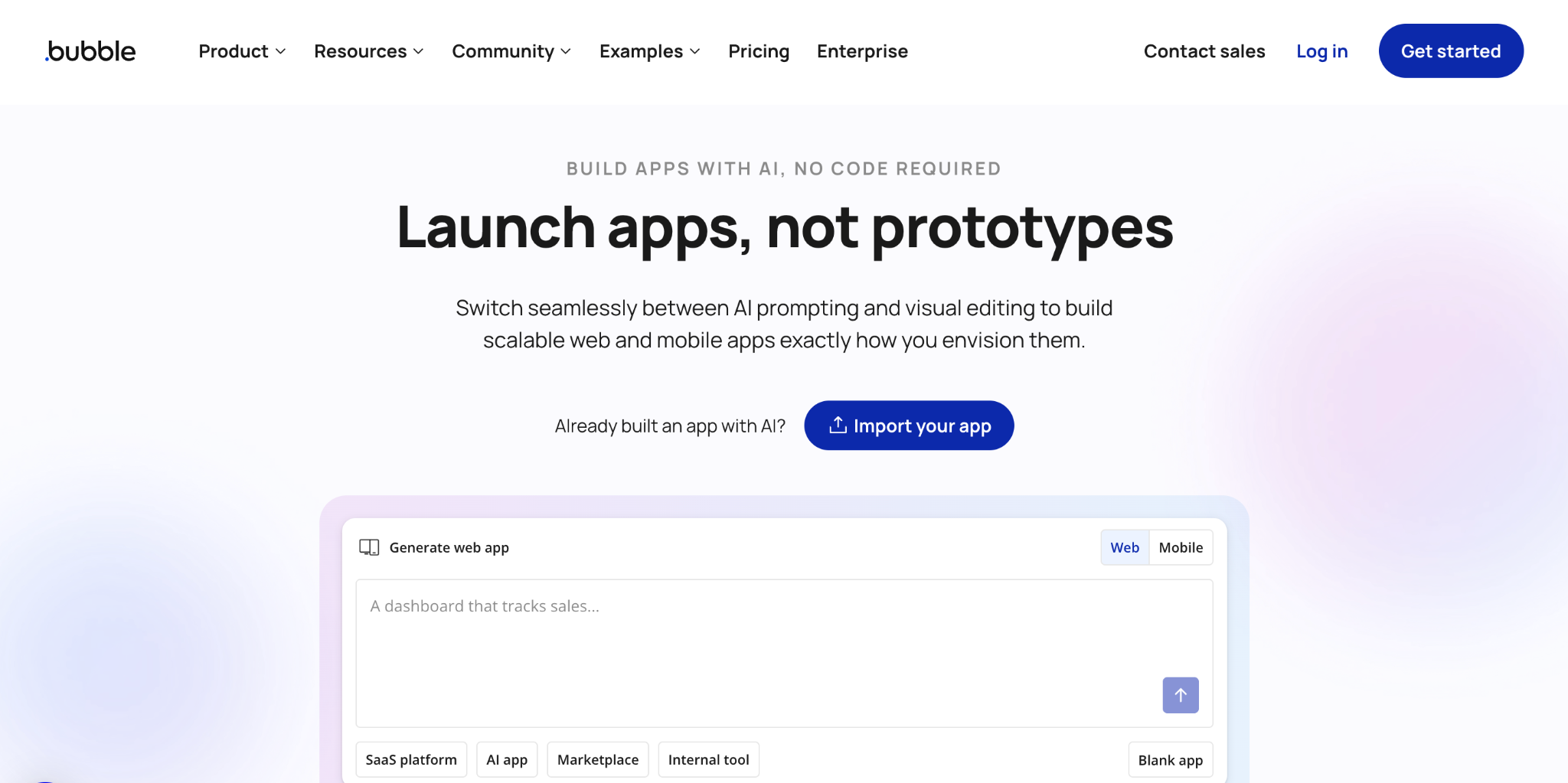
What it does: Bubble is a mature no-code platform for building web applications through full visual programming, with workflows, databases, and custom logic handled entirely without code.
Best for: Non-technical builders who need logic complexity a simple prompt-to-app tool can't express.
The same reference app took longer to build on Bubble than on any prompt-based tool, about an hour. The resulting workflow logic was more precisely controllable than anything AI-generated on this list.
Key features
- Visual workflow editor: Build complex, conditional logic without writing code.
- Native database: Built-in relational data storage with no external setup.
- Plugin marketplace: Hundreds of plugins extend core functionality without custom code.
Pros
- ✅ Logic complexity most AI-prompt tools can't match.
- ✅ A mature platform with hundreds of plugins to draw on.
- ✅ No dependency on AI interpreting your intent correctly.
Cons
- ❌ A steep learning curve despite being marketed as no-code.
- ❌ Slower to a first working version than any prompt-to-app tool here.
Best for
- Non-technical teams building an app with workflow logic too complex for a single prompt to describe.
- Operations teams that want visual, no-code control over every conditional step.
- Teams that've outgrown prompt-to-app tools and need a mature library of plugins instead.
Pricing
Bubble has a free tier for learning. Pricing depends on which platforms you need. Web-only plans start at $32/month for Starter, with Growth at $134/month and Team at $399/month.
Mobile-only starts at $49/month for Starter, $199/month for Growth, and $529/month for Team. Web and Mobile together start at $69/month for Starter, $249/month for Growth, and $649/month for Team. Enterprise is custom-priced across every track. See the Bubble pricing page.
Bottom Line
Bubble is the right choice once an app's logic outgrows what a prompt can describe accurately.
11. UI Bakery: Best for low-code internal tools and admin panels
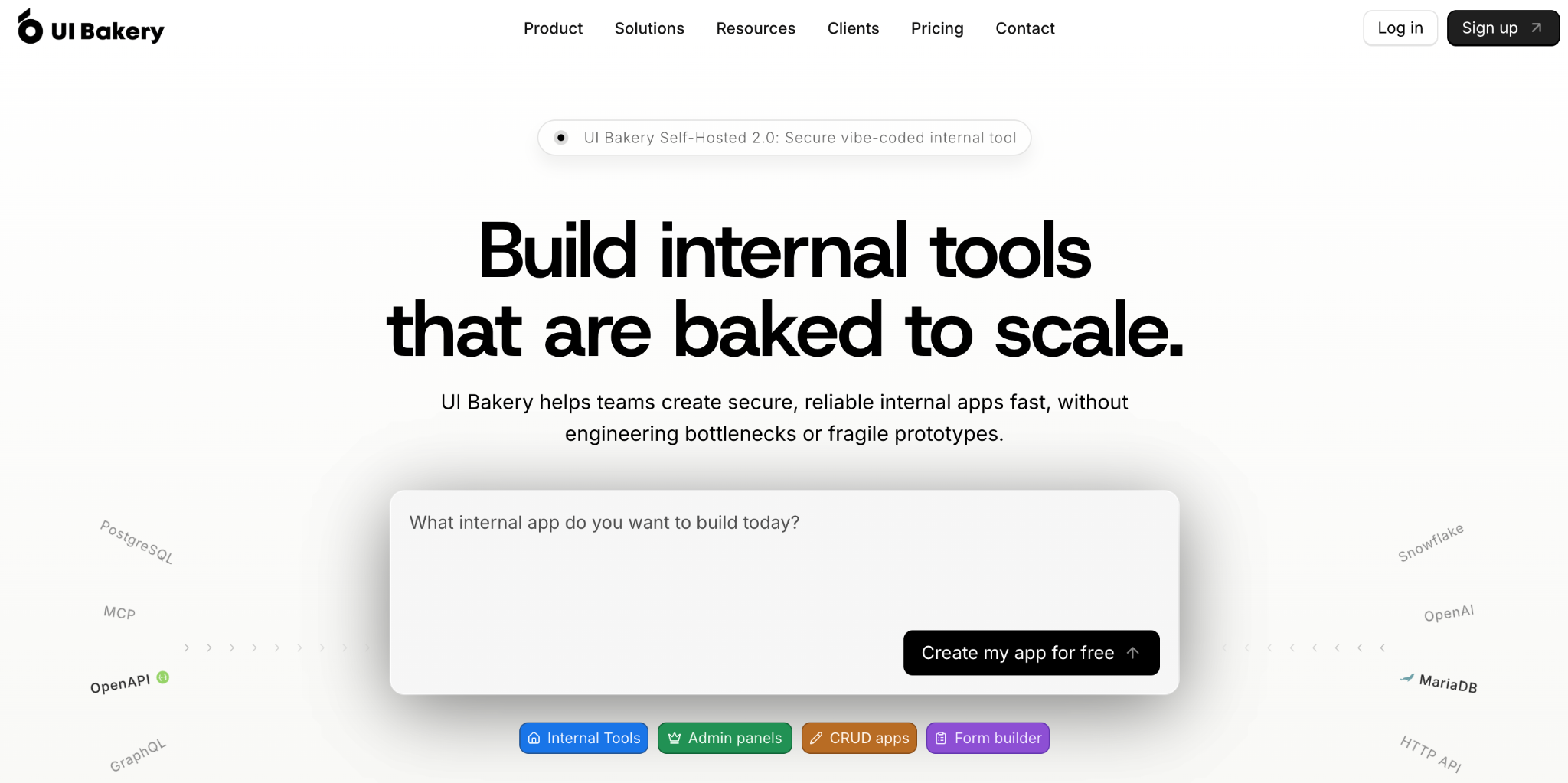
What it does: UI Bakery is a low-code platform for building internal tools, dashboards, and admin panels, with a drag-and-drop builder, strong data connectors, and AI-assisted generation layered on top.
Best for: Teams building operational, data-driven internal apps rather than consumer-facing products.
UI Bakery connected my reference app's database in about 15 minutes, with a connector library that felt closer to Retool's depth than to a typical prompt-to-app tool. That depth came at the cost of a less conversational building experience.
Key features
- Drag-and-drop builder: Visual component assembly for tables, forms, and dashboards.
- Strong data connectors: Native connections to common databases and APIs.
- Self-hosting option: Deploy on your own infrastructure when needed.
Pros
- ✅ Connector depth closer to a dedicated internal tools platform than a prototyping tool.
- ✅ Self-hosting option for teams with infrastructure requirements.
- ✅ The free tier handles small internal tools without hitting a paywall.
Cons
- ❌ Consumer-facing builds aren't the focus here.
- ❌ AI generation feels like an add-on, not the core workflow.
Best for
- Ops teams building an internal dashboard or admin panel connected to an existing database.
- Teams with self-hosting requirements, for infrastructure or compliance reasons.
- Internal tools teams that need strong data connectors more than a conversational building experience.
Pricing
UI Bakery has a free tier. Paid plans start at $25/month for Builder. Team costs $40/month. Enterprise is custom-priced. See UI Bakery's pricing page.
Bottom Line
UI Bakery is the better fit when the app is an internal tool or admin panel, a different job than the consumer-facing products Bolt.new-style tools are built for.
12. Glide: Best for turning a spreadsheet into an app fast
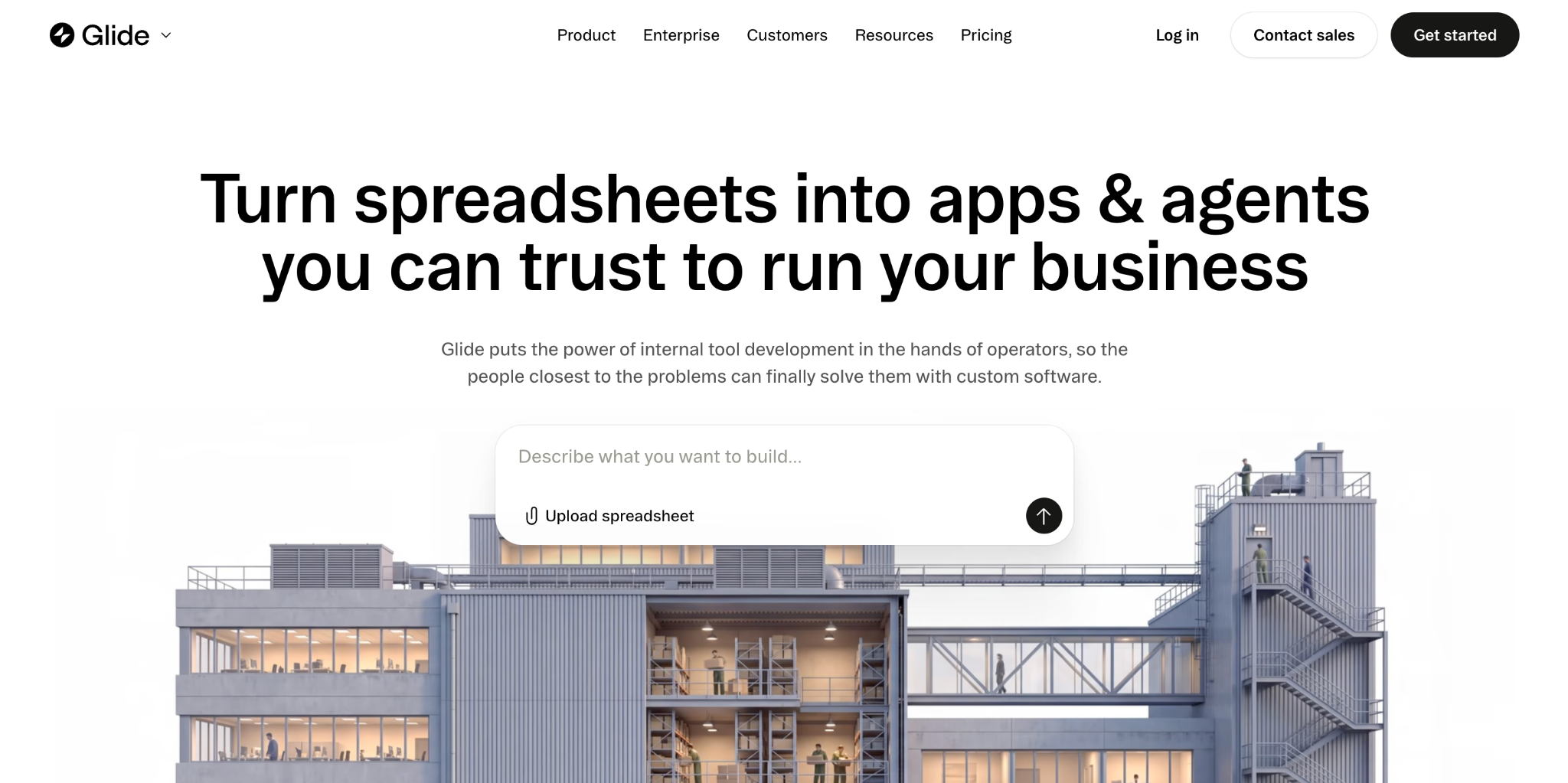
What it does: Glide turns spreadsheet data into functional web and mobile apps, built specifically for builders who already think in rows and columns rather than prompts or code.
Best for: Solo builders and small teams who want a working app from existing spreadsheet data within a day.
Glide turned a sample spreadsheet into a working app in under 20 minutes, the fastest spreadsheet-to-app experience I tested. The credit-based pricing model is worth understanding before committing, though.
Key features
- Spreadsheet-native building: Apps generate directly from Google Sheets, Airtable, or native Glide Tables.
- Visual app builder: Layouts, actions, and logic without writing code.
- Glide AI: Assists with generating and refining app logic from prompts.
Pros
- ✅ The fastest path from a spreadsheet to a usable app.
- ✅ Zero technical background required to get started.
- ✅ Mobile-friendly output, by default.
Cons
- ❌ Credit-based pricing escalates fast on data-heavy apps.
- ❌ No code export, so you stay platform-dependent long-term.
Best for
- Small businesses turning an existing Google Sheet or Airtable base into a working app.
- Non-technical builders who want a working, mobile-friendly app within a day.
- Teams prototyping a data-driven tool before justifying investment in a bigger platform.
Pricing
Glide is free to start. Paid plans start at $25/month for Basic. Plus costs $50/month and Pro costs $125/month. Enterprise is custom-priced. See the Glide pricing page.
Bottom Line
For spreadsheet-native builders, nothing here beats Glide's speed. Anyone starting from a blank prompt will find more flexibility with a prompt-to-app tool instead.
13. Google Antigravity: Best free option now that Firebase Studio is winding down
What it does: Google Antigravity is an agent-first IDE running on Gemini 3, with multi-agent orchestration and browser automation, free during its current public preview.
Best for: Developers wanting to test agent-first workflows for free, especially anyone who was considering Firebase Studio.
One timing note worth flagging here: Google has been discontinuing Firebase Studio, with new account registration disabled since June 2026 and a full shutdown scheduled for March 2027.
If you've seen Firebase Studio recommended as a free Bolt.new alternative elsewhere, that advice is now out of date, and Google is steering users toward Antigravity instead.
Key features
- Multi-agent orchestration: Coordinate several agents on one task simultaneously.
- Browser automation: Built-in web interaction for testing generated apps.
- Gemini 3 models: Google's current frontier model stack powering generation.
Pros
- ✅ Free during public preview, with no cost barrier to trying it.
- ✅ Built agent-first from the ground up, with orchestration as the core design instead of an add-on.
- ✅ Backed by Google's active model development roadmap.
Cons
- ❌ Pricing after preview hasn't been announced, so budget uncertainty is real.
- ❌ Preview-stage maturity means expect some rough edges.
Best for
- Developers testing an agent-first IDE before committing budget to one.
- Teams that were about to default to Firebase Studio and need a current alternative.
- Developers curious about multi-agent orchestration without an existing Copilot or Claude subscription.
Pricing
Google Antigravity is free during its public preview. Pricing after the preview ends hasn't been announced. See Antigravity's site.
Bottom Line
Antigravity is worth trying specifically because it's free right now and is Google's actual current answer in this space, unlike Firebase Studio.
How to evaluate Bolt.new alternatives
Specs and demos only tell you so much. Here's what separates a good fit from a tool you'll be migrating away from again in a few months:
- Where your code lives: Check whether the tool exports clean, portable code you own or keeps your app locked to its own hosting. That decides how hard it is to leave later.
- How pricing scales past the free tier: Token and credit-based pricing can climb fast once a project gets real traffic. The homepage number rarely tells the full story, so read the actual pricing page for the figure that matters.
- Whether governance ships by default or costs extra: RBAC, SSO, and audit logs matter the moment an app touches real business data. Some vendors gate these behind an enterprise tier, and some don't offer them at all.
- How much backend complexity it can hold: A tool that handles a landing page well can fall over on a multi-table data model with real business logic. Test it against your own data shape, not a demo dataset.
- Who owns it after launch: A non-technical builder and a developer need different tools even for the same app. Match the tool to whoever is running it once the initial build is done.
- How locked in you'd be: Some platforms make leaving painful by design. Check what happens to your data and your app if you stop paying before you commit to one.
Migrating off Bolt.new: what it actually takes
Most people who leave Bolt.new hit a wall a few weeks into a project and need out. Here's what that migration involves.
Run this as a cost comparison before starting, not only a technical checklist. Add up the hours already going into re-prompting around Bolt.new's limits, then weigh that against the one-time migration effort plus whatever the new tool's subscription adds. Teams that run this math explicitly tend to migrate sooner, and with less frustration, than ones that wait until the wall becomes unavoidable.
1. Export your code: Bolt.new projects sync to GitHub, so start by getting a clean export into your own repository instead of working from the platform's hosted version.
2. Audit the Supabase dependency: Most Bolt.new apps use Supabase for the backend by default. Decide whether to keep that connection or migrate to a different database as part of the move.
3. Rebuild environment variables and secrets: Anything configured inside Bolt.new's environment needs to be recreated in whatever you're moving to, since these don't always export cleanly.
4. Choose your next environment based on what broke: If you hit a backend complexity wall, Cursor or Claude Code give you full control. If you hit a governance wall, Superblocks or Bubble add structure Bolt.new doesn't have.
5. Test the full user flow before cutting over: Run the migrated app in parallel with the Bolt.new version until you're confident nothing silently broke in the move.
Pro tip: Don't wait until the wall is unavoidable to plan your exit. Exporting code early, even while still building in Bolt.new, keeps the eventual migration far less painful.
Which Bolt.new alternative should you choose?
Match the tool to the job, since these 13 split cleanly by what they're built for.
Choose Superblocks if you:
- Need governed internal apps that touch real business data.
- Want AI generation that respects existing permissions automatically.
Choose Lovable, Emergent, Base44, or v0 if you:
- Want a fast, polished prompt-to-app or frontend-design experience closest to Bolt.new itself.
- Don't yet need governance or deep backend complexity.
Choose Cursor, Claude Code, Devin Desktop, or Replit if you:
- Are a developer who wants AI acceleration without losing code control.
- Need to work inside an existing, larger codebase.
Choose Bubble, UI Bakery, or Glide if you:
- Think visually instead of in prompts, or need logic complexity AI generation struggles with.
Choose Google Antigravity if you:
- Want to try an agent-first IDE for free during its public preview.
- Were about to pick Firebase Studio, since Google is steering new users to Antigravity instead.
Skip Bolt.new alternatives entirely if:
- Bolt.new itself is still meeting your needs. Nothing here is a reason to switch if it's working.
Final verdict
For internal apps that need to scale past a prototype without becoming shadow IT, Superblocks was the strongest combination of speed and governance in my testing.
Lovable remains the closest match to Bolt.new's actual workflow, with cleaner default output in most of my side-by-side builds. Developers who want to keep writing code directly should look at Cursor or Claude Code over any prompt-to-app tool.
And if logic complexity is the real blocker, Bubble will get you further than another round of AI prompts. Match the tool to what broke for you in Bolt.new rather than to whatever Bolt.new alternative is trending next.
Most of the tools on this list get a prompt to a working prototype fast. Getting from prototype to something IT will sign off on is a different problem, and it's the one Superblocks is built to solve. The Superblocks Quickstart walks through building a governed app from your own data in under 15 minutes.
If your team is weighing Bolt.new alternatives because a prototype needs to become a real internal tool, book a demo to see how Clark generates apps that inherit your existing permissions from the first prompt.
Frequently asked questions
What is the best Bolt.new alternative?
The best Bolt.new alternative depends on what you need. Lovable is closest to Bolt.new's own prompt-to-app workflow, Superblocks fits governed internal apps, and Cursor or Claude Code suit developers who want to keep writing code directly instead of generating an app from scratch each time.
Which is better, v0 or Bolt.new?
v0 is better specifically for frontend and UI prototyping on Vercel's own platform, while Bolt.new covers more full-stack ground, including backend logic and database setup. Choose v0 if your priority is a polished UI fast, and Bolt.new or Lovable if you need the backend handled too.
Can I use Bolt AI for free?
Yes, Bolt.new offers a free tier with 1 million tokens monthly, enough for small projects and testing. Paid plans start at $25/month for higher token allowances once a project outgrows the free tier.
Is there a free alternative to Bolt.new?
Yes. bolt.diy is the official open-source version of Bolt.new, free to self-host with any LLM you connect. Among the alternatives, Replit, Cursor, v0, Lovable, Base44, Emergent, UI Bakery, and Glide all have free tiers too, and Google Antigravity is free during its public preview.
What's the difference between Bolt.new and Superblocks?
The difference between Bolt.new and Superblocks is governance. Bolt.new is built for fast, ungoverned prototyping of consumer-facing apps, while Superblocks is built for governed internal tools that need RBAC and audit logs from the start. Bolt.new apps also typically depend on Supabase, while Superblocks connects directly to your existing enterprise data.
At Virgin Voyages, non-technical teams now build their own AI apps, with IT governance fully intact. The result: 15+ production apps, seven departments onboard, and zero dedicated frontend engineers.
At Matthews, a marketing manager with zero coding background built an app that auto-generates offering memorandums, cutting turnaround from days to hours. See how the brokerage is putting AI builders on every team, with full governance intact.


Stay tuned for updates
Get the latest Superblocks news and internal tooling market insights.
Request early access
Step 1 of 2
Request early access
Step 2 of 2

You’ve been added to the waitlist!
Book a demo to skip the waitlist
Thank you for your interest!
A member of our team will be in touch soon to schedule a demo.
production apps built
days to build them
semi-technical builders
traditional developers
high-impact solutions shipped
training to get builders productive
SQL experience required
See the full Virgin Voyages customer story, including the apps they built and how their teams use them.

"Those tools are great for proof of concept. But they don't connect well to existing enterprise data sources, and they don't have the governance guardrails that IT requires for production use."
Table of Contents
%20(1).png)

Multiple authors
12 AI Agent Deployment Best Practices [2026]
AI agent deployment best practices that move an agent from offline evals to full traffic in stages, with scoped tools and a way to revoke it mid-task.
%20(1).png)
%20(1).png)